Check Pipeline
Check Frontend Pipeline
Proceed to push the buildspec.yml file to the GitHub repository.
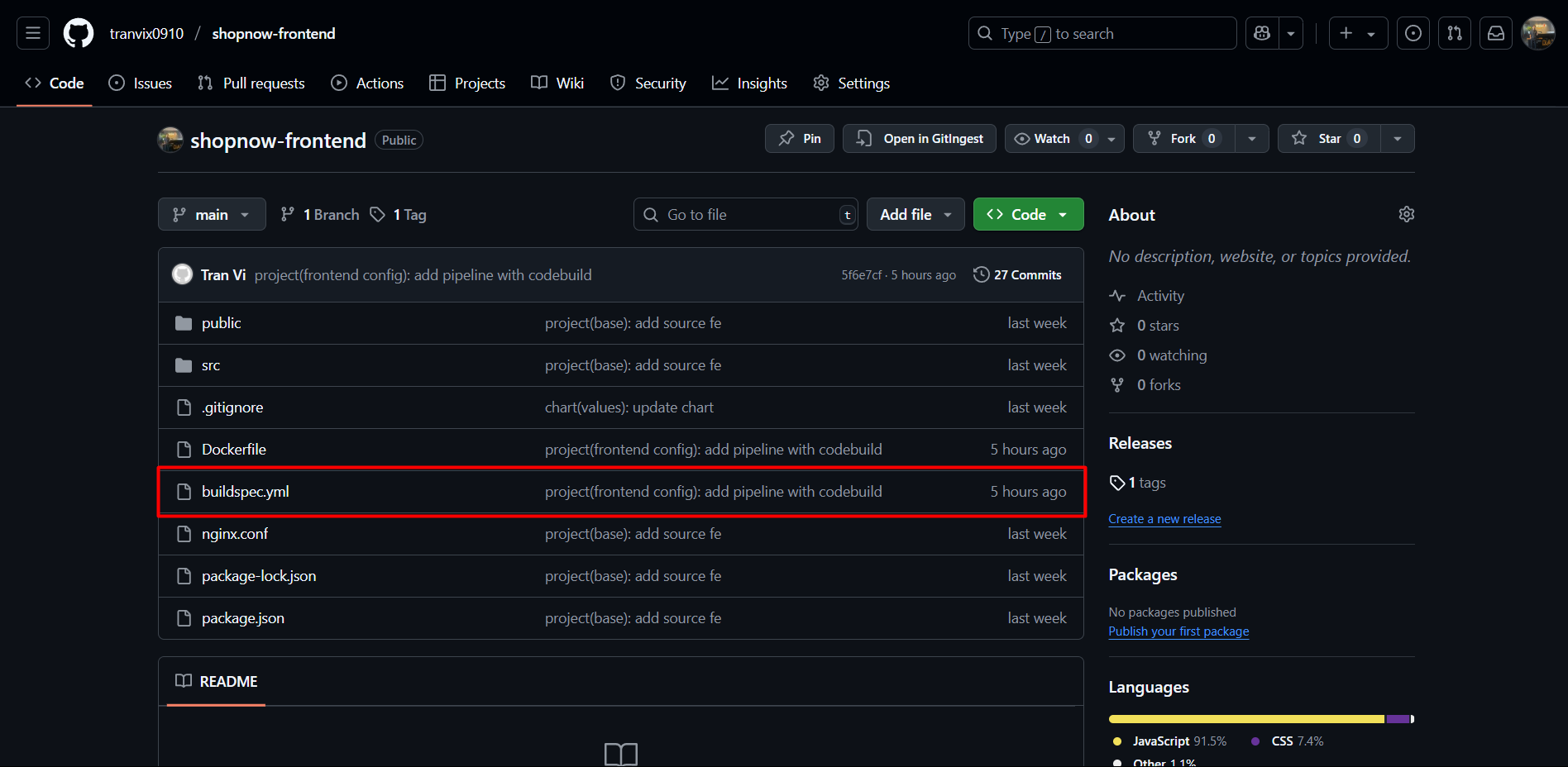
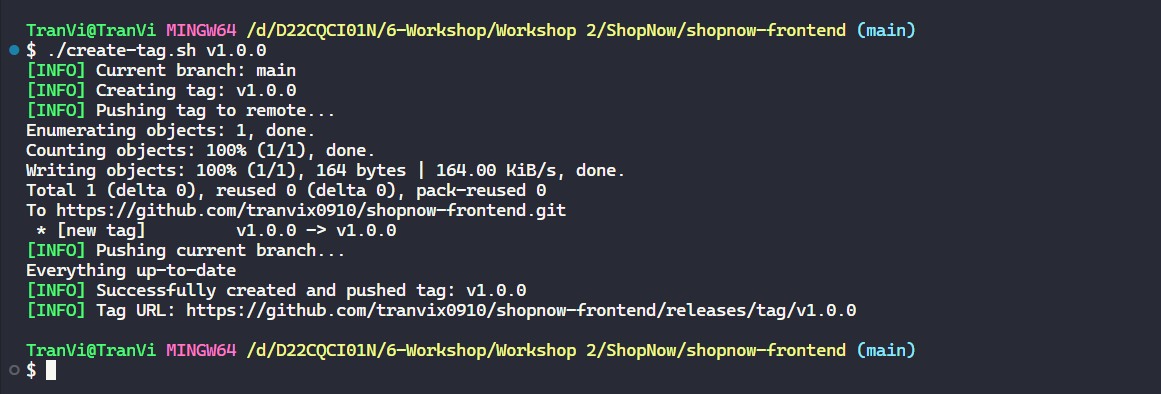
I have prepared 2 files, one file is create-tag.sh and one file is quick-tag.sh.
With quick-tag.sh, it will automatically increment the patch version (v1.0.0 → v1.0.1) and create a tag and push immediately. No additional input needed.
With create-tag.sh, it will allow you to enter an arbitrary version, check for uncommitted changes, validate version format, and display the tag URL after creation.
Proceed to run the file and check the pipeline.
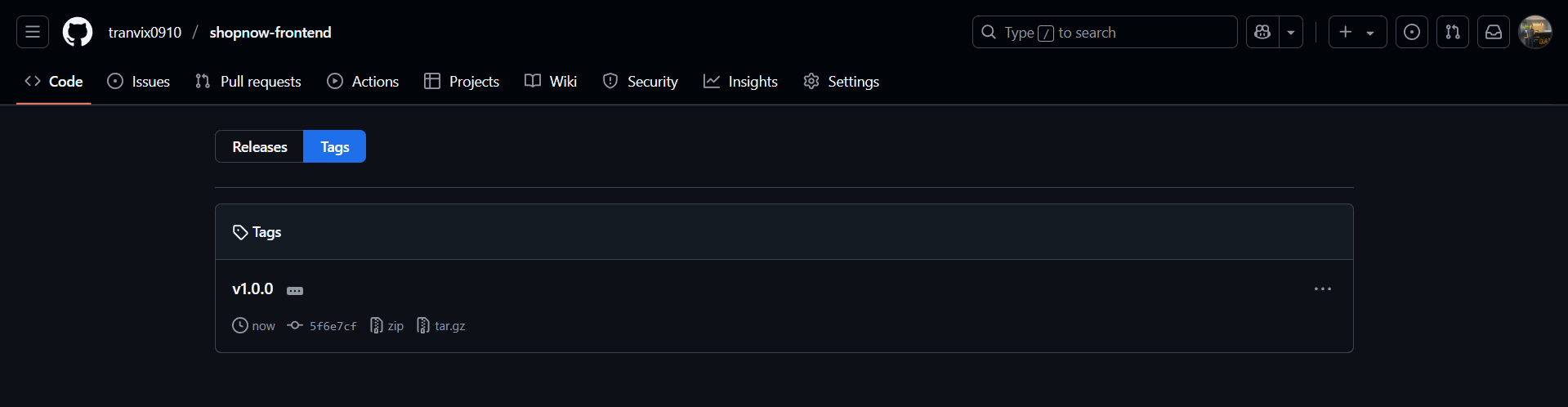
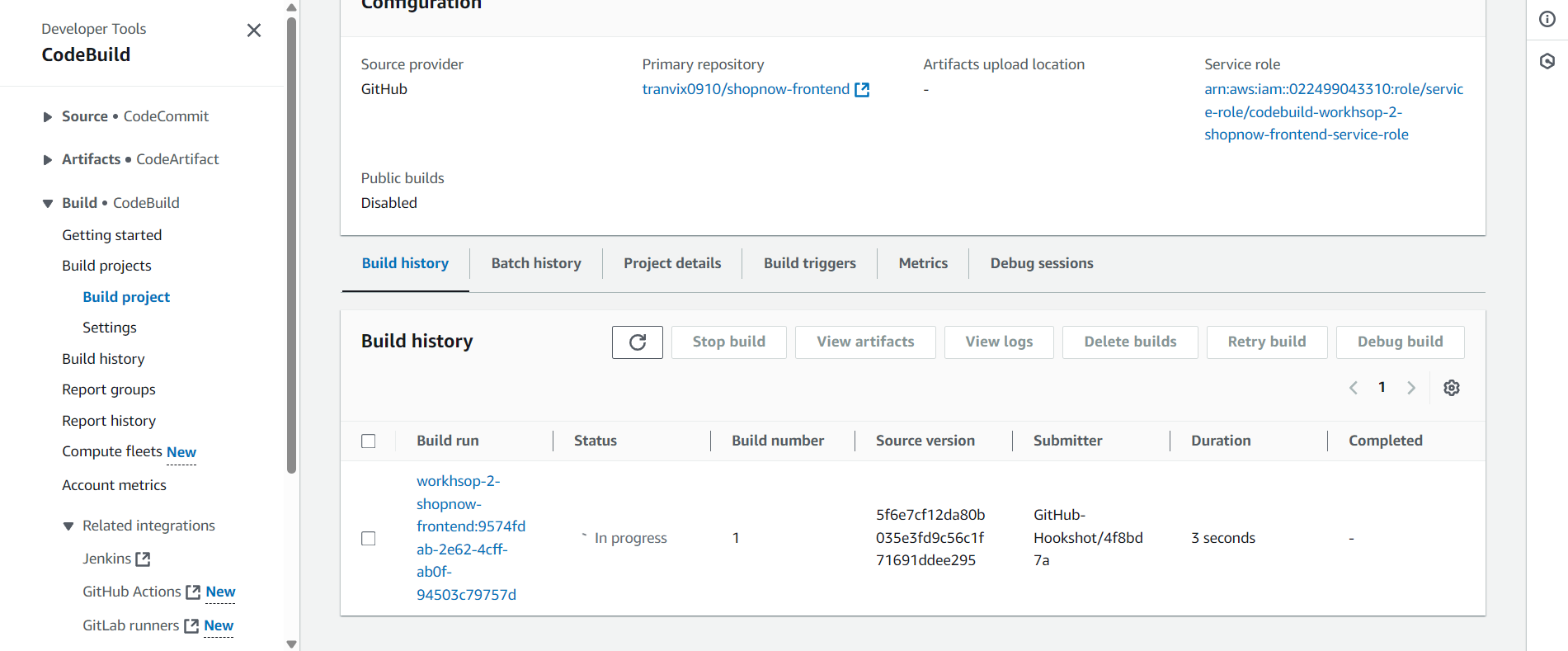
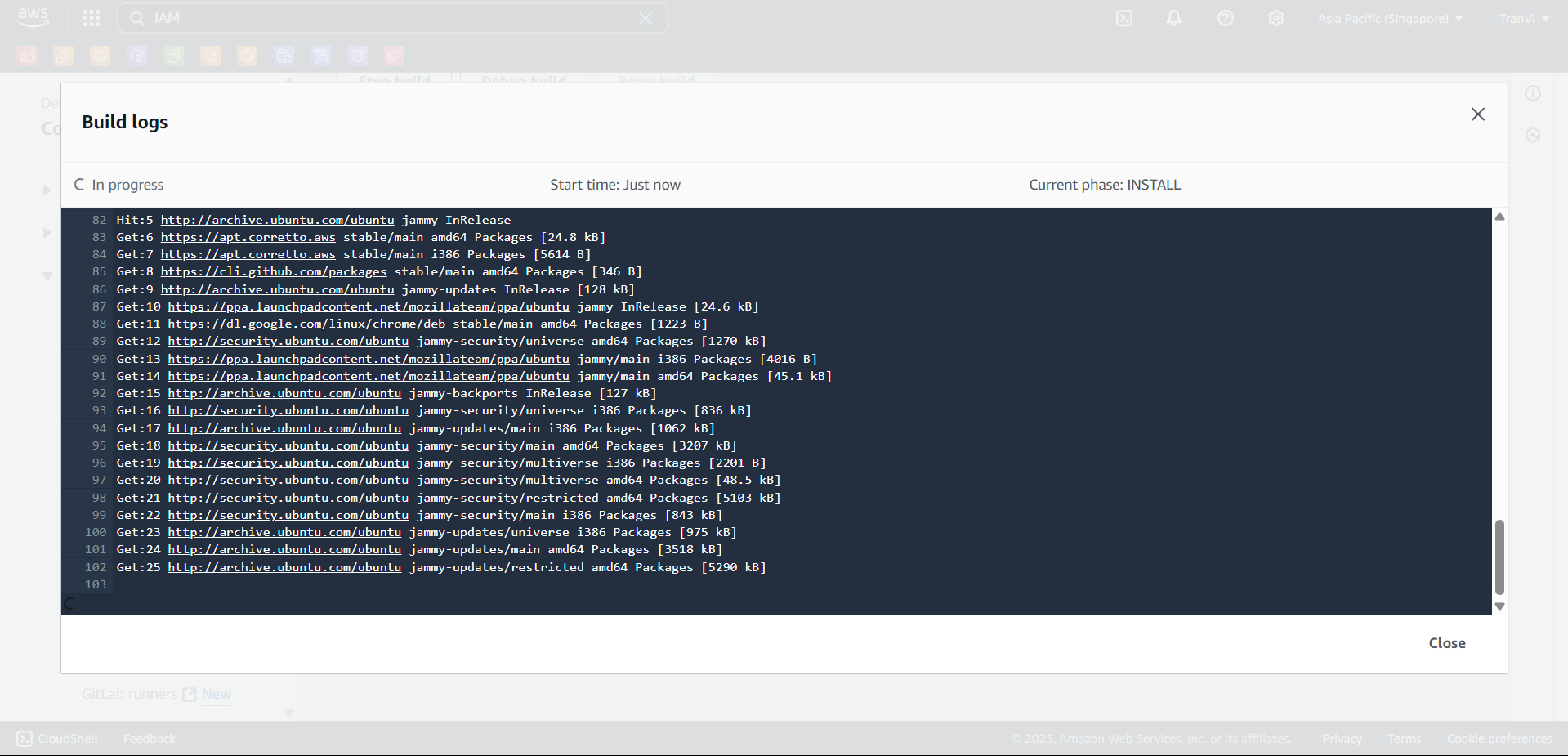
CodeBuild has automatically triggered and started running the Pipeline.
You can view the pipeline execution logs.
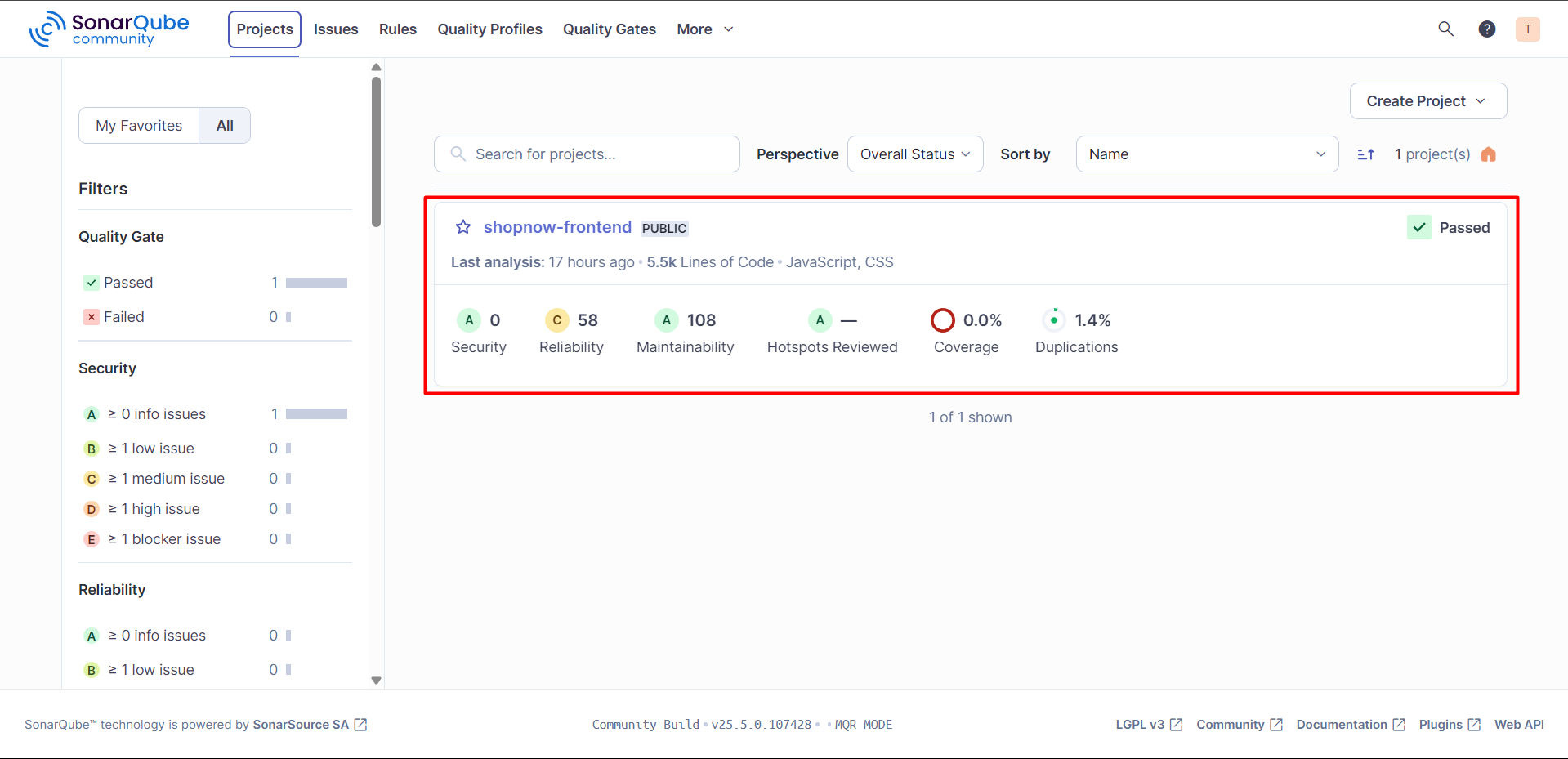
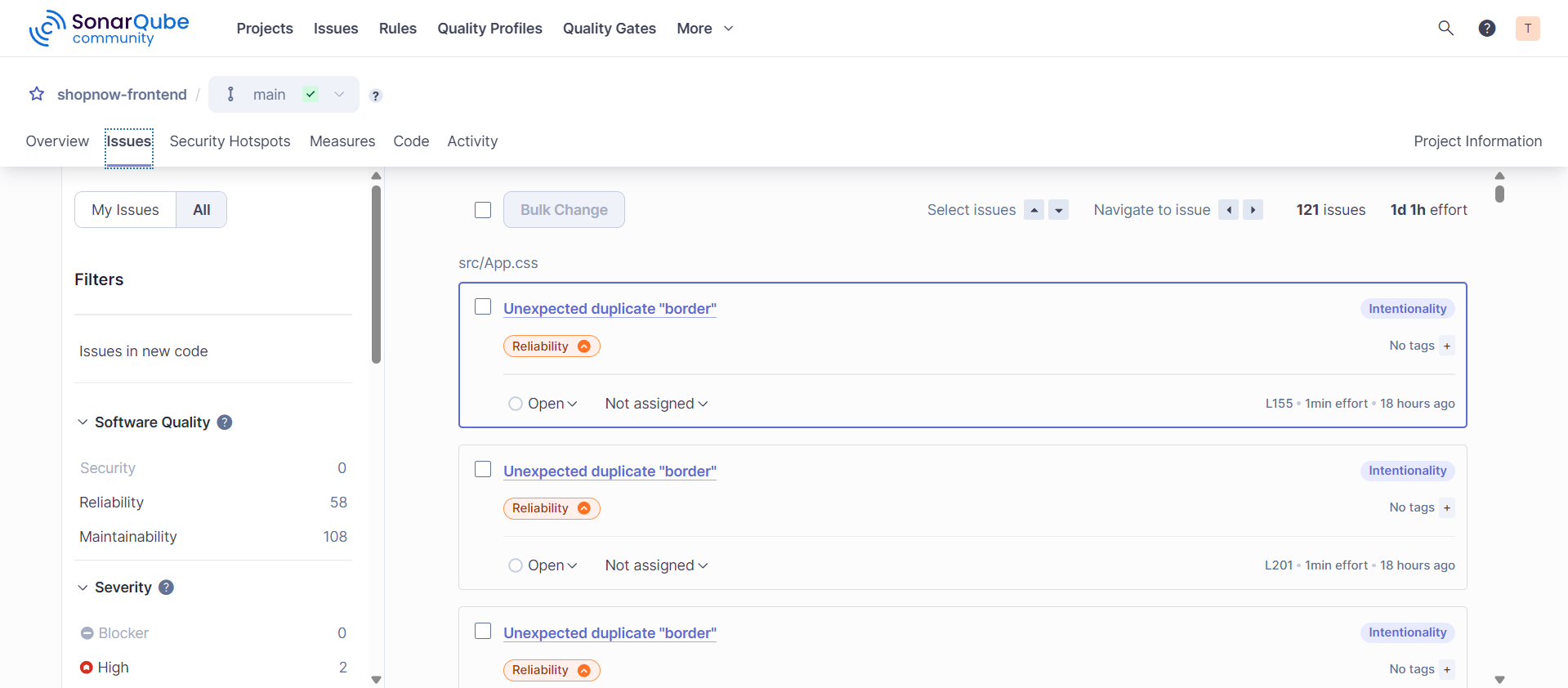
Check SonarQube, in the Projects section, the Shopnow Frontend project is already available with Issues displayed.
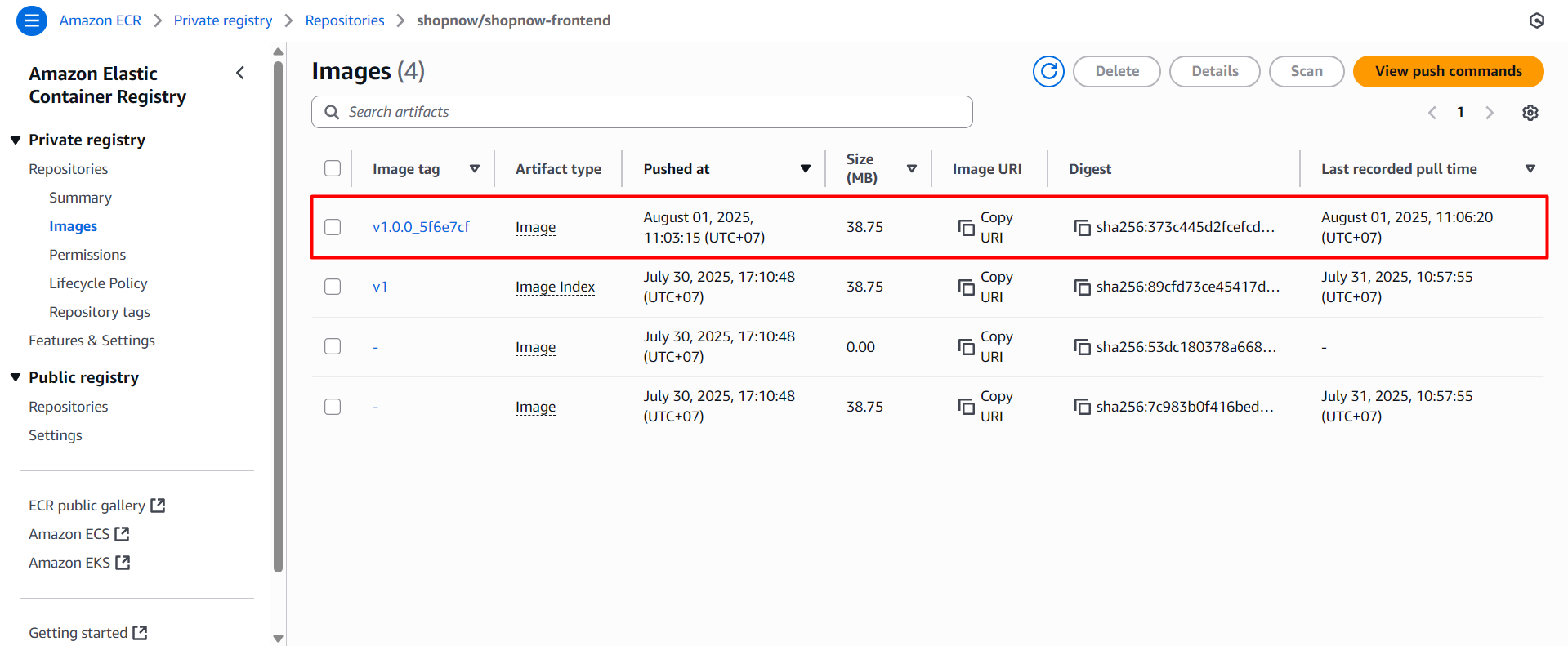
Check ECR, in the Repositories section, the shopnow-frontend repository is already available with Images pushed up.
Check Backend Pipeline
Proceed to push the buildspec.yml file to the GitHub repository.
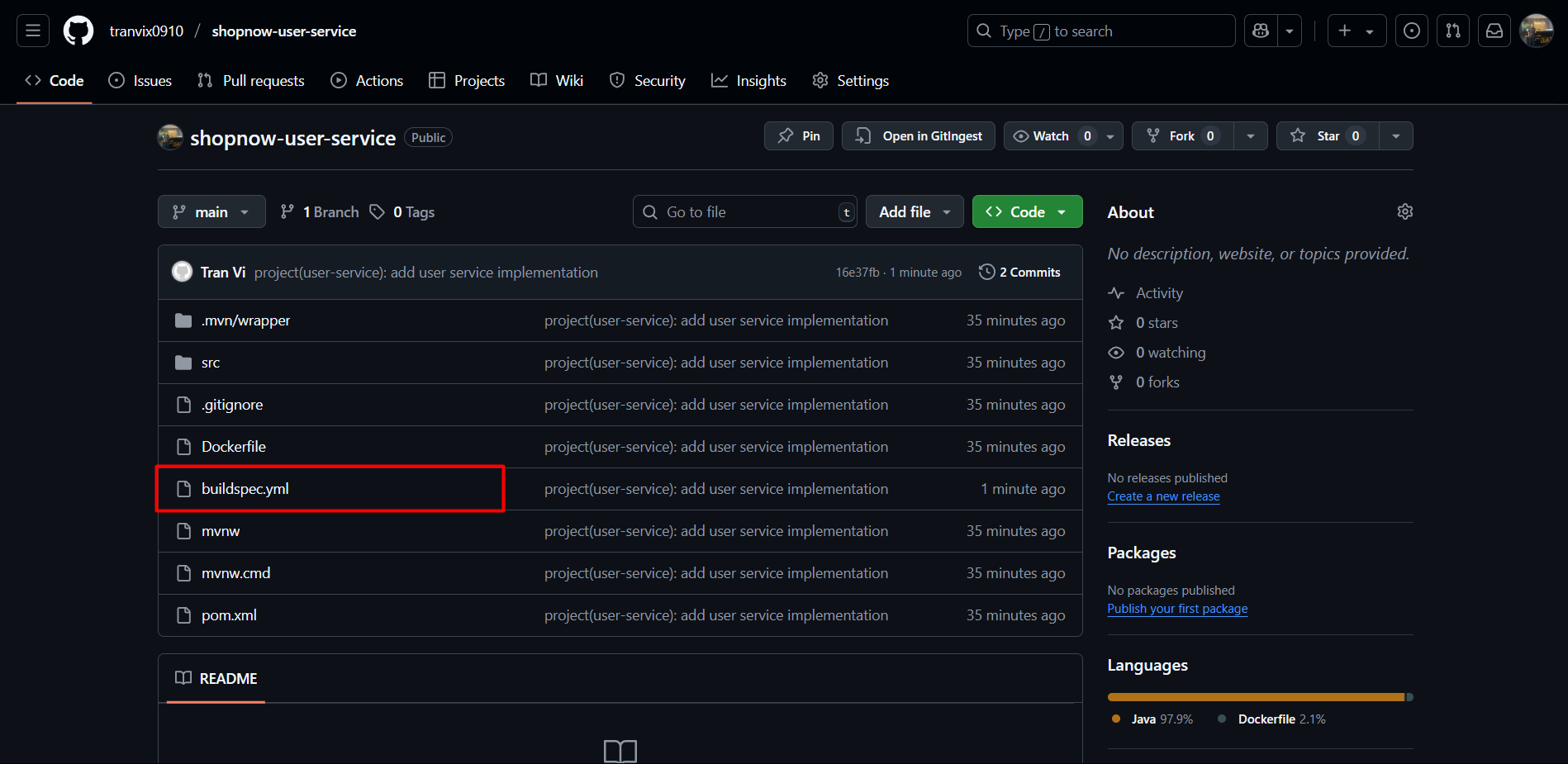
Proceed to create a tag and check the pipeline.

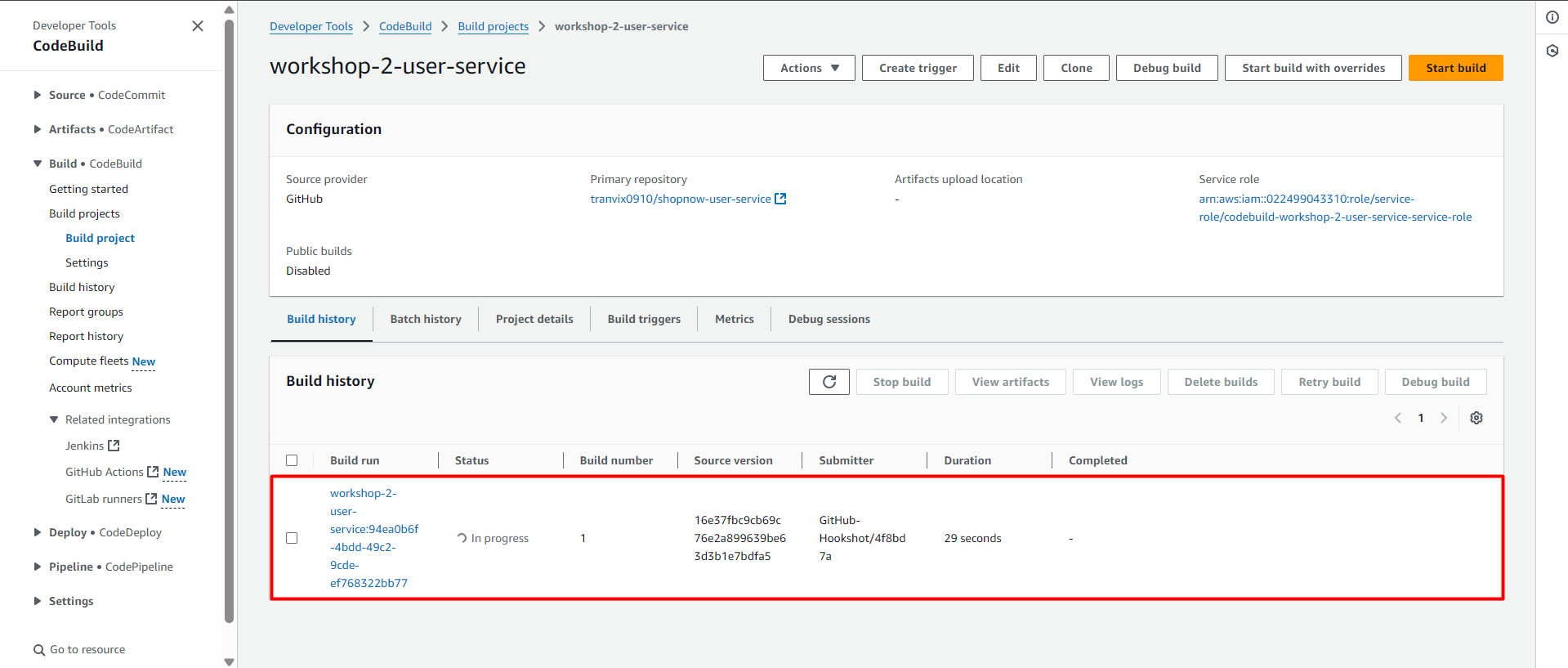
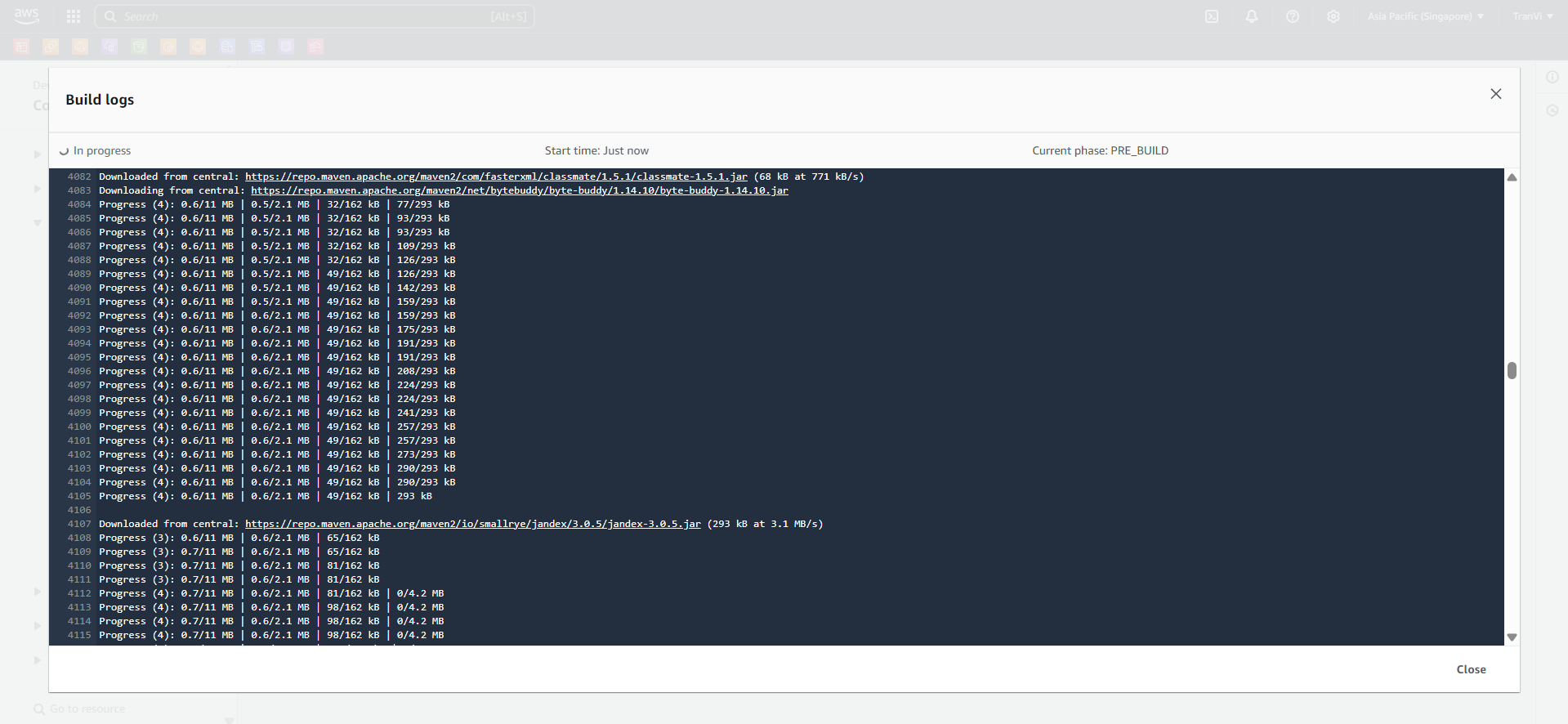
Check the CodeBuild Build logs.
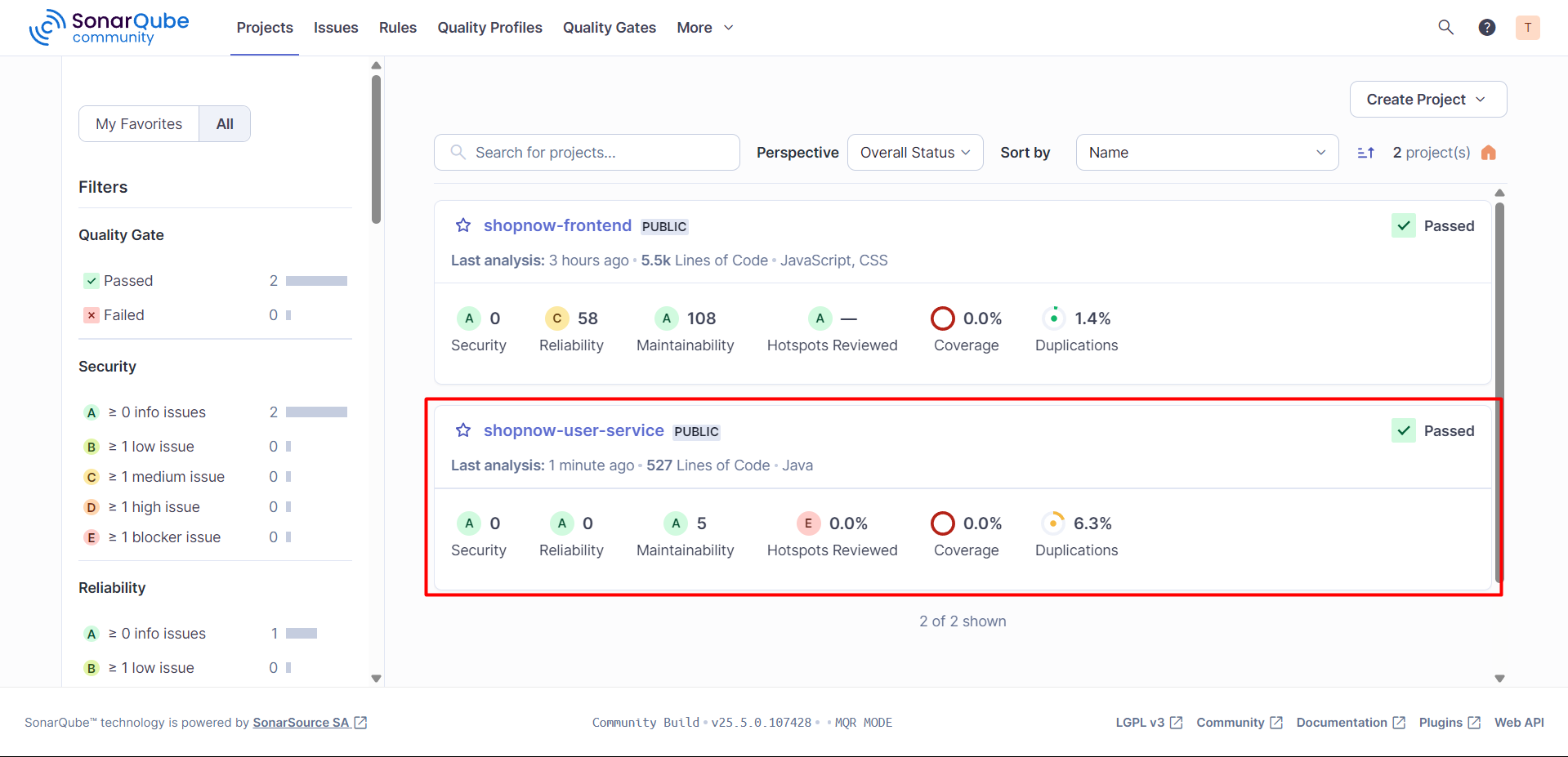
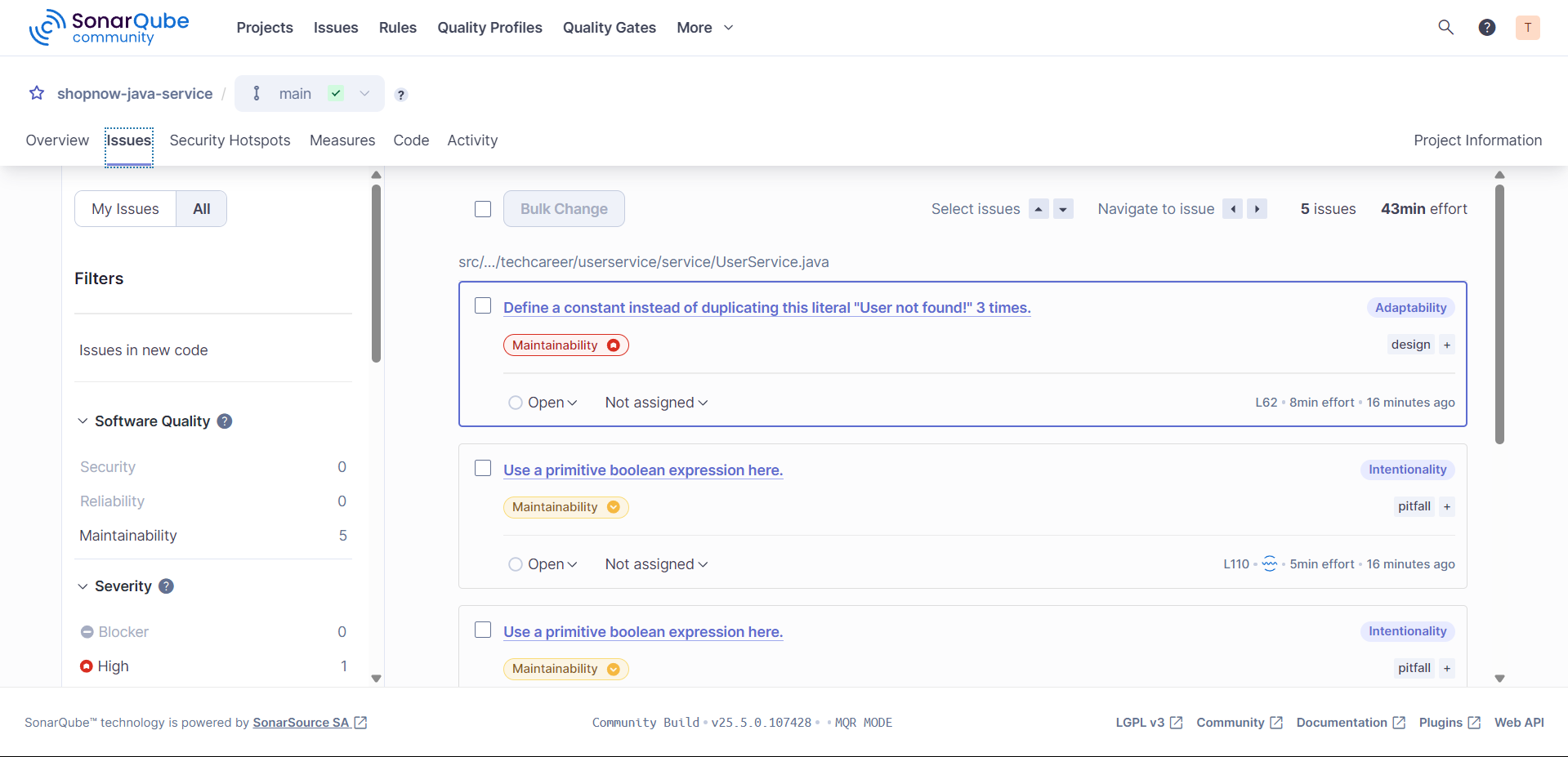
Check SonarQube, in the Projects section, the Shopnow Backend project is already available with Issues displayed.
Check ECR, in the Repositories section, the shopnow-backend repository is already available with Images pushed up.
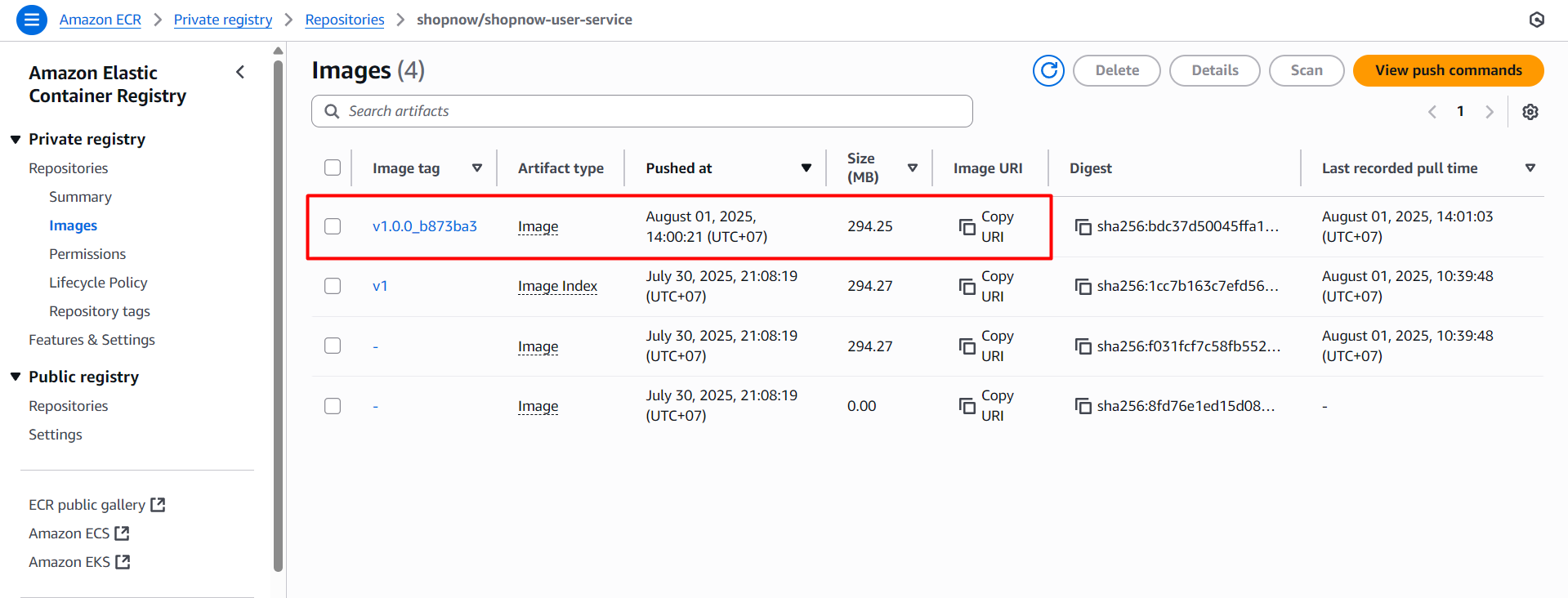
Thus, both pipelines have been successfully operational. For other Services, you can do the same following my guidance steps.