System Database Deployment
In this section, we will deploy the database components of the Shopnow system including:
- PostgreSQL used for microservice services.
- MySQL used specifically for Keycloak.
- Realm and initial configuration for Keycloak.
Kustomize
In this section, we deploy Ingress for Keycloak so we need to reconfigure the manifest files for the components mentioned before such as Public Subnet and Certificate ARN for Keycloak shopnow-keycloak-realms.yaml.
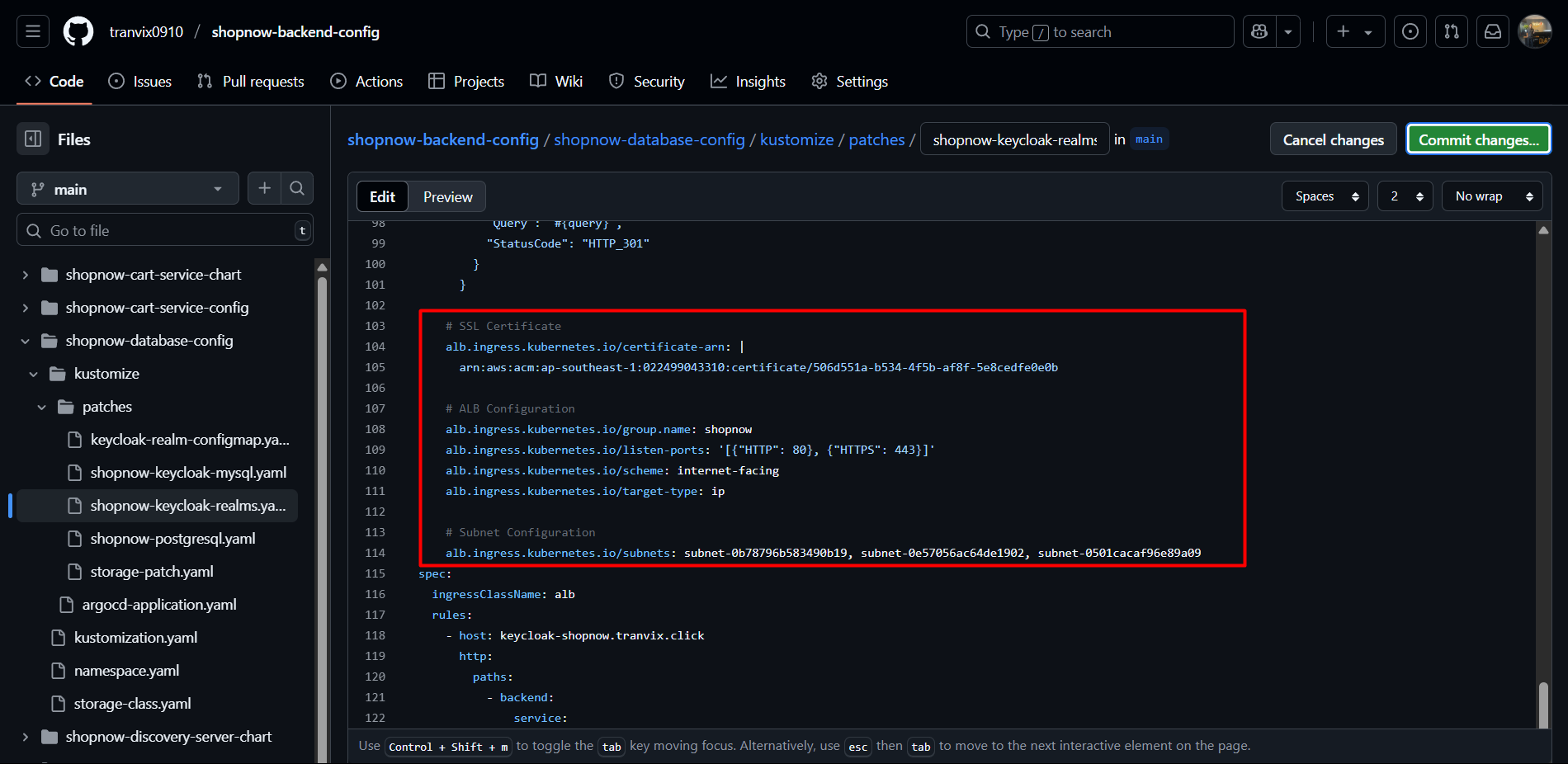
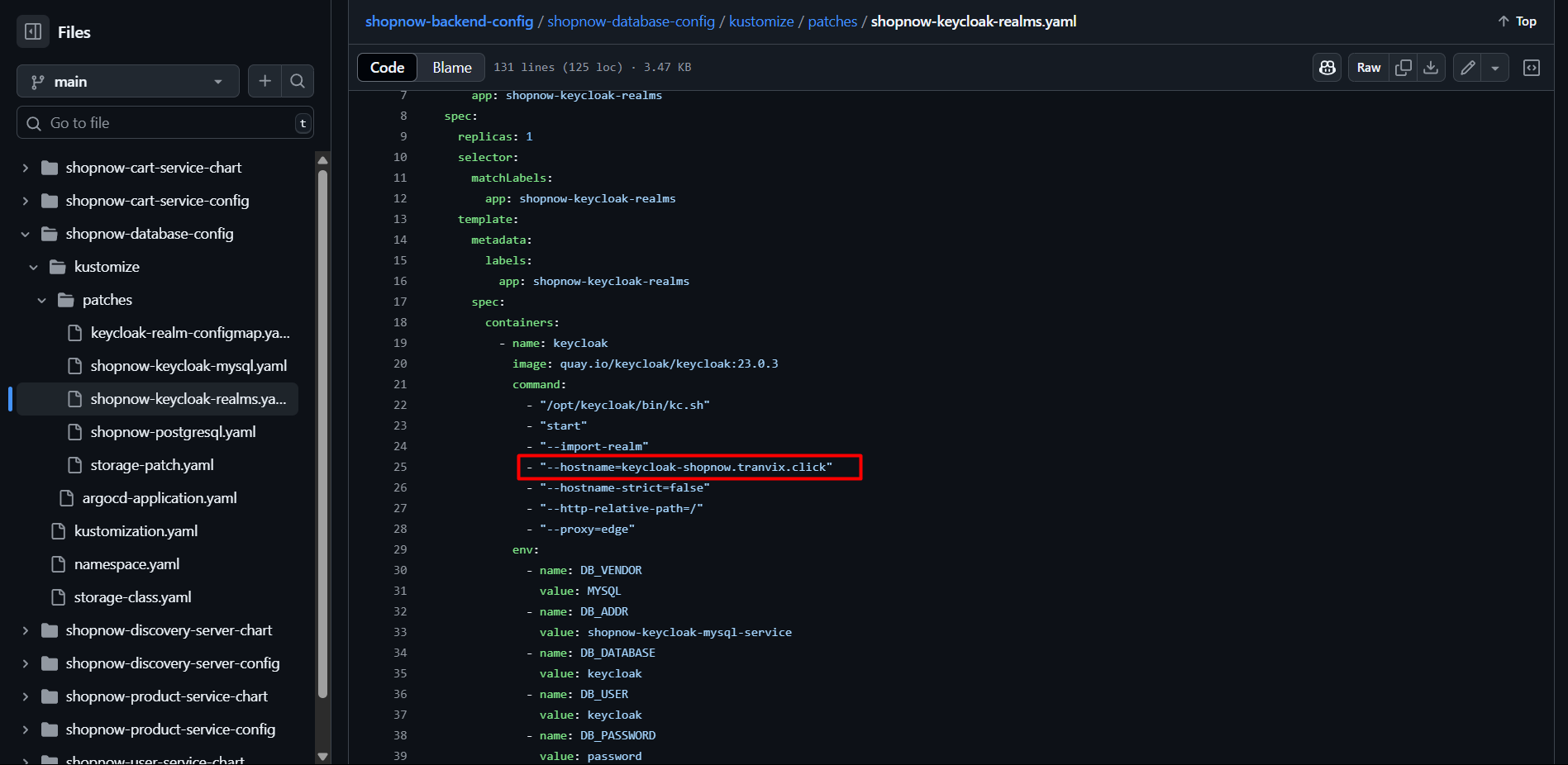
The directory structure of Kustomize is as follows:
shopnow-database-config/
├── kustomize/
│   ├── patches/
│   │   ├── keycloak-realm-configmap.yaml
│   │   ├── shopnow-keycloak-mysql.yaml
│   │   ├── shopnow-keycloak-realms.yaml
│   │   ├── shopnow-postgresql.yaml
│   │   ├── storage-patch.yaml
│   ├── argocd-application.yaml
├── kustomization.yaml
The kustomization.yaml file will have the following configuration:
apiVersion: kustomize.config.k8s.io/v1beta1
kind: Kustomization

metadata:
  name: shopnow-database-services
  namespace: shopnow

resources:
  - shopnow-database-config/kustomize/patches/keycloak-realm-configmap.yaml
  - shopnow-database-config/kustomize/patches/shopnow-keycloak-mysql.yaml
  - shopnow-database-config/kustomize/patches/shopnow-keycloak-realms.yaml
  - shopnow-database-config/kustomize/patches/shopnow-postgresql.yaml
  - shopnow-database-config/kustomize/patches/storage-patch.yaml

namespace: shopnow

images:
  - name: mysql
    newTag: "8.0"
  - name: quay.io/keycloak/keycloak
    newTag: "23.0.3"
  - name: postgres
    newTag: "15"

sortOptions:
  order: fifo
Explanation:
resources: collection of pre-configured YAML manifests for deploying each component.images: override version for Docker images.namespace: default is shopnow – where databases are deployed.sortOptions: ensures deployment order follows FIFO (first-in, first-out) to avoid initialization errors when there are dependencies.
The argocd-application.yaml file will be used to sync with Git and automatically deploy using ArgoCD.
apiVersion: argoproj.io/v1alpha1
kind: Application
metadata:
  name: shopnow-database-services
  namespace: argocd
spec:
  project: shopnow
  source:
    repoURL: https://github.com/tranvix0910/shopnow-backend-config.git
    targetRevision: main
    path: shopnow-database-config
  destination:
    server: https://kubernetes.default.svc
    namespace: shopnow
  syncPolicy:
    automated:
      prune: true
      selfHeal: true
    retry:
      limit: 5
      backoff:
        duration: 5s
        factor: 2
        maxDuration: 3m
  revisionHistoryLimit: 10
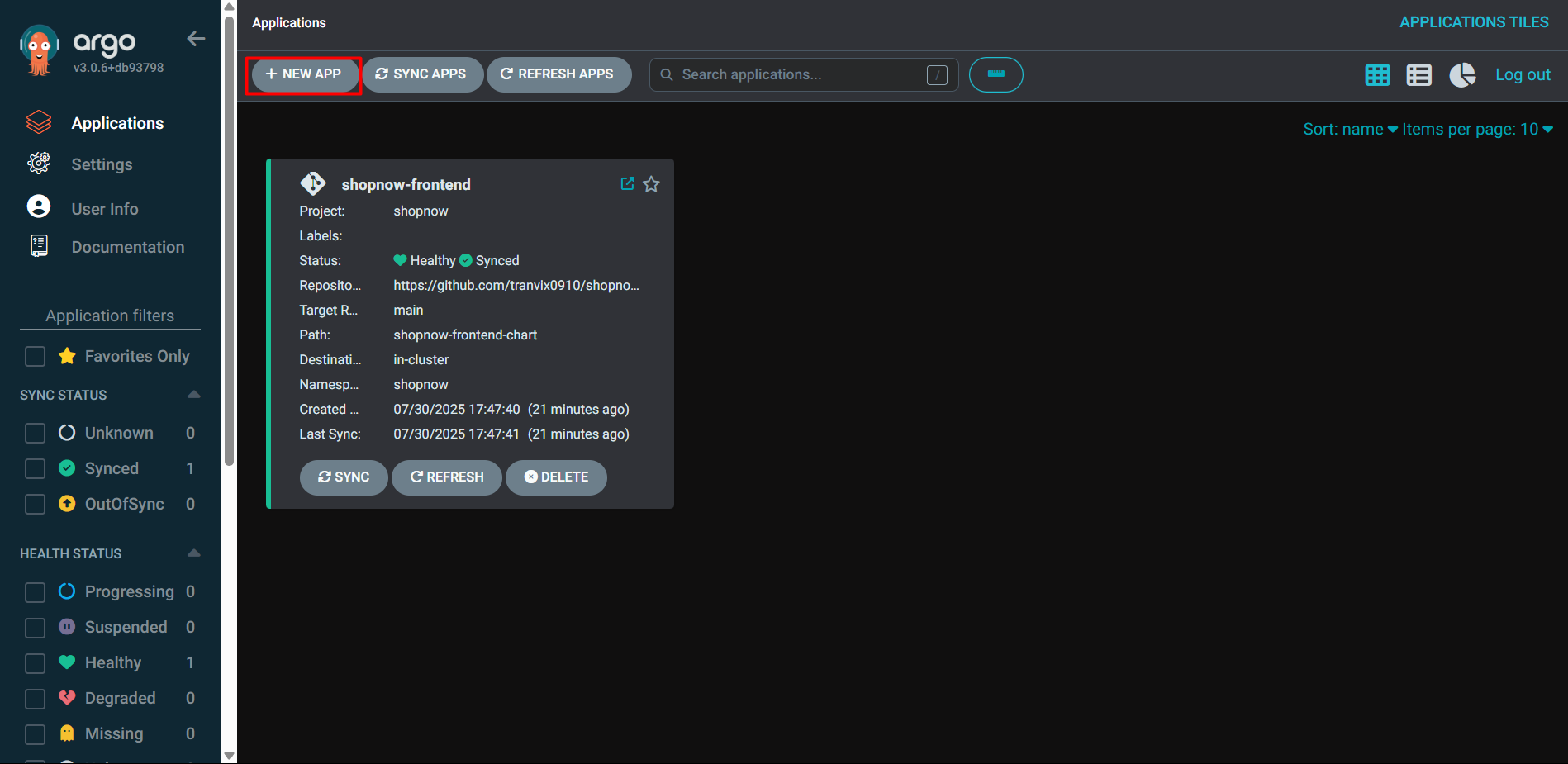
Next, we will proceed to deploy the above Application file in ArgoCD.
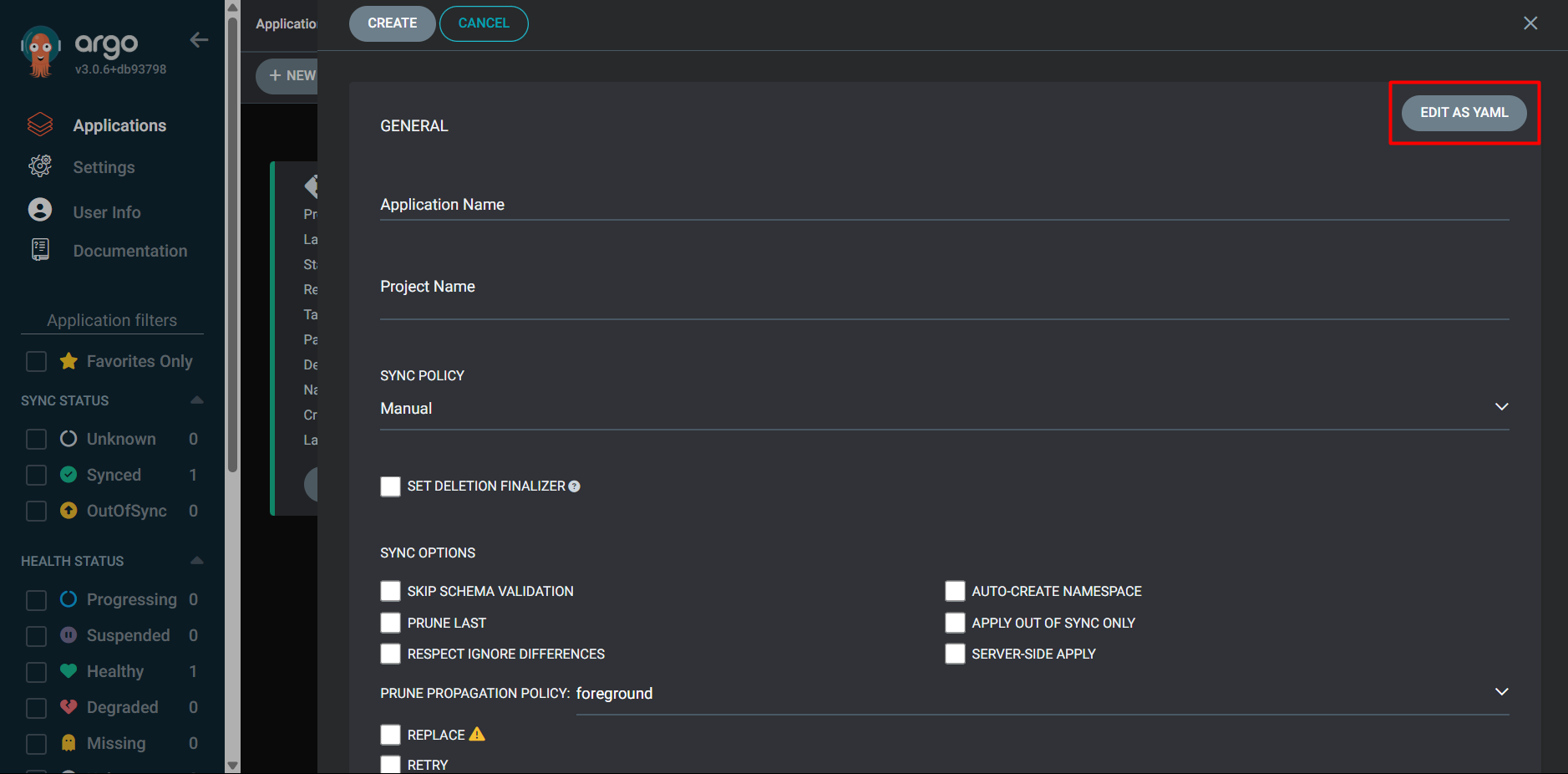
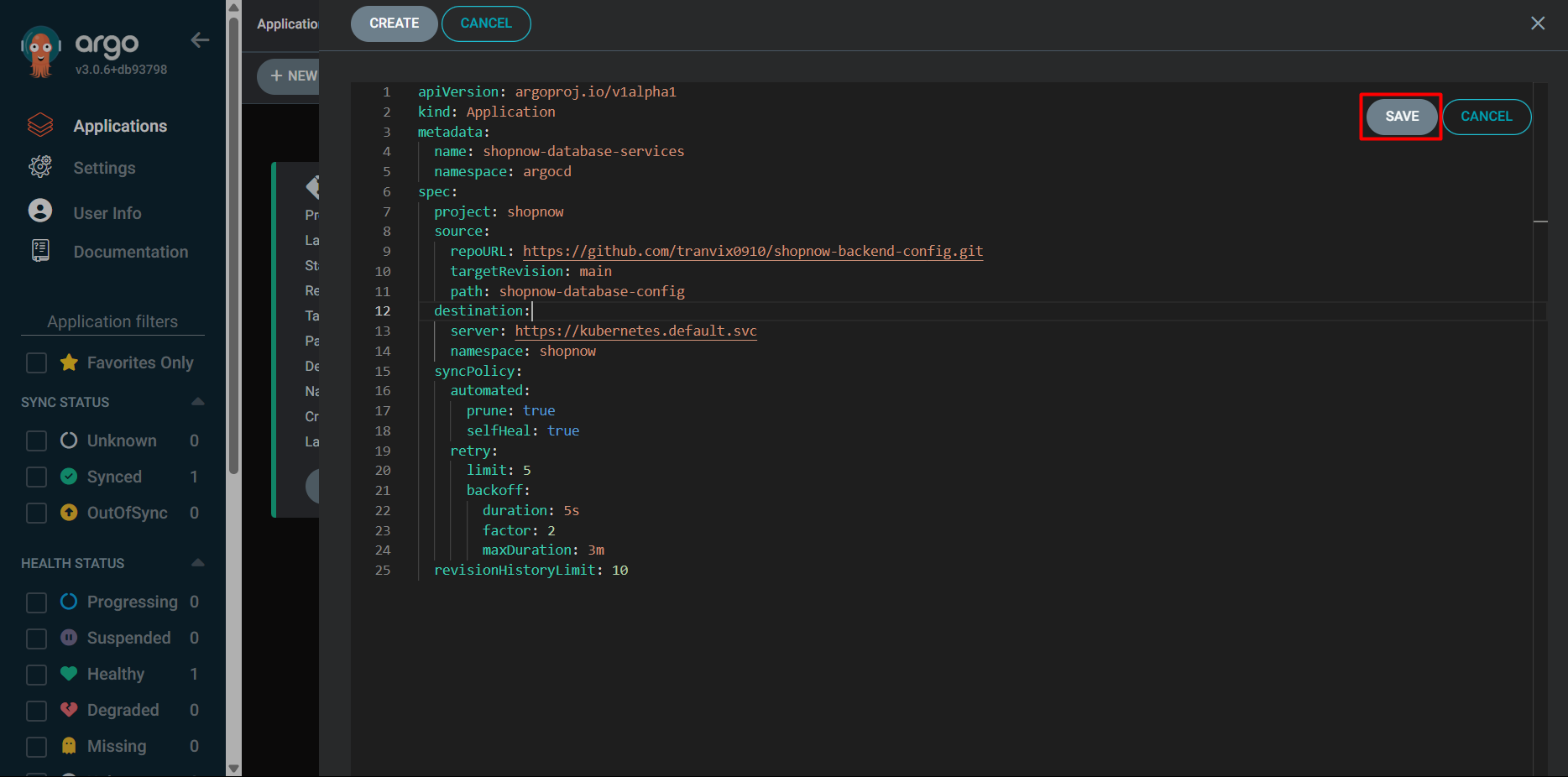
Proceed to check the configuration and Create.
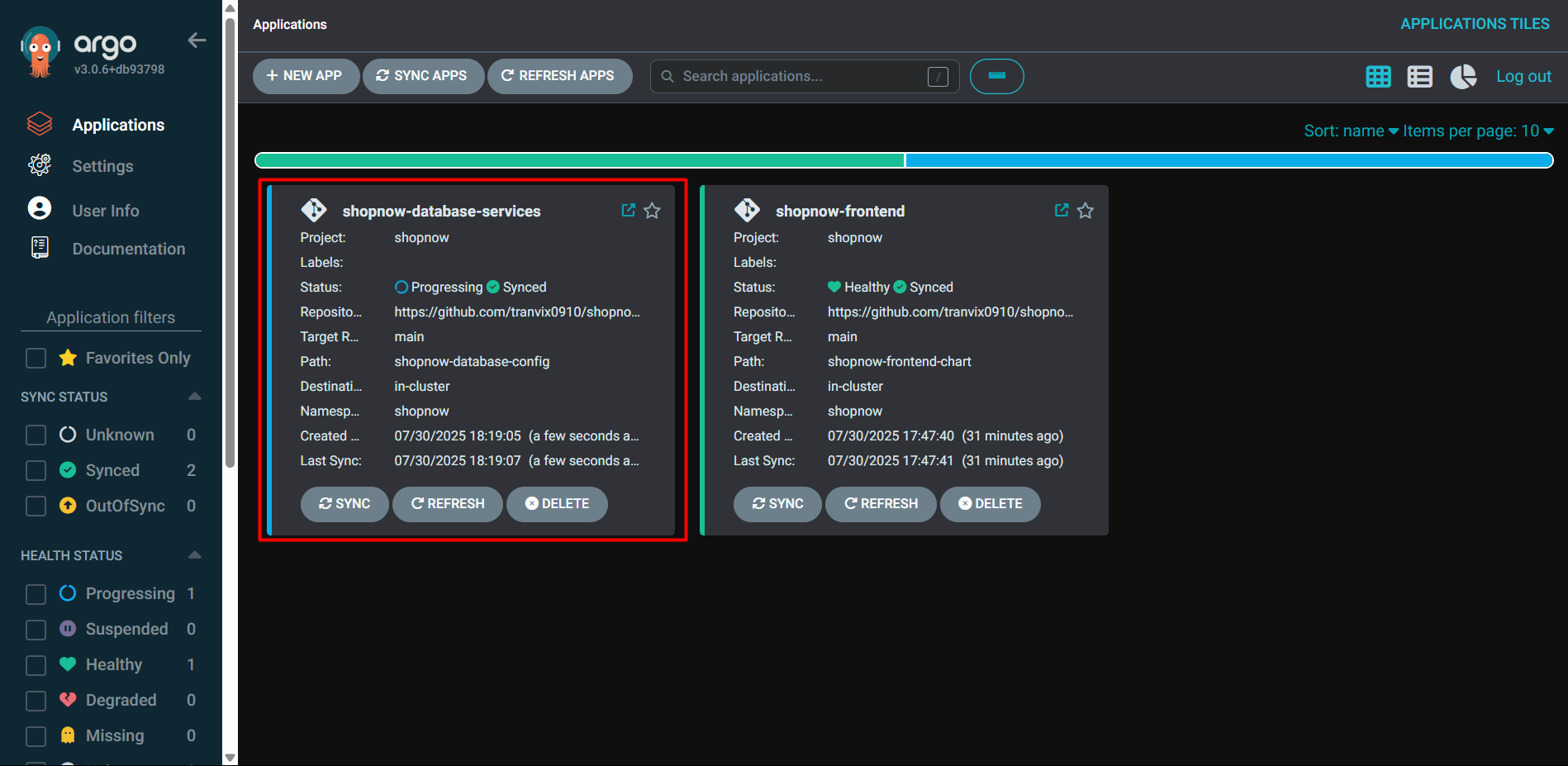
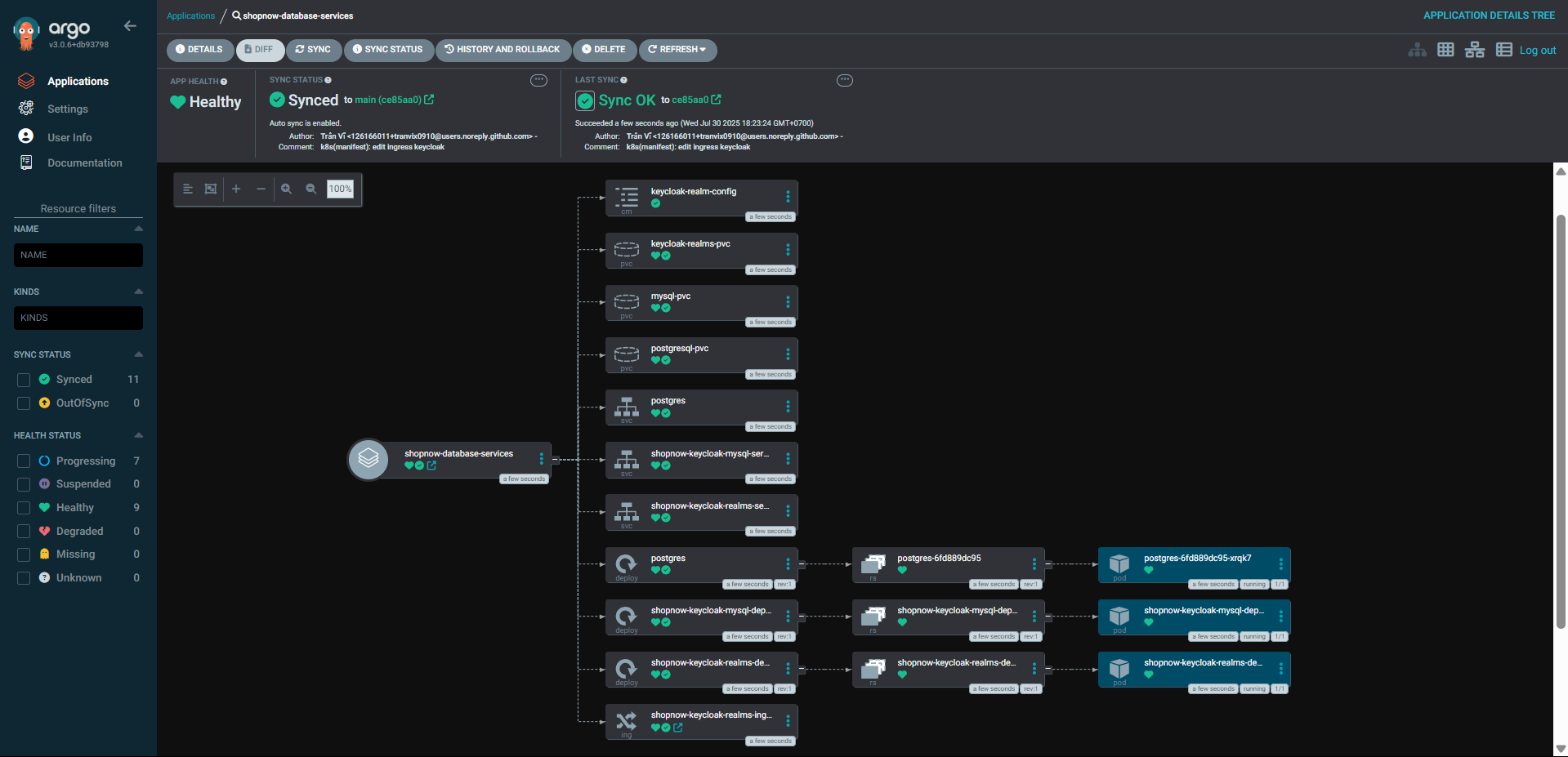
Thus, the Databases have been deployed successfully.
Proceed to add a Record to Route 53 to point to Keycloak with Domain keycloak-shopnow.tranvix.click.

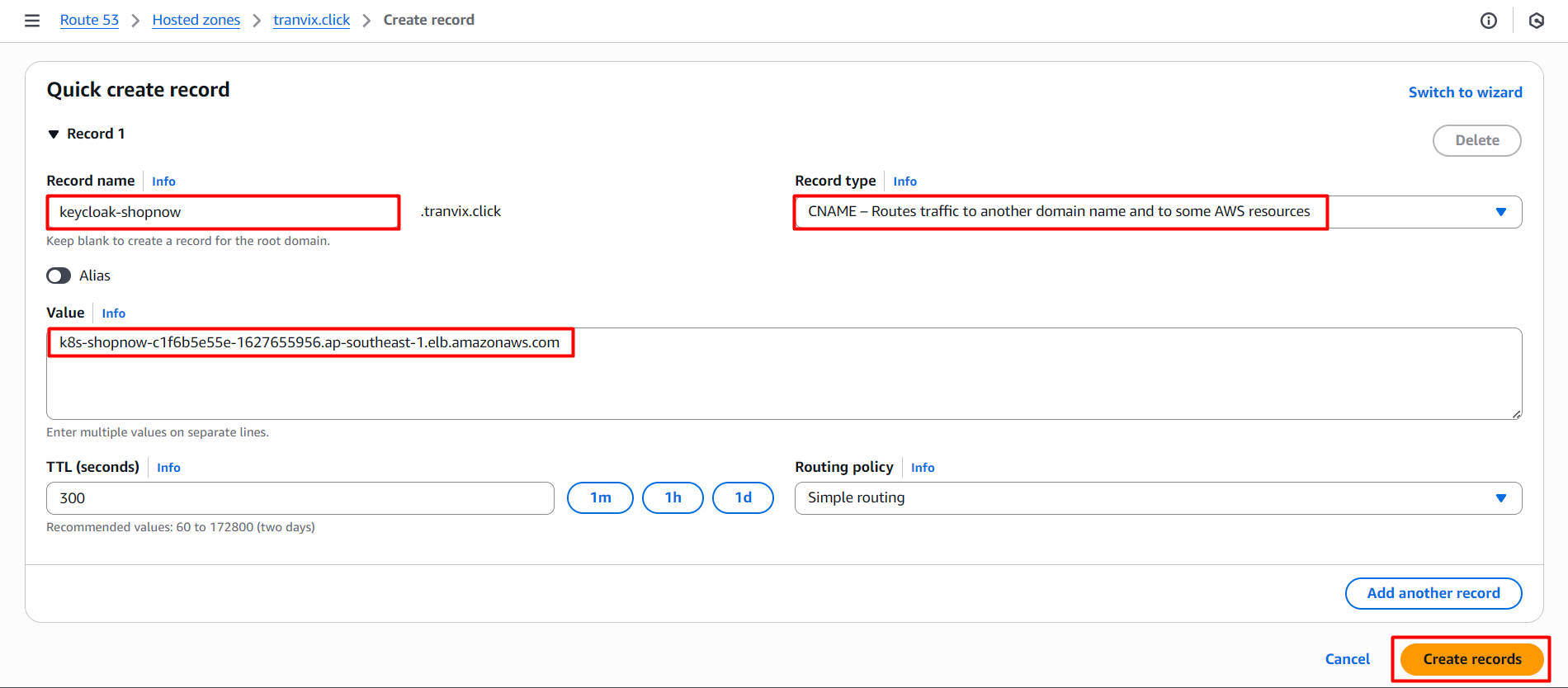
After adding is complete, proceed to access https://keycloak-shopnow.tranvix.click and check the results.
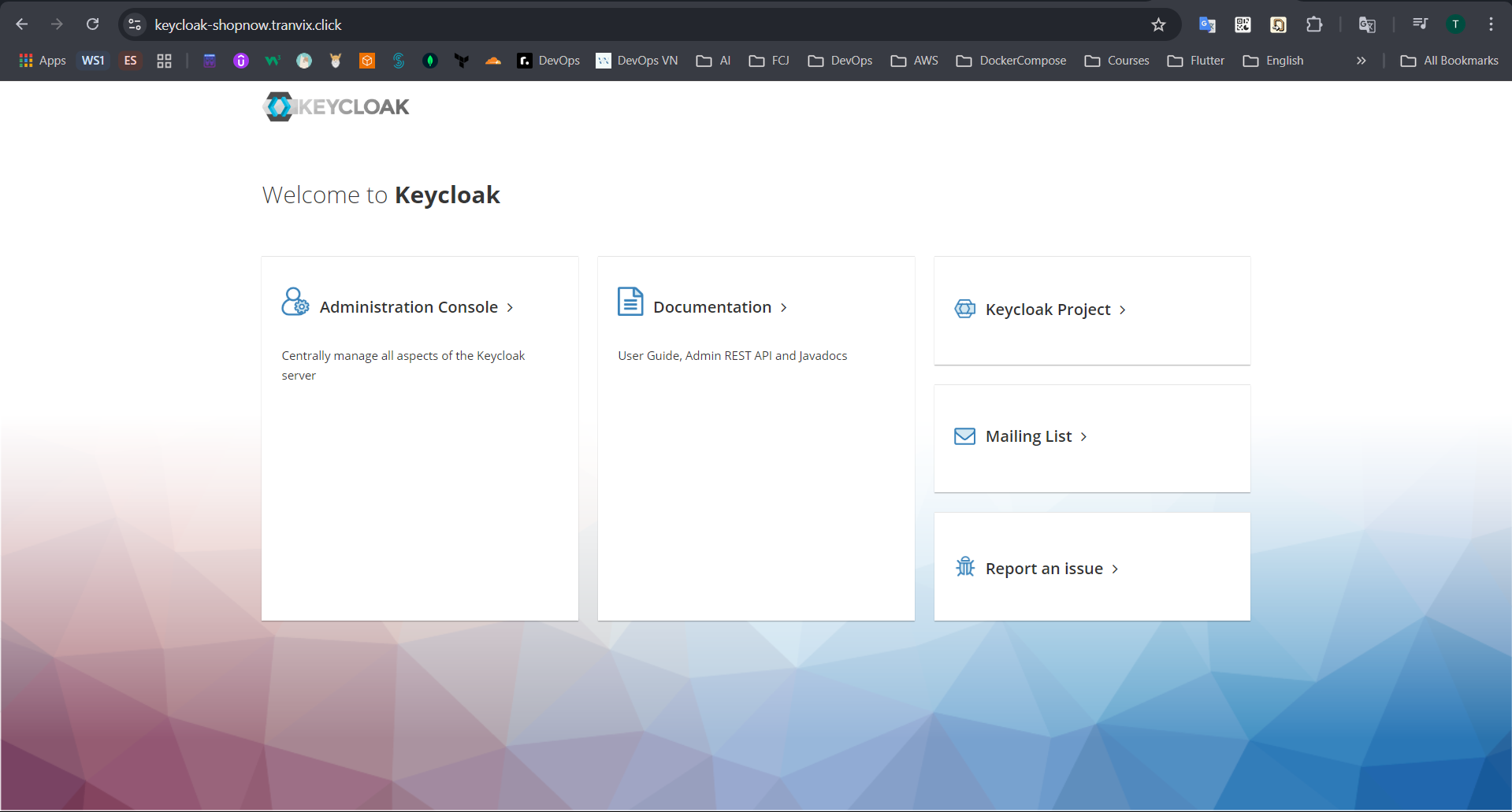
Thus, we have successfully deployed Keycloak.
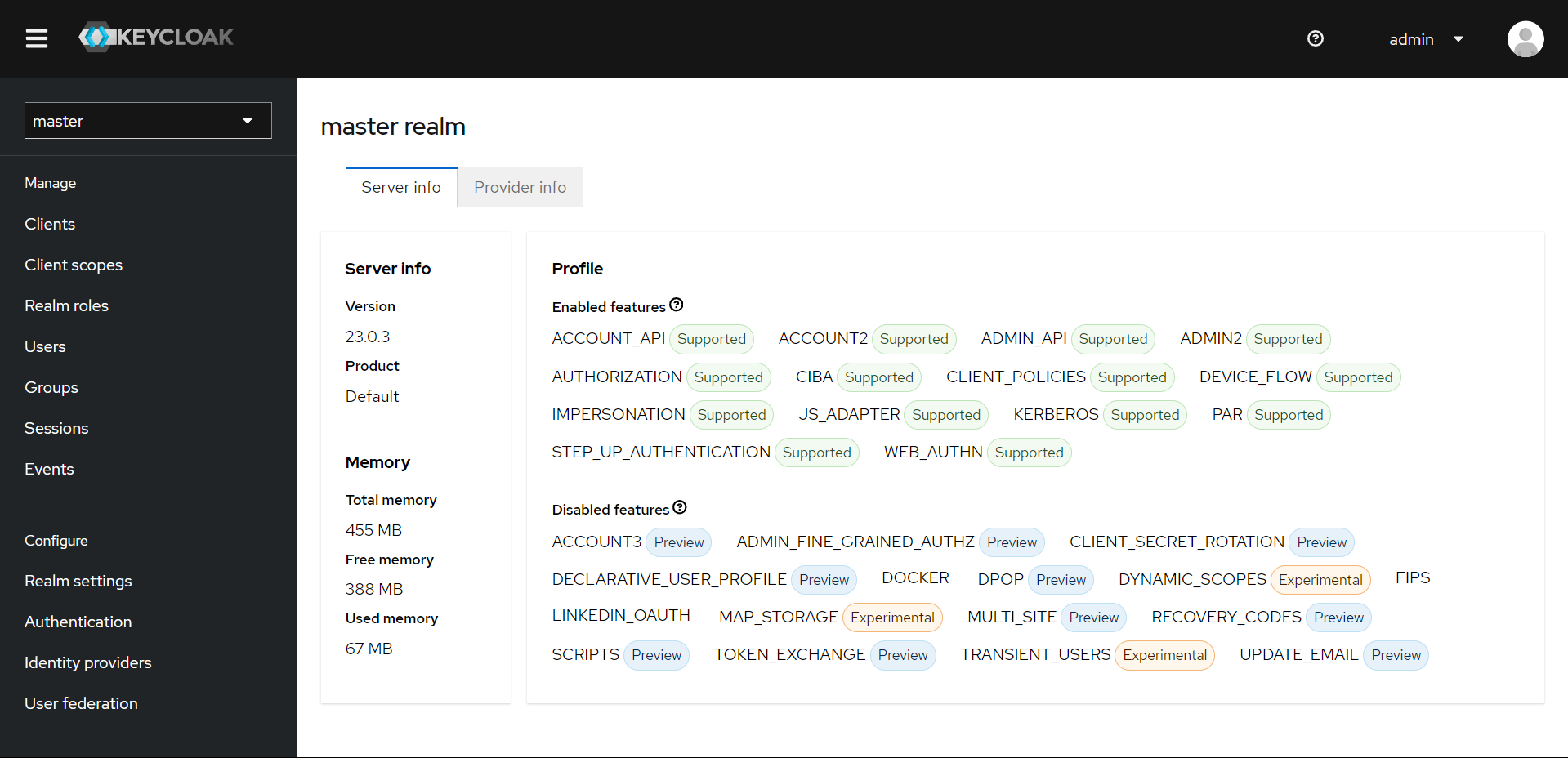
Proceed to login to Keycloak with the admin account and password admin.
Check if the Realm has been imported through ConfigMap yet.
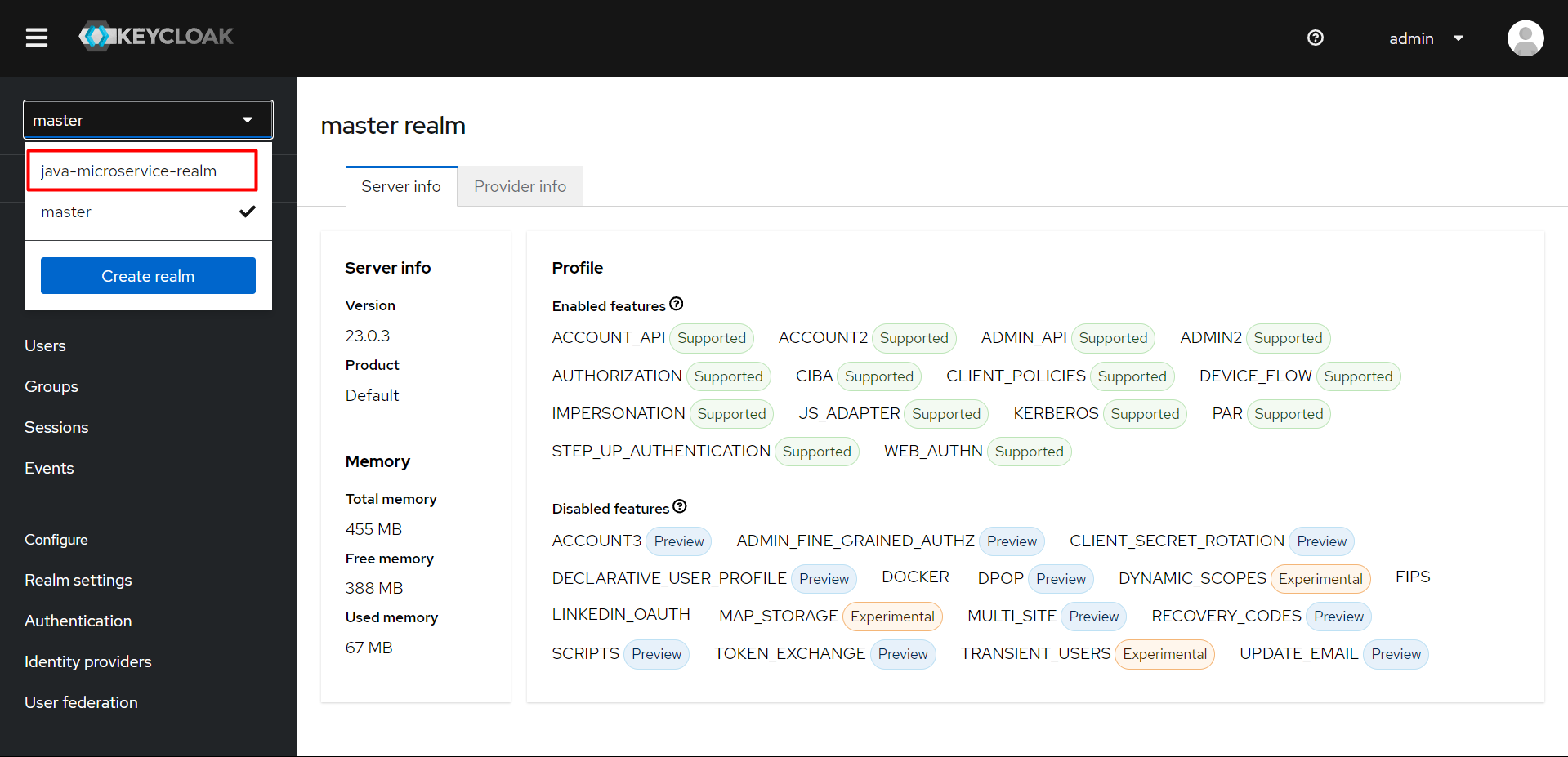
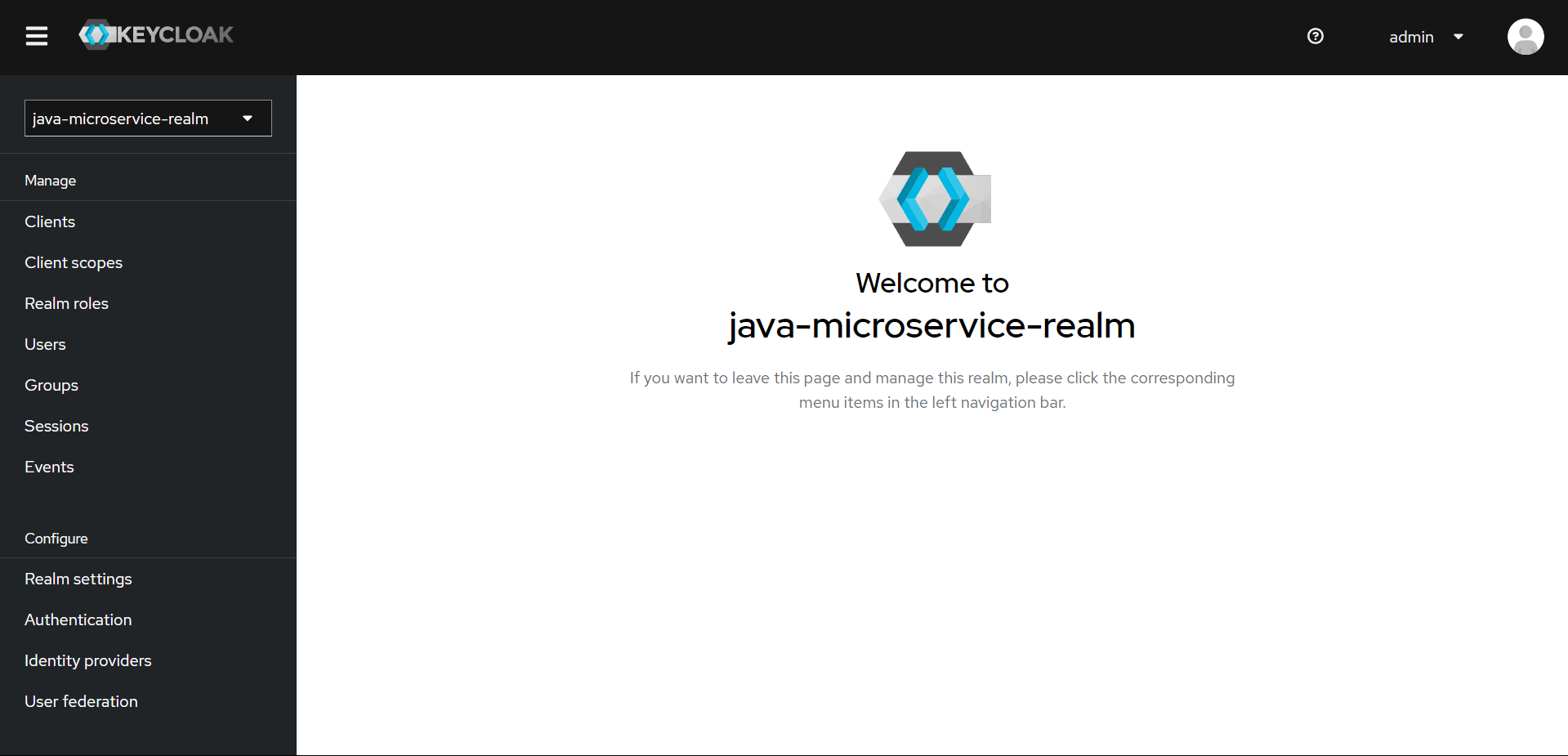
The Realm has been imported successfully.
Thus, we have successfully deployed Database and Keycloak.