Install ArgoCD
Install ArgoCD
Create namespace argocd
kubectl create namespace argocd
Install ArgoCD
kubectl apply -n argocd -f https://raw.githubusercontent.com/argoproj/argo-cd/stable/manifests/install.yaml
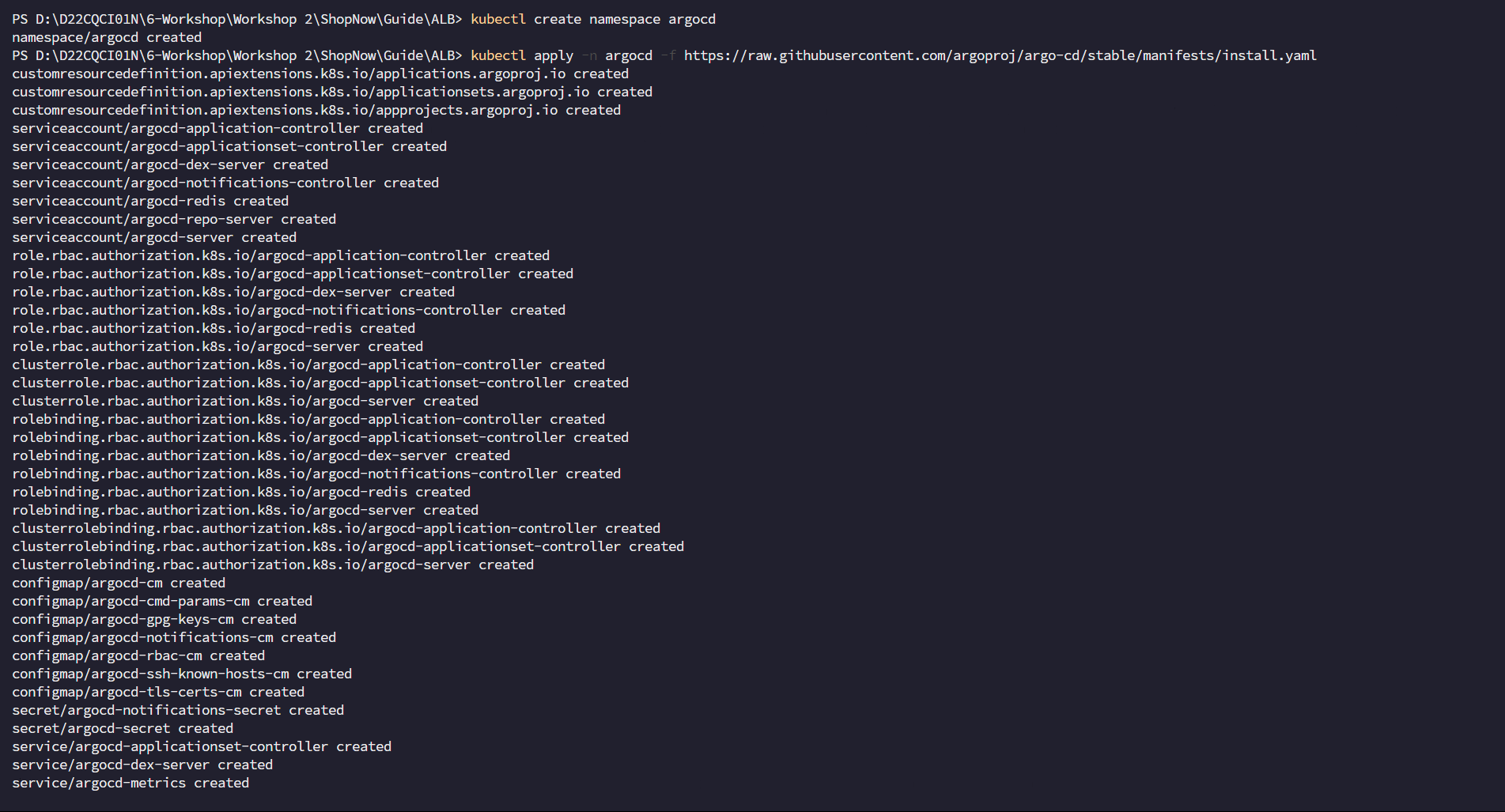
Check installation
kubectl get all -n argocd
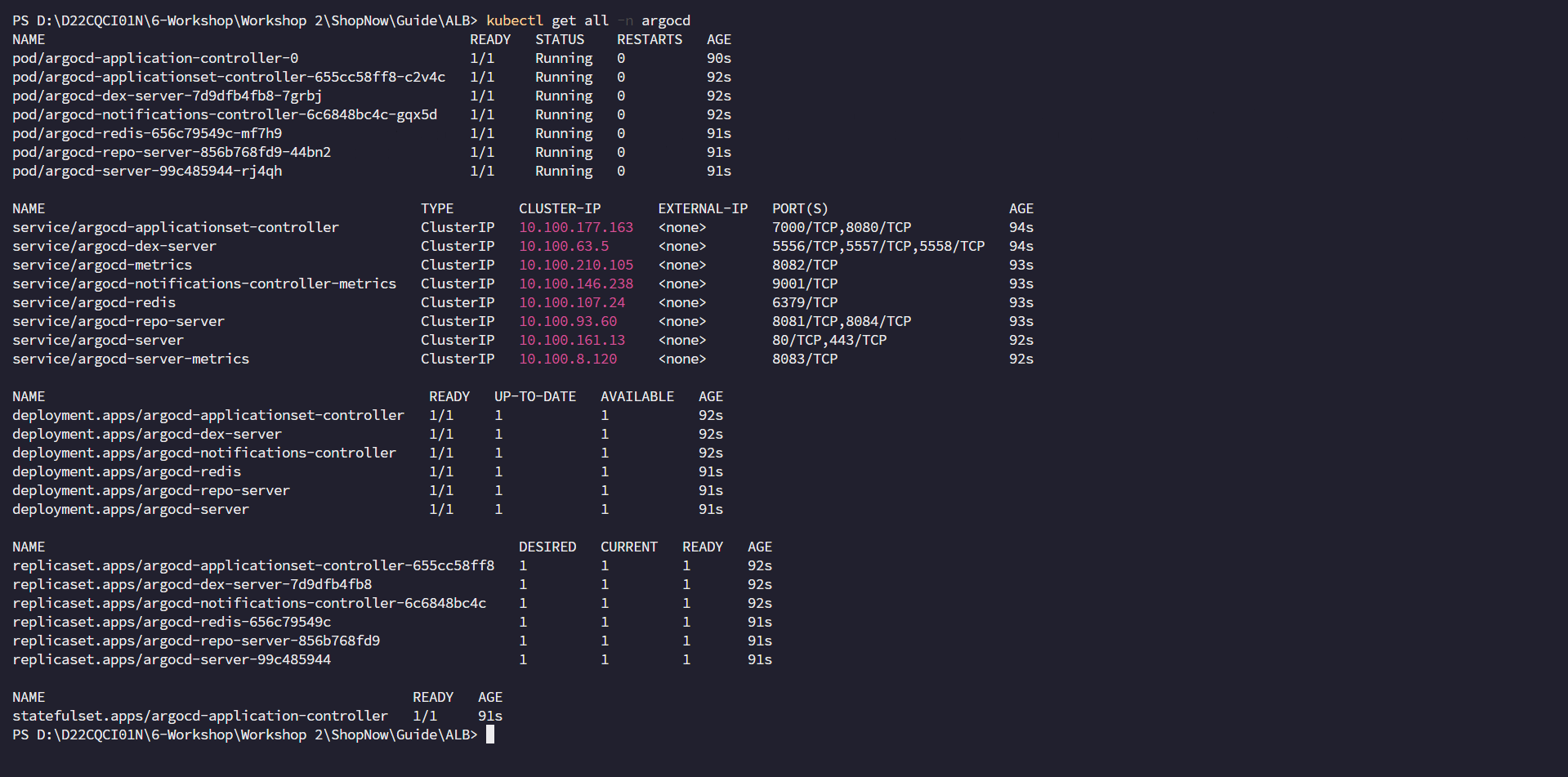
Next we need to configure creating Ingress for ArgoCD to be able to access ArgoCD.
apiVersion: networking.k8s.io/v1
kind: Ingress
metadata:
  namespace: argocd
  name: ingress
  annotations:
    alb.ingress.kubernetes.io/scheme: internet-facing
    alb.ingress.kubernetes.io/target-type: ip
    alb.ingress.kubernetes.io/subnets: subnet-00502d28cf8623a99, subnet-00f29dc65958e83c4, subnet-0b4dd832c80661a42
    alb.ingress.kubernetes.io/certificate-arn: arn:aws:acm:ap-southeast-1:022499043310:certificate/e17ff586-7489-44cb-a355-e1ab72675102
    alb.ingress.kubernetes.io/listen-ports: '[{"HTTP": 80}, {"HTTPS":443}]'
    alb.ingress.kubernetes.io/group.name: shopnow
    alb.ingress.kubernetes.io/actions.ssl-redirect: >-
        {
            "Type": "redirect",
            "RedirectConfig": {
                "Protocol": "HTTPS",
                "Port": "443",
                "Host": "#{host}",
                "Path": "/#{path}",
                "Query": "#{query}",
                "StatusCode": "HTTP_301"
            }
        }
spec:
  ingressClassName: alb
  rules:
     - host: argocd.tranvix.click
       http:
        paths:
          - path: /
            pathType: Prefix
            backend:
              service:
                name: argocd-server
                port:
                  number: 443
Based on the above configuration you will see we need to configure Public Subnets and ACM Certificate. We will proceed to configure these resources first.
Access VPC to get Public Subnet IDs.
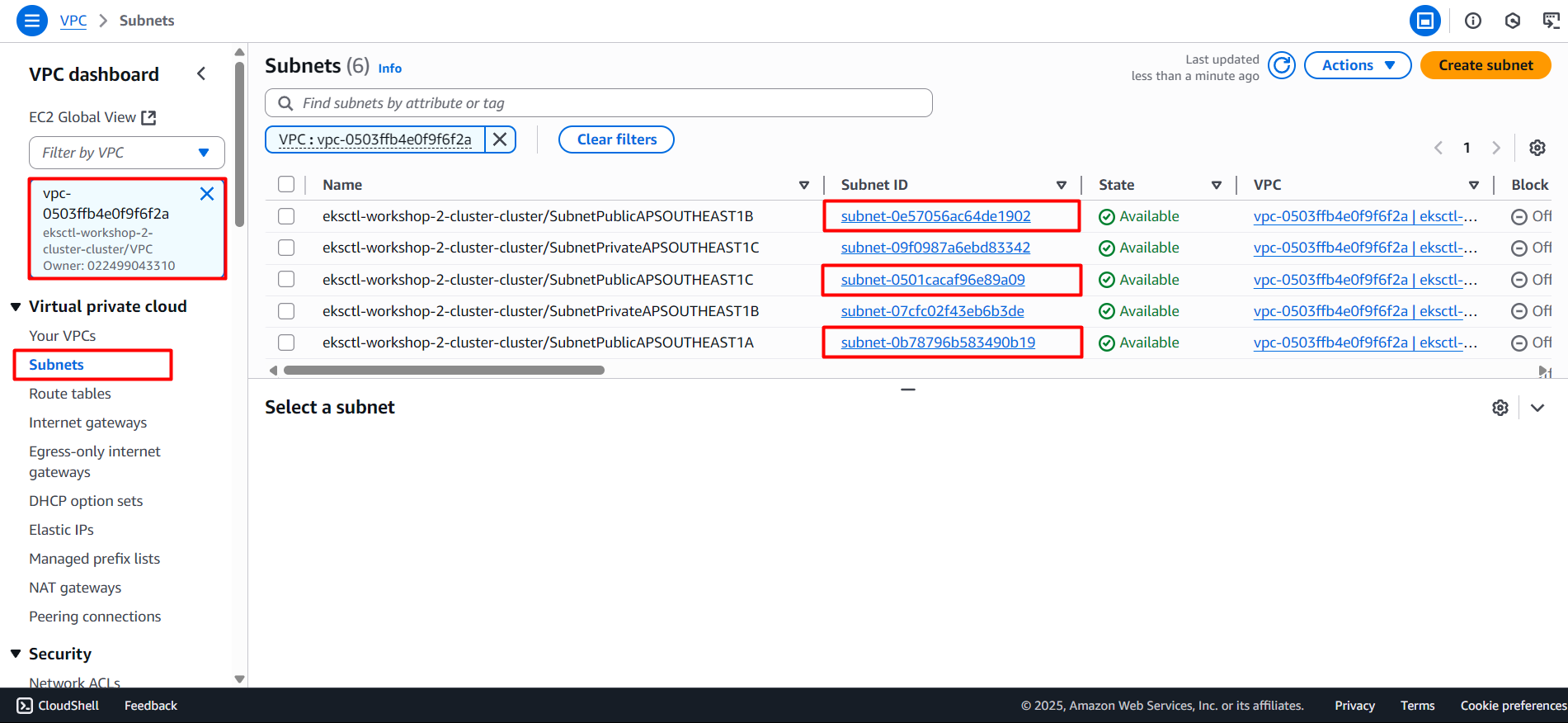
Next we proceed to access ACM to get the ARN of the Certificate we created in the previous section 3.5 Create Route 53 Hosted Zone and ACM Certificate.
Proceed to apply the above config to create Ingress for ArgoCD and check again
kubectl apply -f argocd-ingress.yaml
kubectl get ingress -n argocd

We need to create DNS Record in Route 53 to be able to access ArgoCD with domain name argocd.tranvix.click and configure as follows:
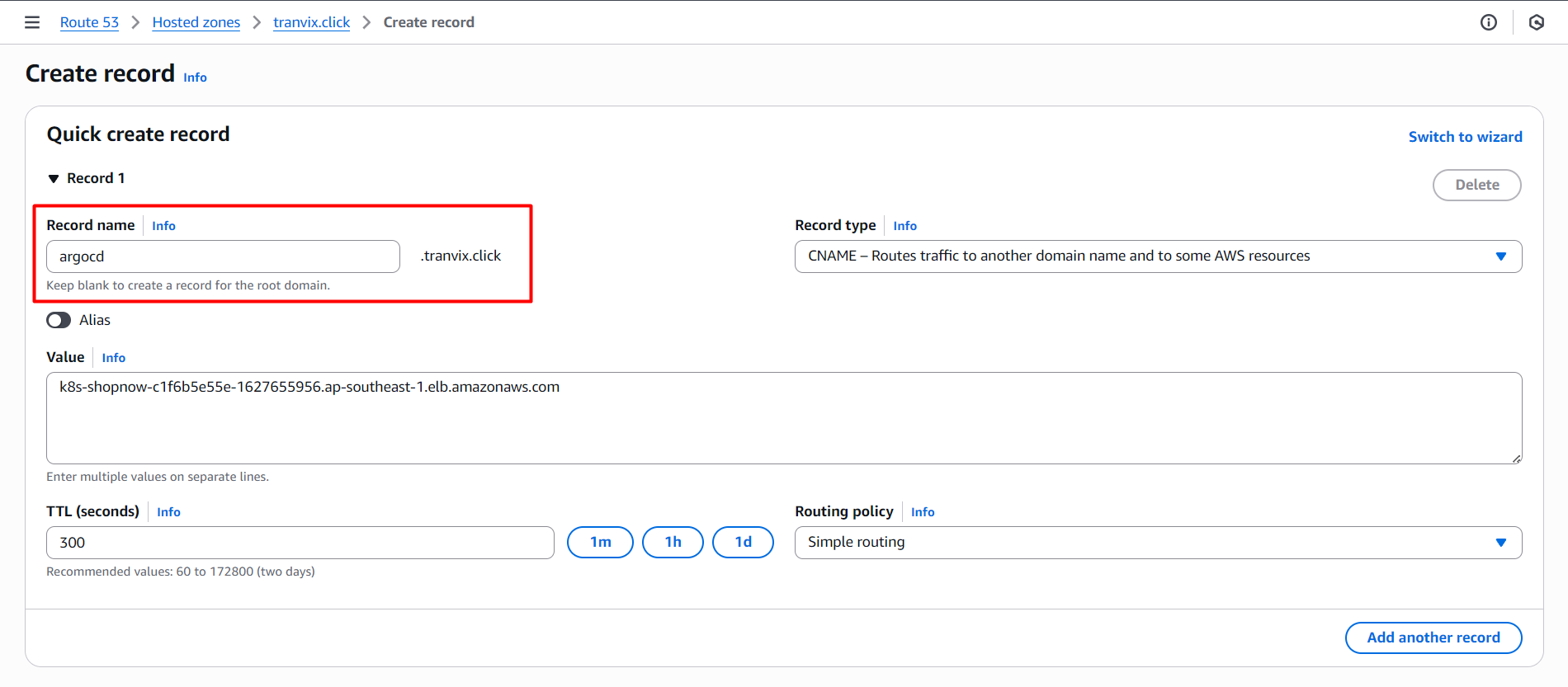
Then we proceed to access ArgoCD with domain name argocd.tranvix.click.
However at this time we will encounter an error when accessing ArgoCD.

ArgoCD encounters ERR_TOO_MANY_REDIRECTS error due to conflict in TLS (HTTPS) processing.
The reason is: ArgoCD by default handles TLS termination itself and will automatically redirect from HTTP to HTTPS. But when you use Ingress Controller (such as ALB or NGINX) that also handles TLS termination and only communicates with ArgoCD backend via HTTP, then ArgoCD still continues to redirect HTTP → HTTPS. This causes the browser to get stuck in a redirect loop and shows the ERR_TOO_MANY_REDIRECTS error.
To solve this issue, we need to configure turning off HTTPS processing in ArgoCD by setting the configuration variable --insecure to true. This is done through editing the ConfigMap YAML to provide appropriate environment variables for argo-server.
kubectl edit configmap argocd-cmd-params-cm -n argocd -o yaml
Add this line at the bottom:
data:
  server.insecure: "true"
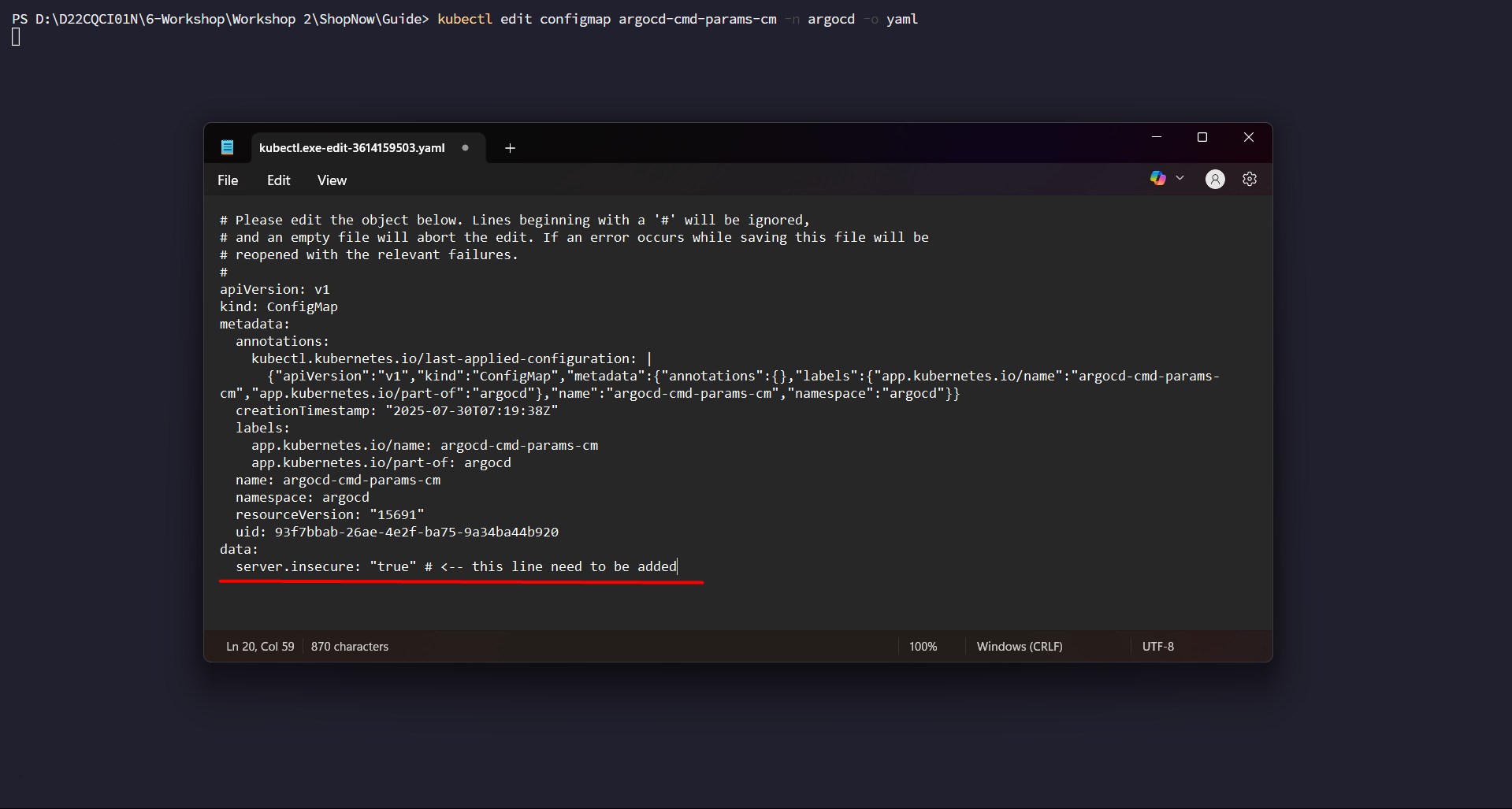
Proceed to Save and close the file.
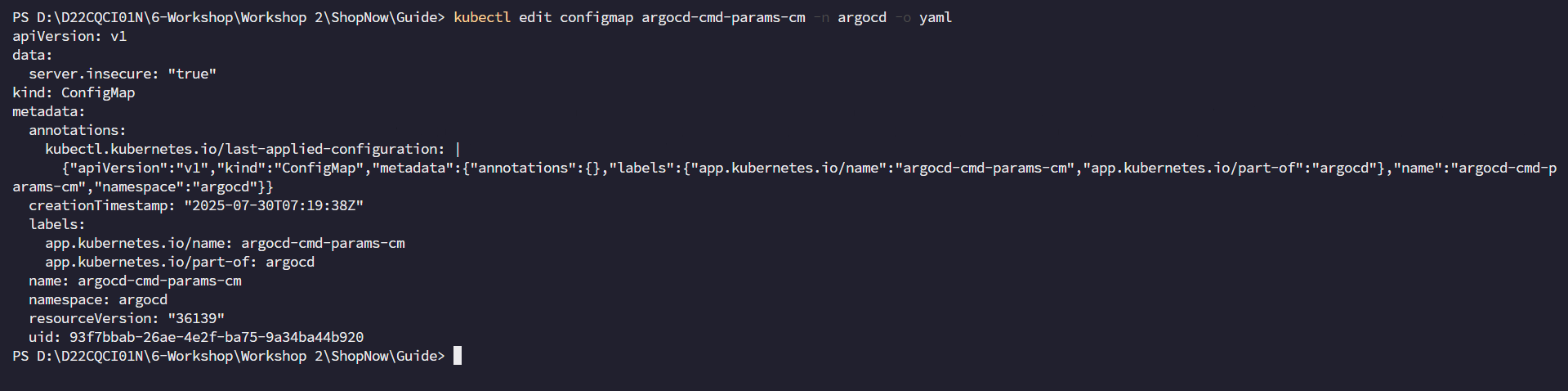
After adding this line, we proceed to restart ArgoCD.
kubectl rollout restart deployment argocd-server -n argocd
Proceed to access ArgoCD again with domain name argocd.tranvix.click and the error is gone.
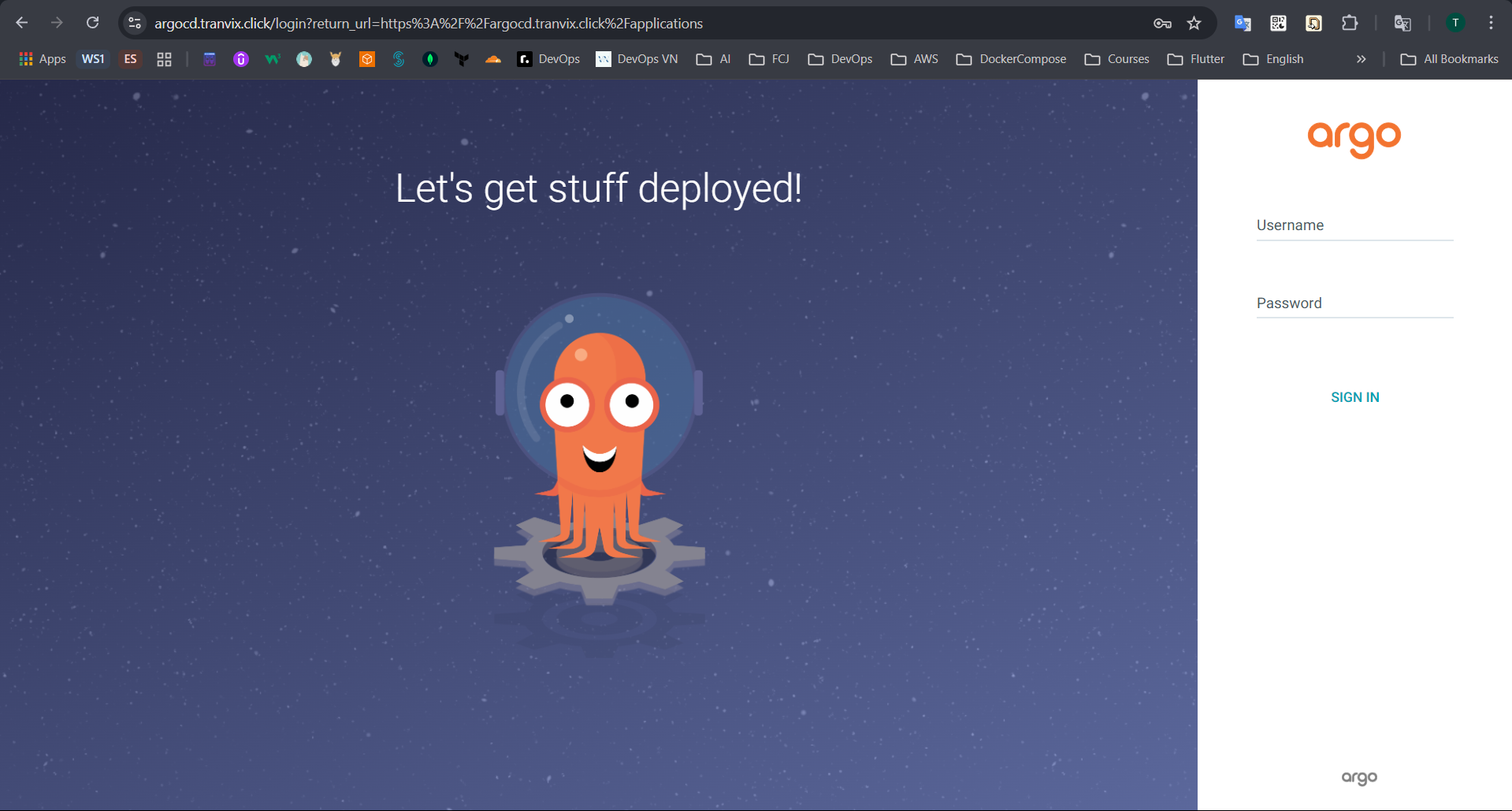
To login to ArgoCD, we need to get the account and password.
kubectl get secret -n argocd argocd-initial-admin-secret -o jsonpath="{.data.password}" | base64 -d

Proceed to login with account admin and the password just retrieved.
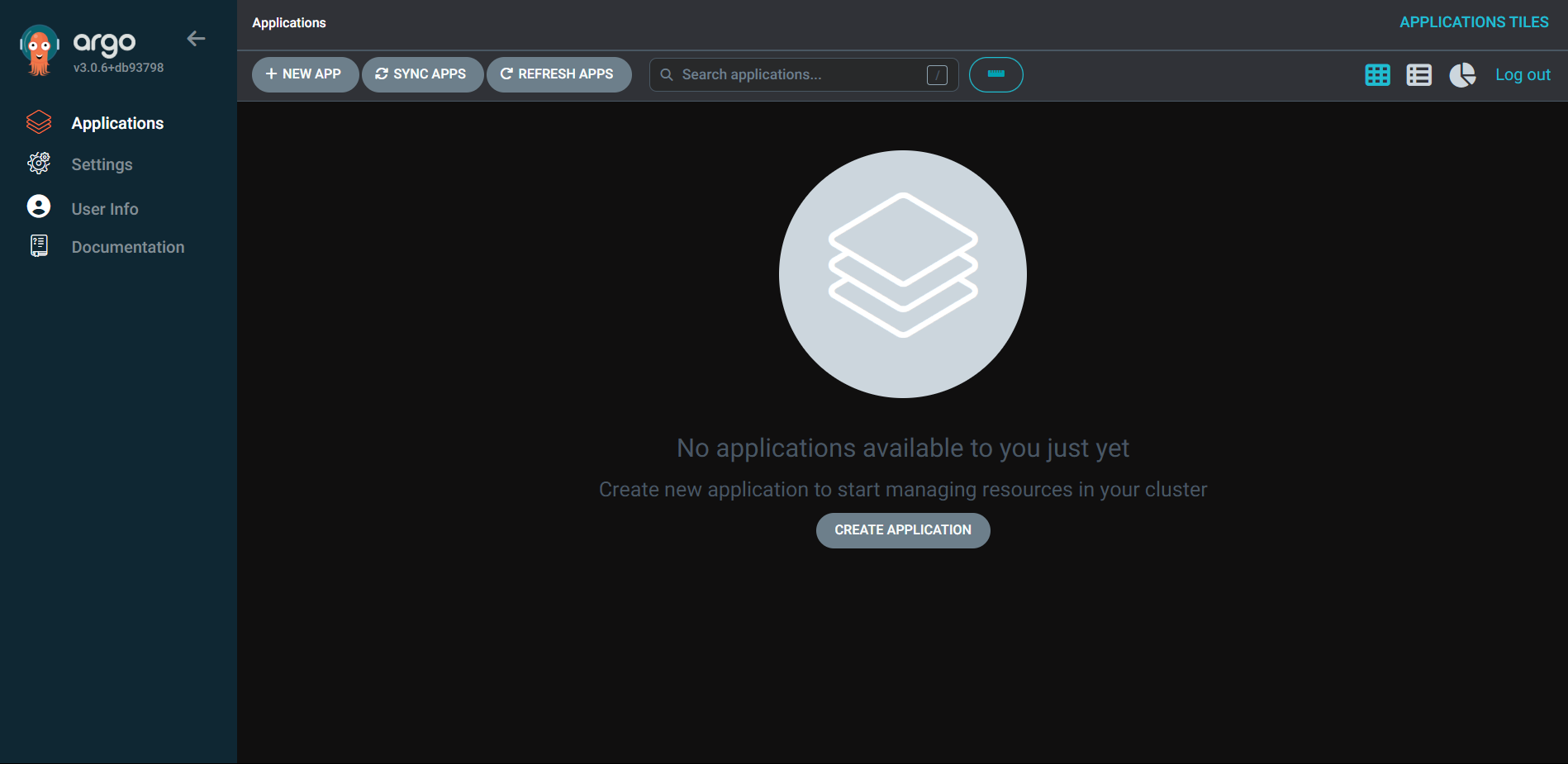
Thus we have successfully installed and accessed ArgoCD.