Install Ingress Controller
What is Ingress?
Ingress is a component in the Kubernetes ecosystem, used to route HTTP and HTTPS traffic from outside into the Cluster, to internal Services. Instead of having to create multiple LoadBalancers or open NodePorts, Ingress allows you to centrally configure routes for incoming traffic.
Routing is controlled through Ingress resources, where you define rules such as mapping from domain names and paths to corresponding Services.
Ingress does not support exposing arbitrary ports or protocols. If you need to expose services other than HTTP/HTTPS (such as TCP, UDP), you need to use Service with type: NodePort or type: LoadBalancer.
Operating Architecture
Ingress is just a definition resource. For it to work, you need to deploy an Ingress Controller – a component responsible for reading Ingress definitions and setting up corresponding proxy configurations (usually NGINX, Kong, HAProxy,…).
Below is an architecture diagram illustrating how Ingress Controller works:

Some popular Ingress Controllers such as:
- NGINX Ingress Controller – based on NGINX, widely used.
- Kong Ingress Controller – based on Kong Gateway, supports advanced API Gateway.
- HAProxy Ingress Controller – uses HAProxy to handle traffic.
Ingress is the storefront, while Ingress Controller is the security guard standing at the gate
Install Helm CLI
Linux
wget https://get.helm.sh/helm-v3.17.3-linux-amd64.tar.gz

tar xvf helm-v3.17.3-linux-amd64.tar.gz

sudo mv linux-amd64/helm /usr/bin/
MacOS
brew install helmWindows
choco install kubernetes-helmCheck installation
helm version

Install Ingress Controller
The Ingress Controller used in the Workshop is ALB Ingress Controller, we will install it using Helm.
Create OIDC Provider
cluster_name=workshop-2-cluster
oidc_id=$(aws eks describe-cluster --name $cluster_name --query "cluster.identity.oidc.issuer" --output text | cut -d '/' -f 5)
echo $oidc_id

aws iam list-open-id-connect-providers | grep $oidc_id | cut -d "/" -f4

eksctl utils associate-iam-oidc-provider --cluster $cluster_name --approve

Install ALB Ingress Controller plugin, first need to create IAM Policy for ALB Ingress Controller.
curl -O https://raw.githubusercontent.com/kubernetes-sigs/aws-load-balancer-controller/v2.13.3/docs/install/iam_policy.json
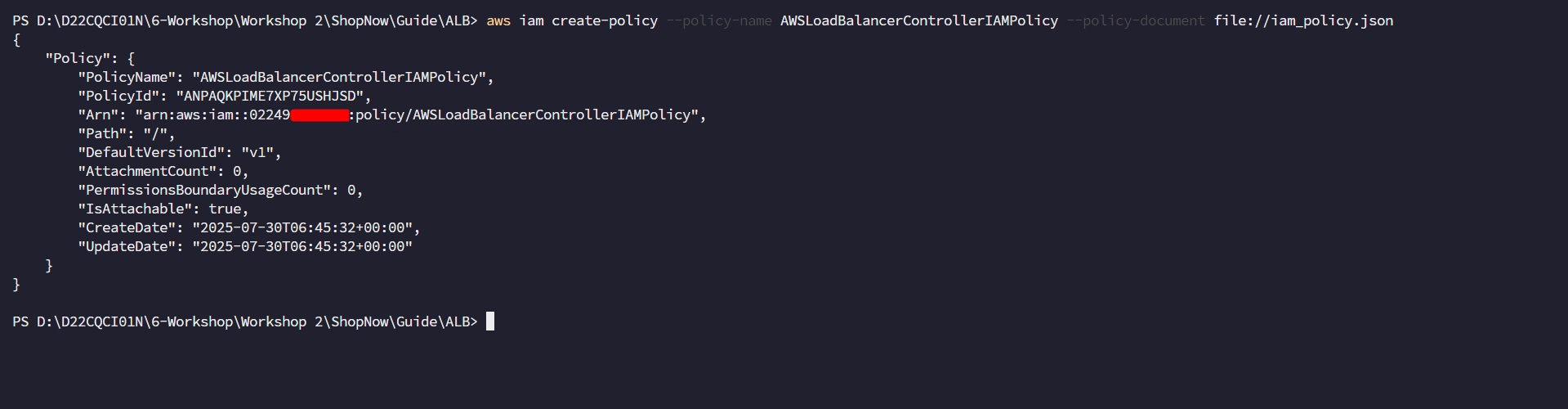
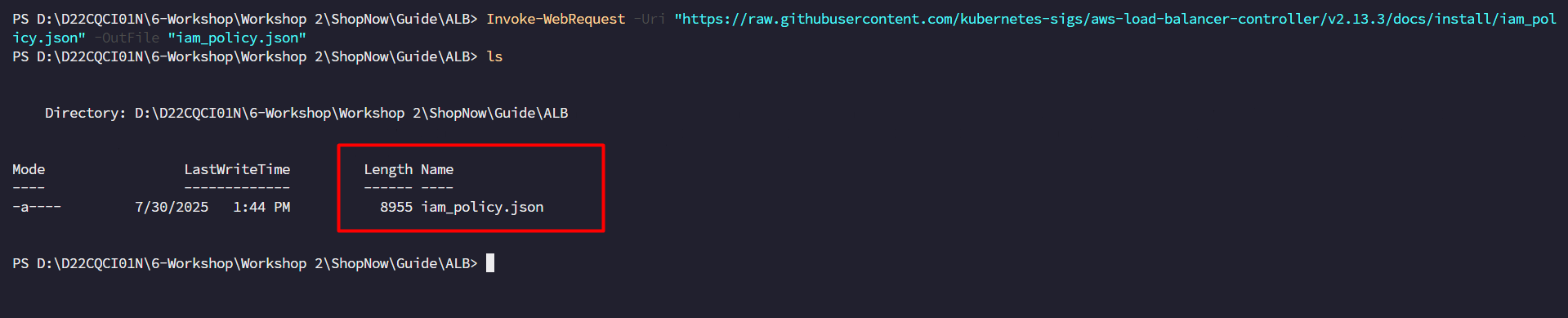 Create IAM Policy based on the
 iam_policy.json file.
aws iam create-policy \
    --policy-name AWSLoadBalancerControllerIAMPolicy \
    --policy-document file://iam_policy.json
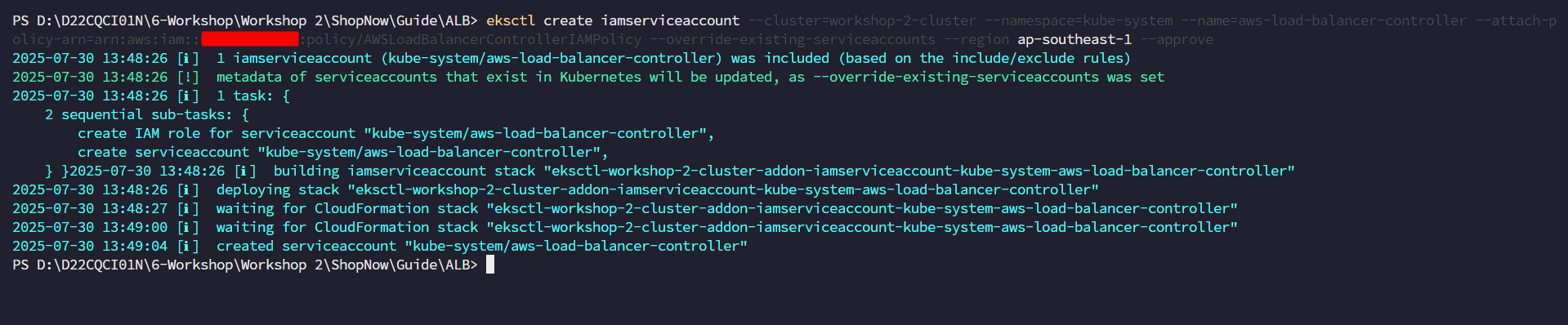
Replace cluster name, region code, and account ID values to create IAM Service Account.
eksctl create iamserviceaccount \
--cluster=<cluster_name> \
--namespace=kube-system \
--name=aws-load-balancer-controller \
--attach-policy-arn=arn:aws:iam::<account_id>:policy/AWSLoadBalancerControllerIAMPolicy \
--override-existing-serviceaccounts \
--region <region> \
--approve
Install ALB Ingress Controller
helm repo add eks https://aws.github.io/aws-eks-best-practices/charts
helm repo update
helm install aws-load-balancer-controller eks/aws-load-balancer-controller \ -n kube-system \ --set clusterName=workshop-2-cluster \ --set serviceAccount.create=false \ --set serviceAccount.name=aws-load-balancer-controller \ --version 1.13.0

Check installation
kubectl get deployment -n kube-system aws-load-balancer-controller

Thus we have successfully installed ALB Ingress Controller.
Notes when creating Ingress
When creating Ingress with AWS ALB Ingress Controller, we can use the annotation alb.ingress.kubernetes.io/group.name to specify the Group name. This Group is used to combine multiple Ingress into a common logical group.
Benefits when using shared Group If multiple Ingress are configured with the same group.name, ALB Ingress Controller will only create a single Application Load Balancer (ALB) for the entire group. This brings the following benefits:
Cost savings: Only pay for one ALB instead of creating new ones for each service.
Easy management: Each service (such as frontend, backend, auth, API Gateway,…) can use separate subdomains (e.g., frontend.example.com, api.example.com,…) but all share the same ALB.
Simple DNS configuration: Only need to create CNAME records in Route 53, pointing subdomains to the DNS of the single ALB generated from the group.
When not to use shared Group? Conversely, if you put each Ingress in a separate Group (or don’t set group.name), then each Ingress will generate a separate ALB. In that case:
Each service will have different DNS.
Costs increase due to using multiple ALBs.
DNS configuration becomes more complex and difficult to manage.