Create Route 53 Hosted Zone and ACM Certificate
Create Route 53 Hosted Zone
Access Route 53 and select Create Hosted Zone
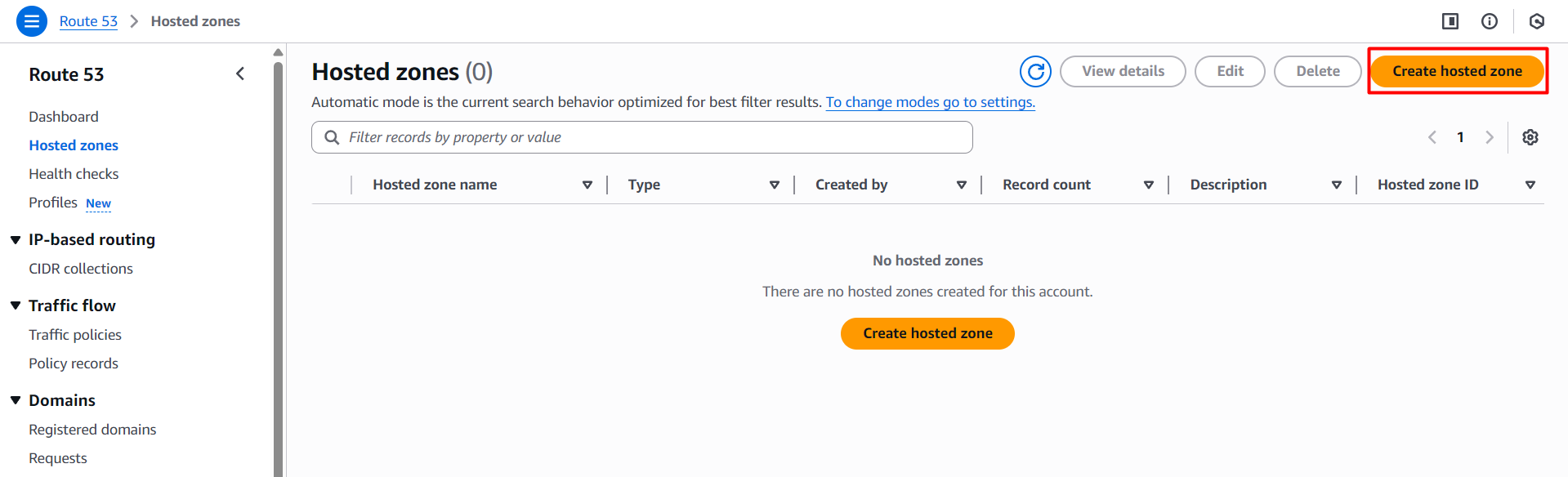
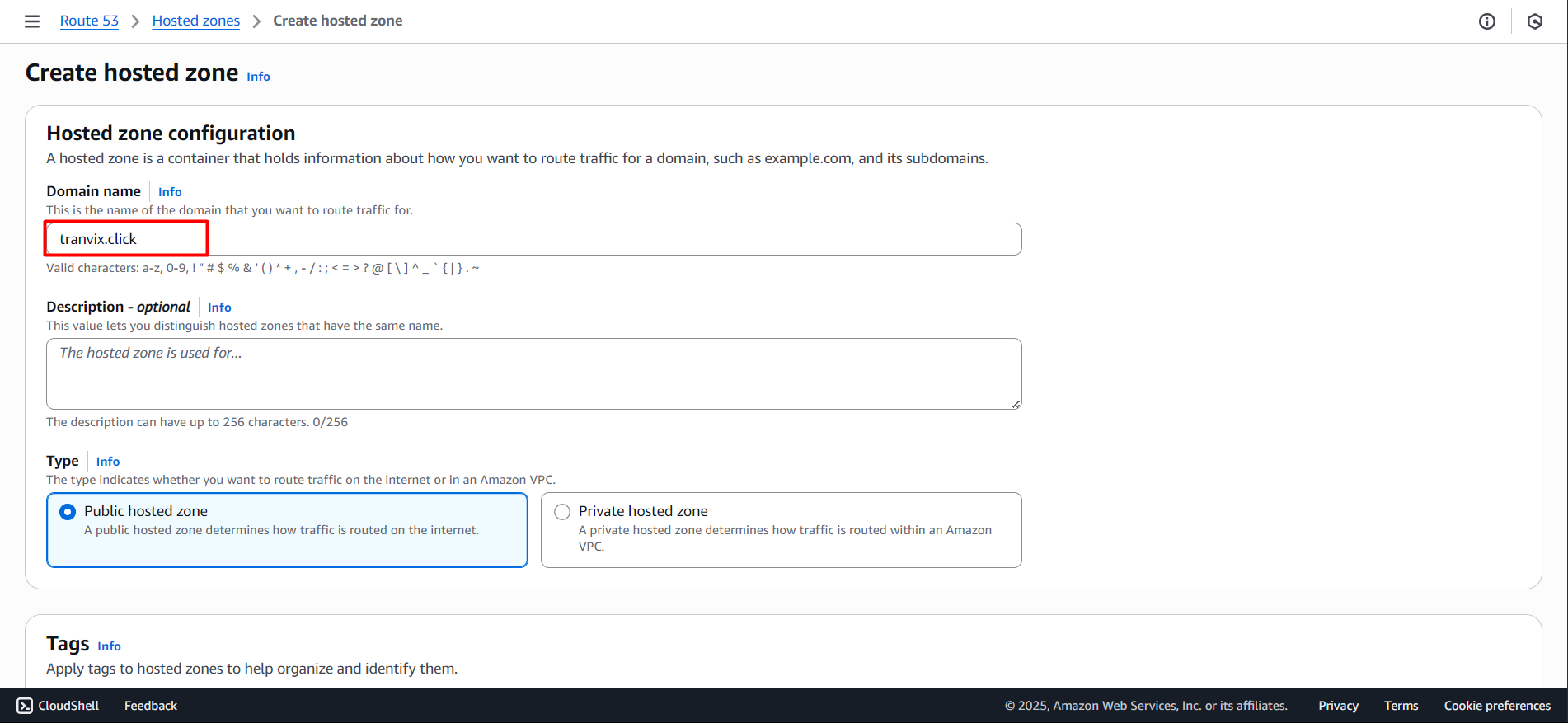
Enter your domain in Domain name and select Create
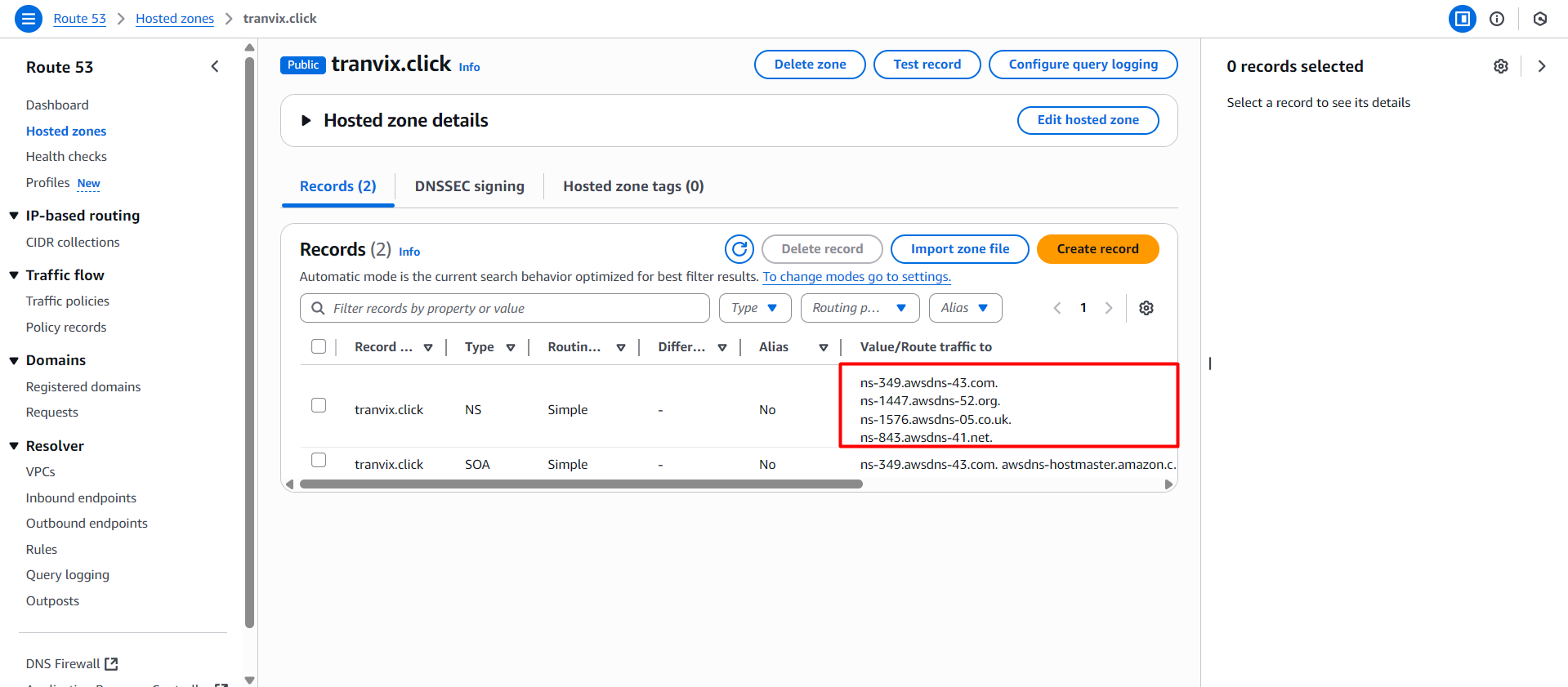
After creation is complete, you will see DNS records that have been pre-created and note the NS and SOA records
NS is Name Server, used to specify DNS servers for the domain.
SOA is Start of Authority, used to specify the main DNS server for the domain.
Next we will access the Domain provider to change the DNS records. Note to remove the dots in the domain.
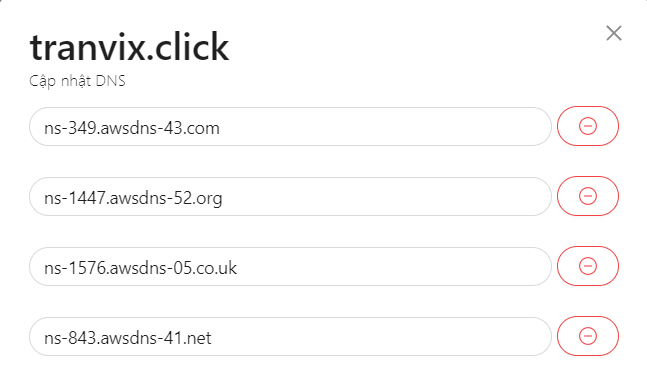
Then we proceed to save and wait 10 minutes for the DNS records to be updated.
Create ACM Certificate
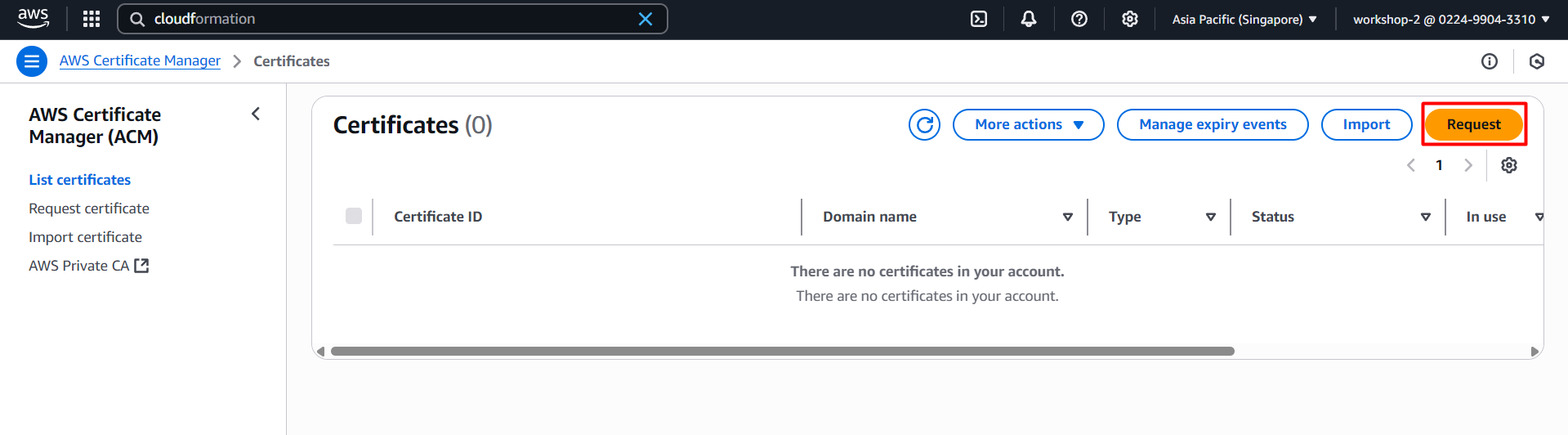
Access ACM and select Request
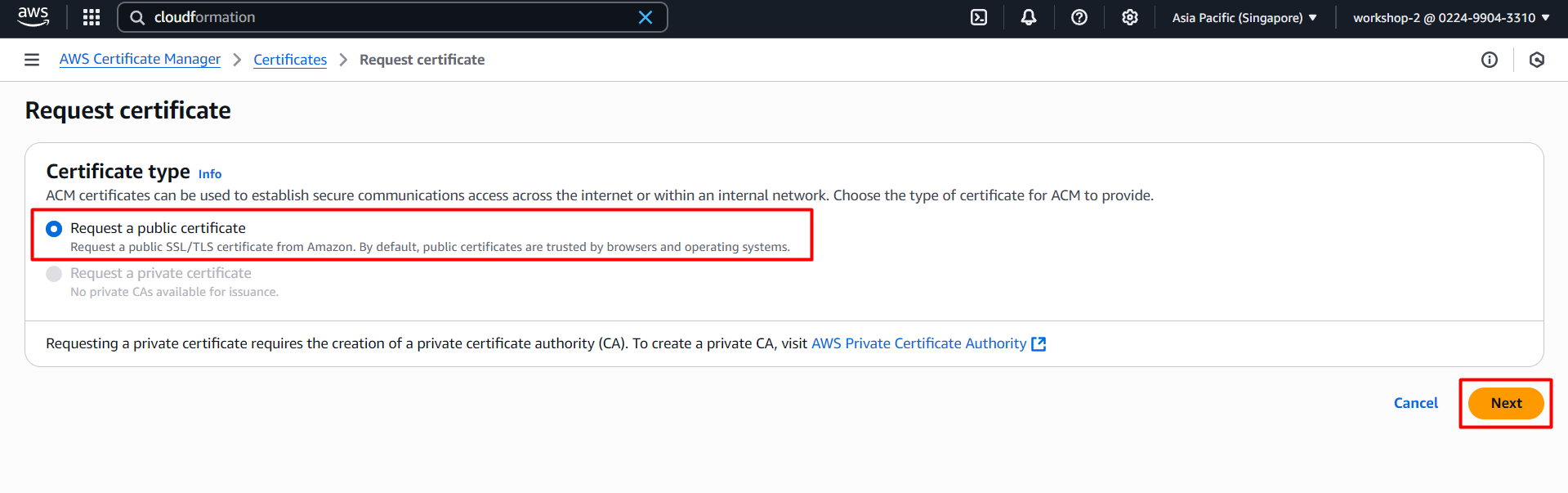
Select Request a public certificate and Next
Enter your domain in Domain name and select Next
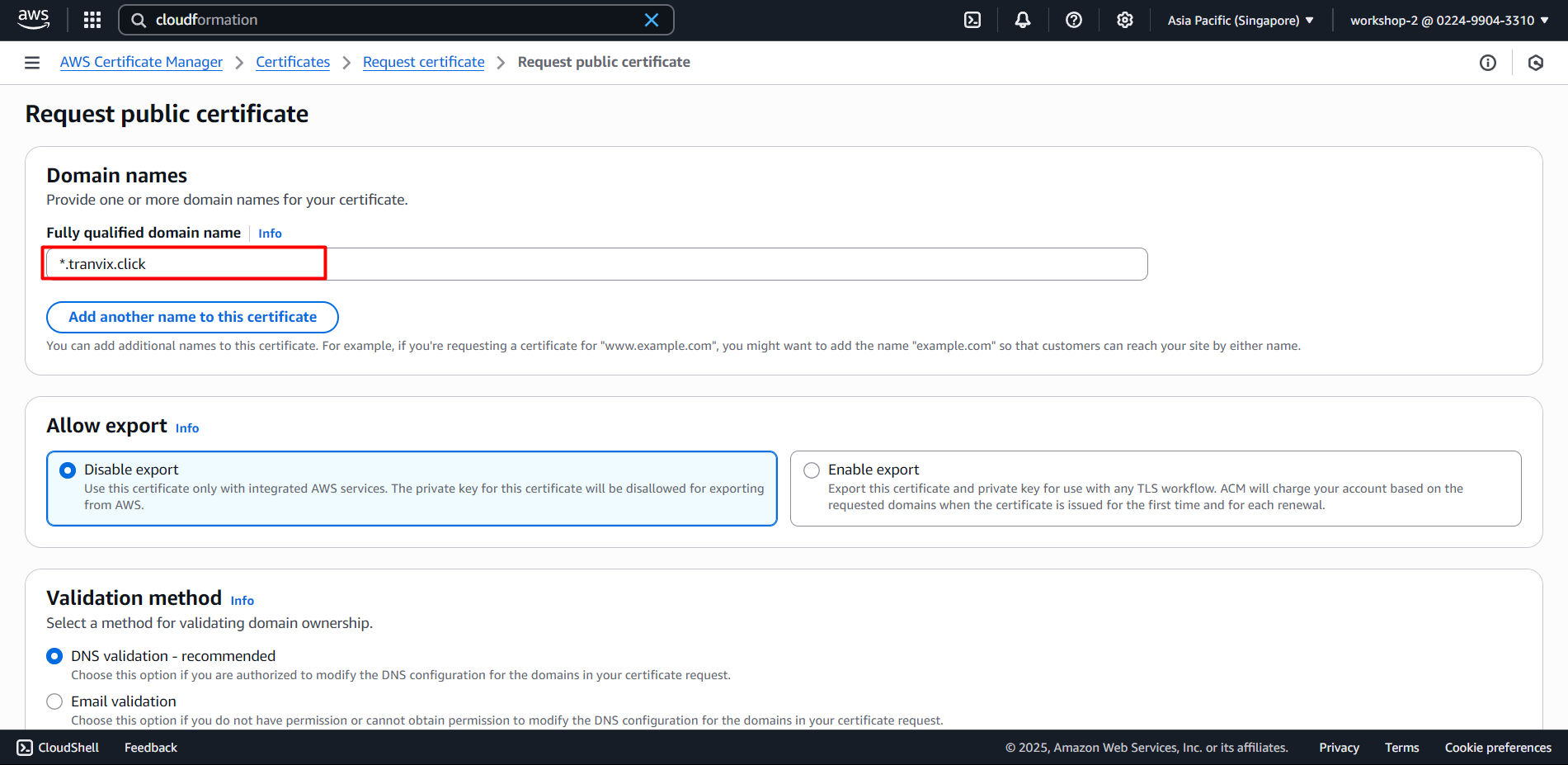
In this section we create a Wildcard Certificate with domain name *.tranvix.click for the project. Since the project has many subdomains, we need to create a Wildcard Certificate to minimize the number of unnecessary Certificates and avoid creating multiple individual certificates for each subdomain.
With a wildcard certificate, you only need:
DNS verification once only.
No need to track expiration dates for each individual subdomain.
Centralized management and easy control.
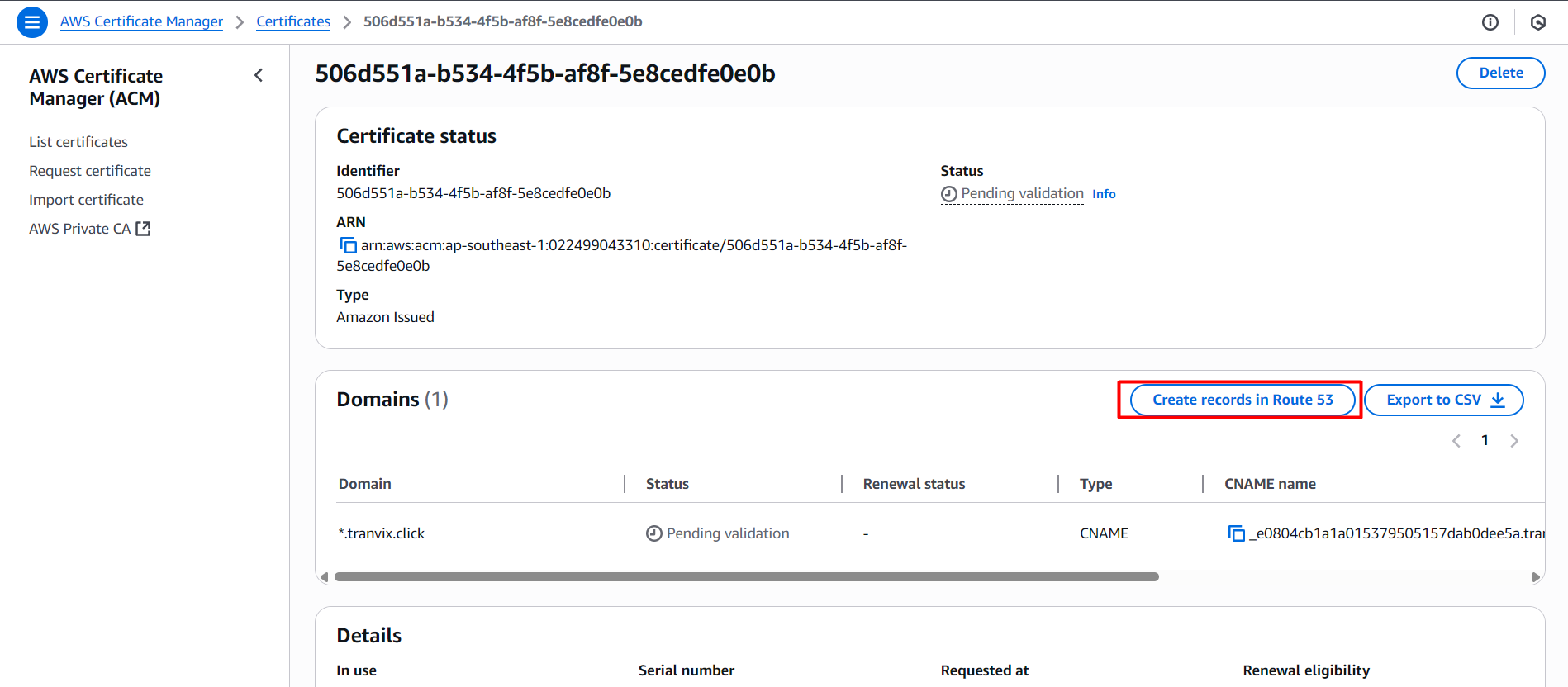
Thus the ACM Certificate has been created. But the issue is that we need to have DNS records for the ACM Certificate to work. The current status of the ACM Certificate is Pending validation
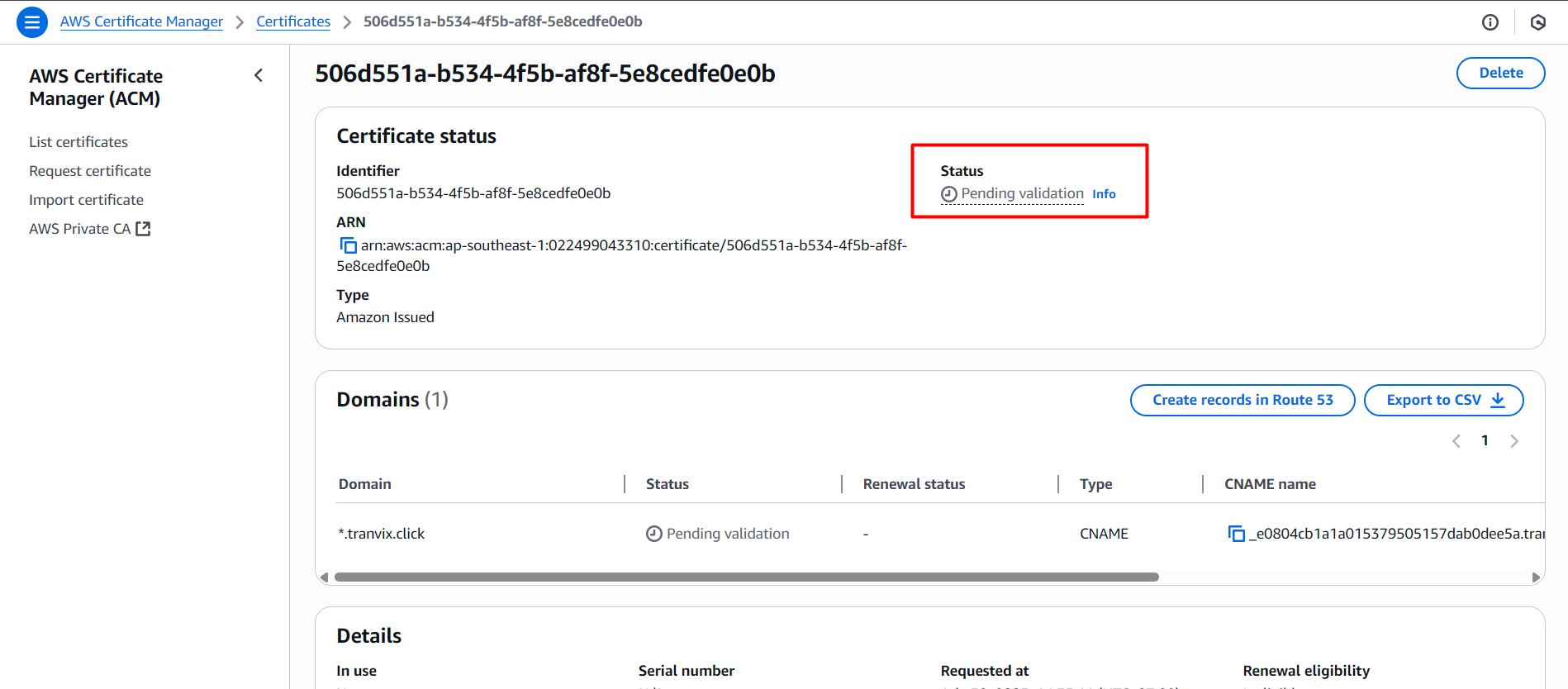
We proceed to create DNS records in Route 53.
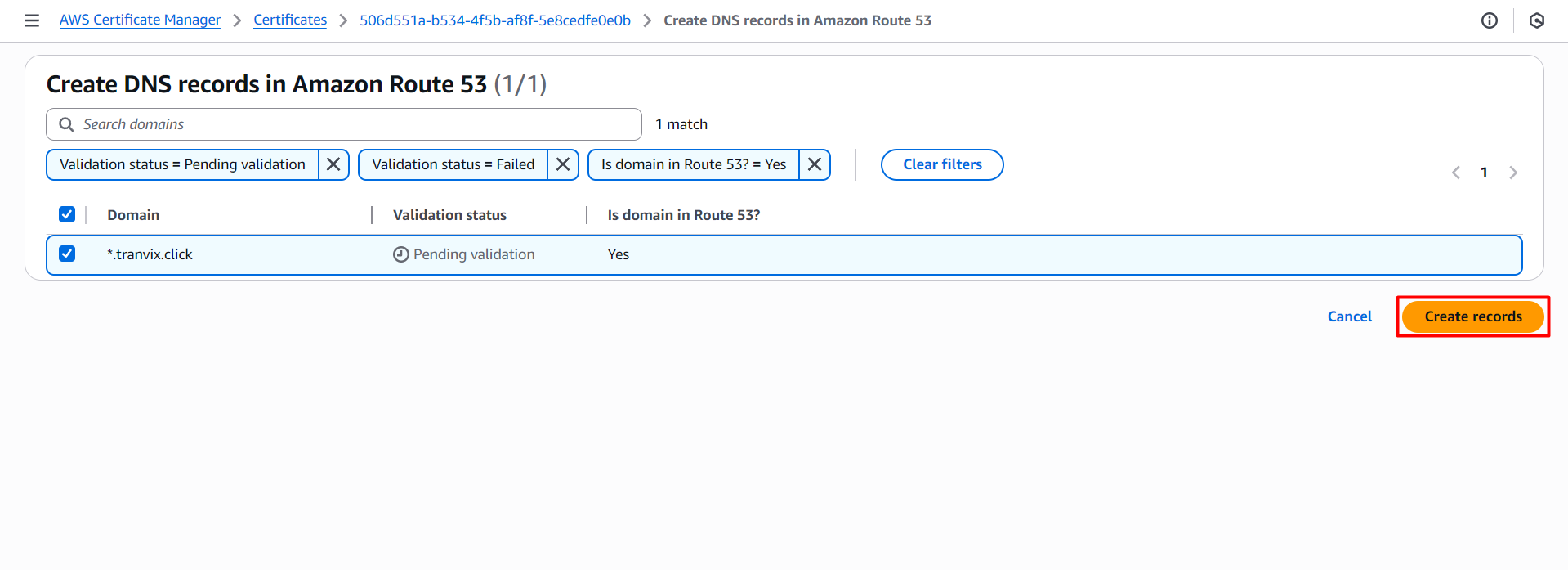
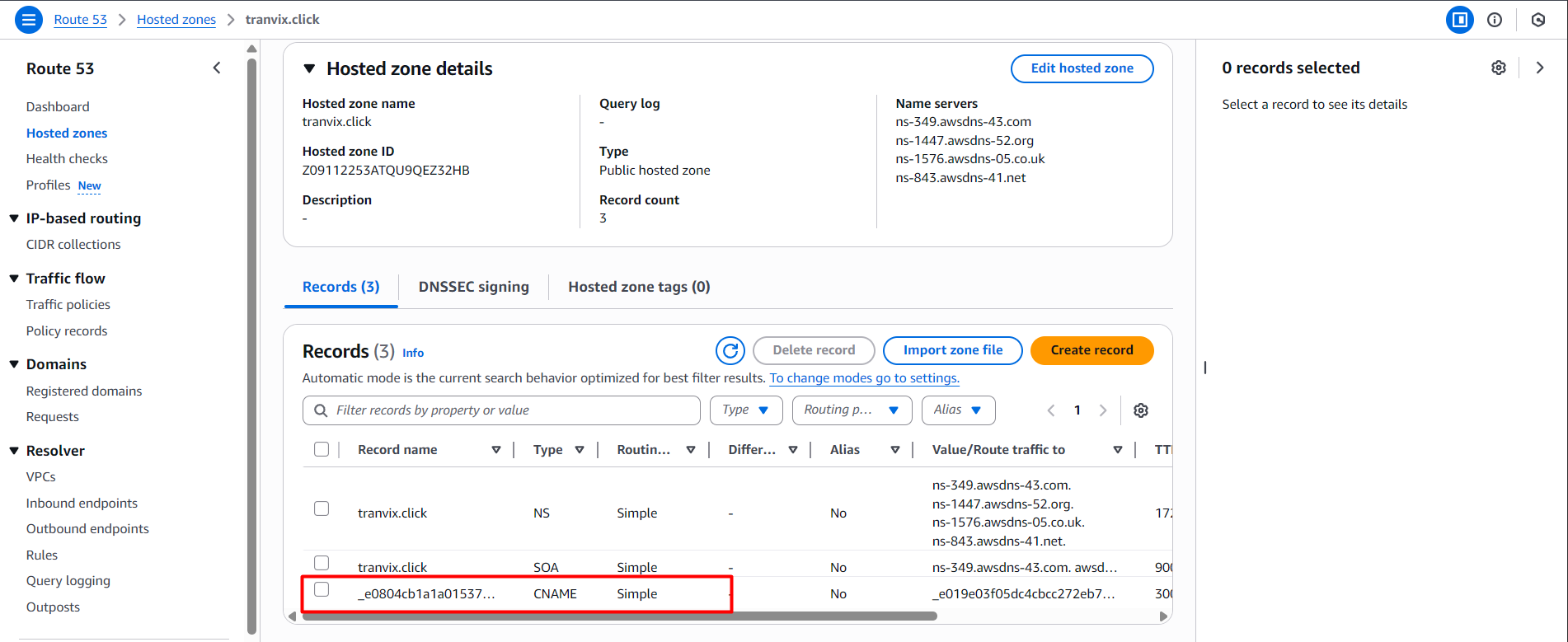
Check Route 53 to see if the DNS records have been created.
The Certificate status has changed to Issued
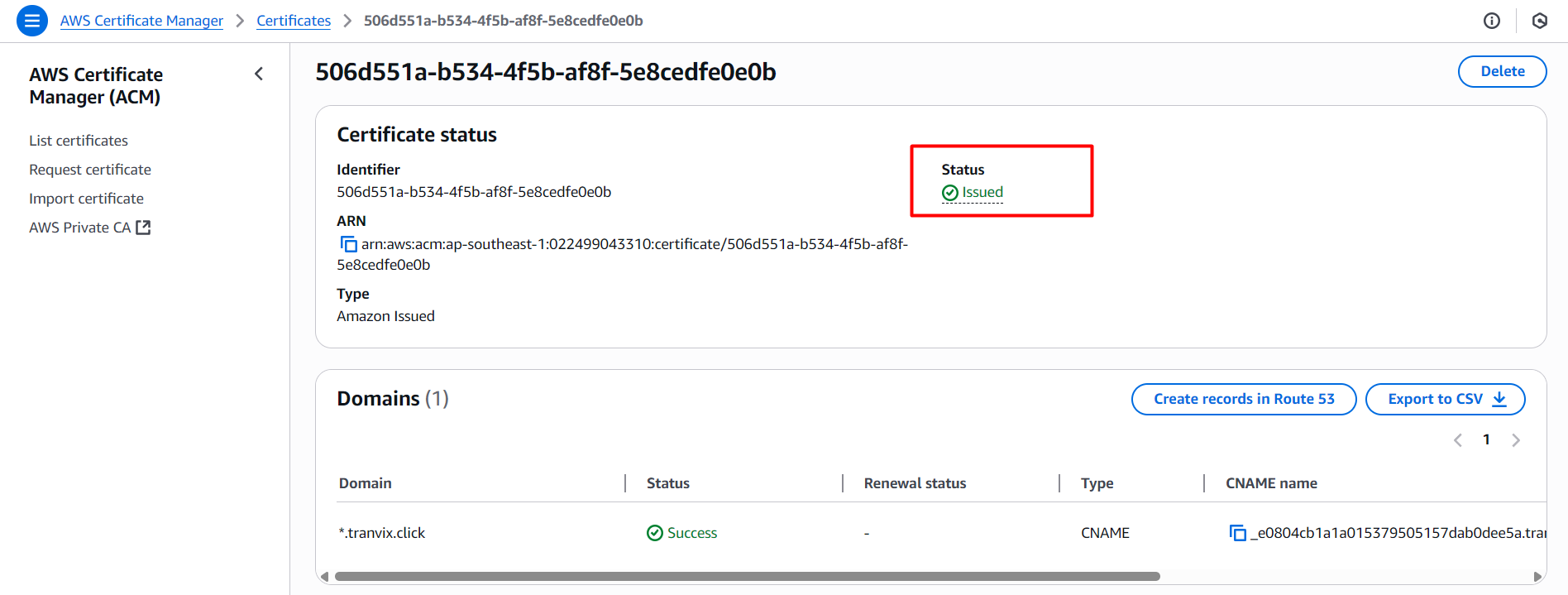
Thus the ACM Certificate has been created successfully.