Helm Chart Repository
In this section, we will proceed to create Helm Chart repositories for Frontend and Backend on Github.
Shopnow Frontend Config
Directory structure as follows:
shopnow-frontend-config/
├── shopnow-frontend-config/
│   ├── base/
│   │   └── argocd.yaml
│   │       ├── ArgoCD configuration file to manage automatic deployment for frontend application.
│   │
│   └── overlays/
│       └── production/
│           └── values.yaml
│               ├── Configuration file for production environment values, override default values.
│
└── shopnow-frontend-chart/
    ├── templates/
    │   │
    │   ├── deployment.yaml
    │   │   ├── Template to create Deployment for React frontend application deployment.
    │   │
    │   ├── ingress.yaml
    │   │   ├── Template to create Ingress to expose frontend service outside the cluster.
    │   │
    │   ├── service.yaml
    │   │   ├── Template to create Service to expose frontend deployment within the cluster.
    │
    ├── charts/
    │   ├── Directory containing sub-charts (currently empty).
    │
    ├── .helmignore
    │   ├── File defining files/directories not to be included in Helm chart.
    │
    ├── Chart.yaml
    │   ├── Main metadata file of Helm chart, containing information about name, version, dependencies.
    │
    └── values.yaml
        ├── Default configuration file for Helm chart, containing values that can be overridden.
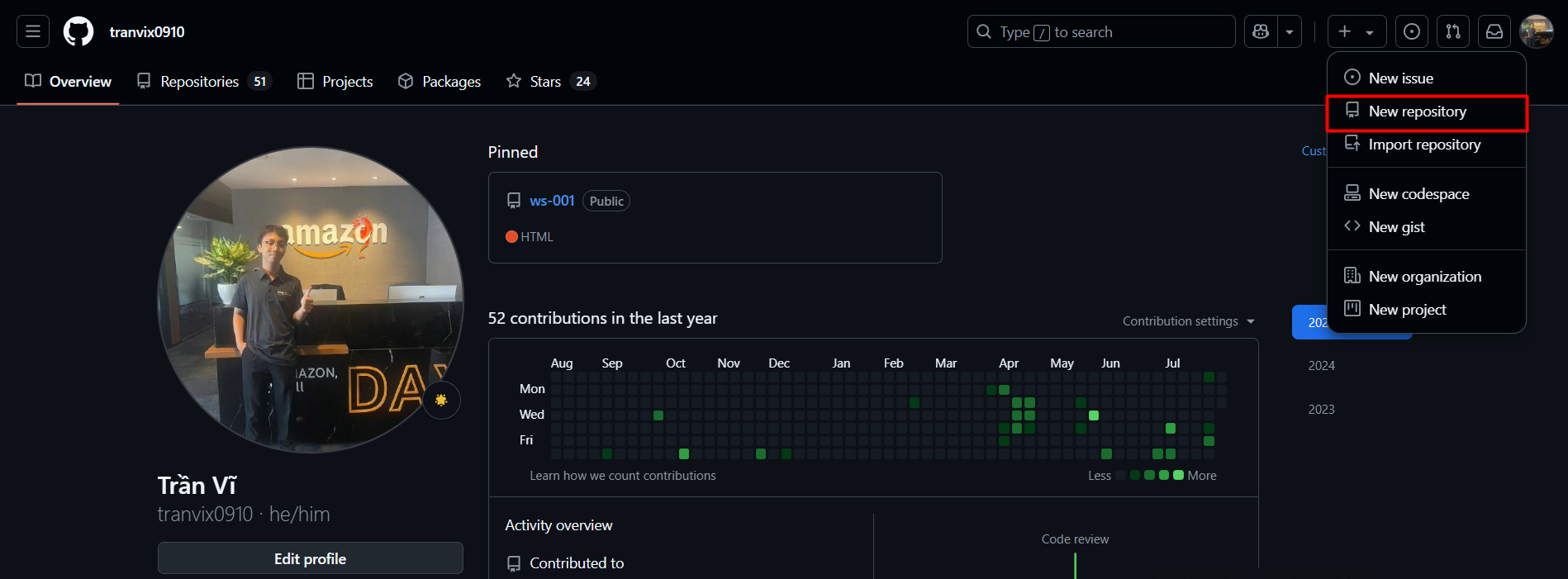
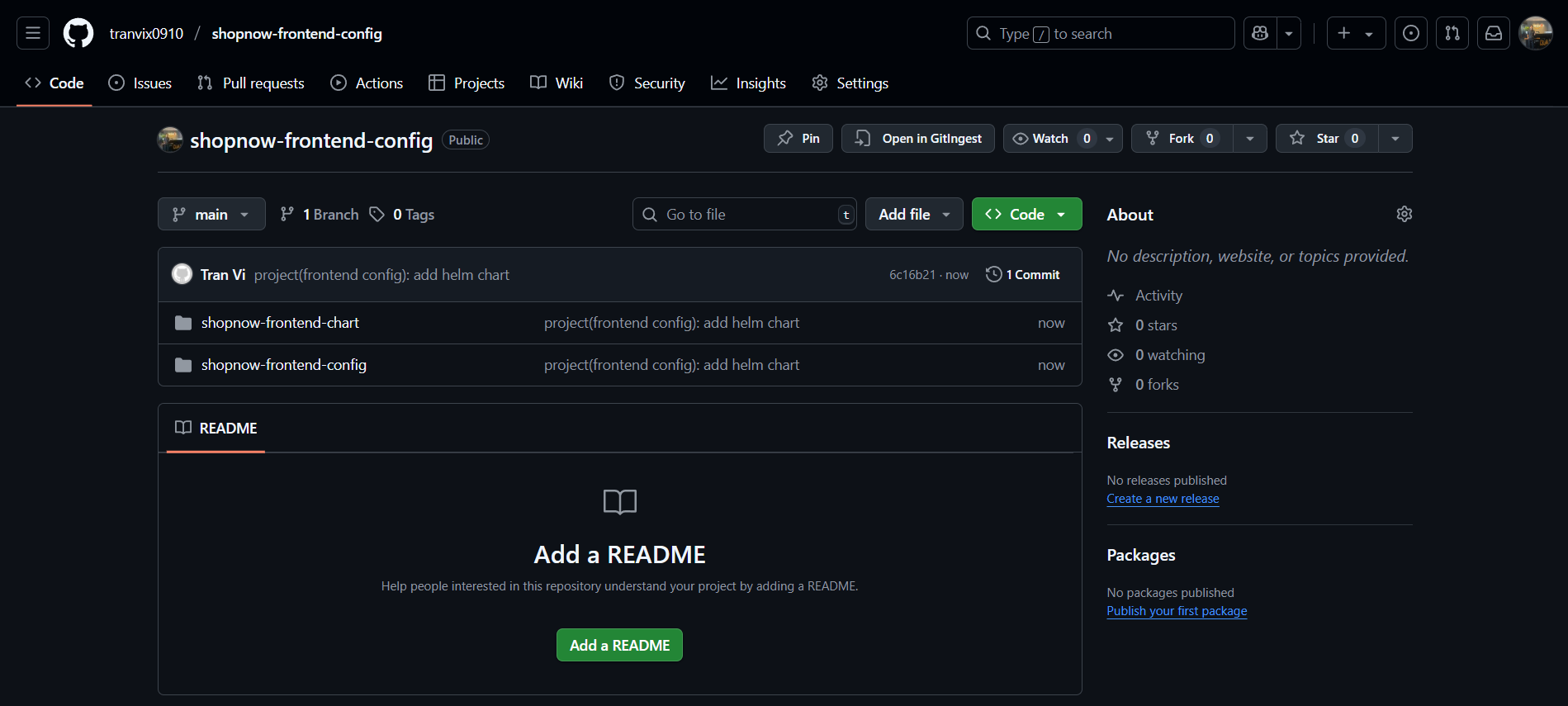
Create shopnow-frontend repository on Github by accessing the following link github.com/<your-github-username>. For example, mine would be github.com/tranvix0910.
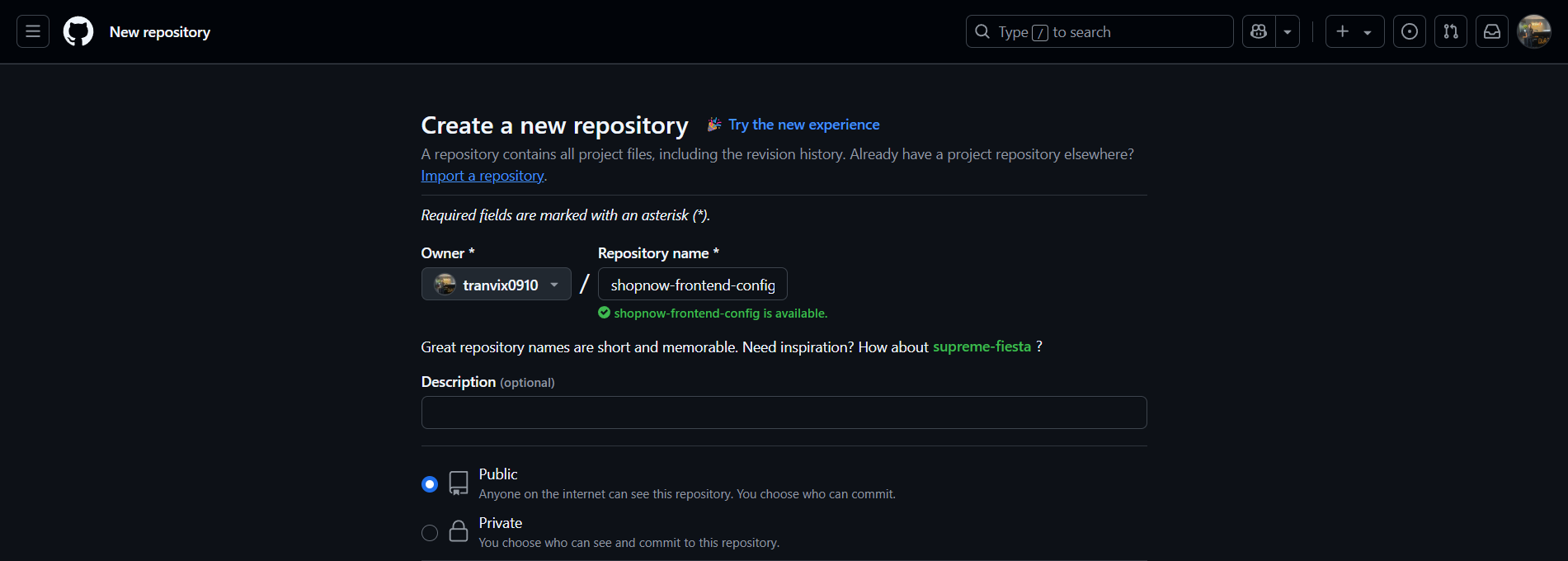
Proceed to name it shopnow-frontend-config and select Create repository.
After successfully creating the repository, there will be a guide below on how to push code to the repository.
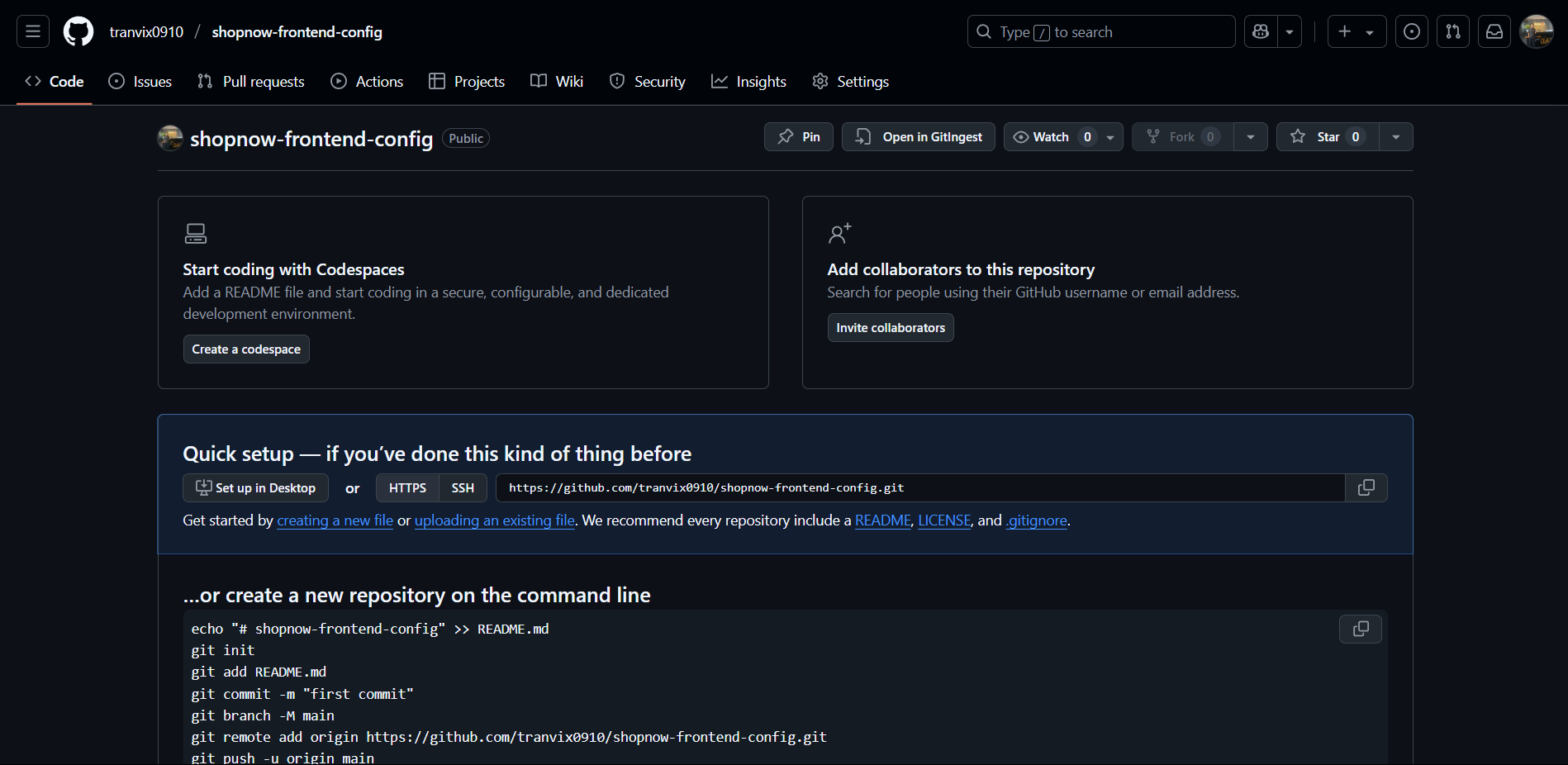
Proceed to follow the steps and the current repository already has source code.
Shopnow Backend Config
Directory structure for Backend Services as follows:
shopnow-backend-config/
├── shopnow-user-service-config/
│   ├── base/
│   │   └── argocd.yaml
│   │       ├── ArgoCD configuration file to manage automatic deployment for user service, defining GitOps workflow.
│   │
│   └── overlays/
│       └── production/
│           └── values.yaml
│               ├── Configuration file for production environment values, override default values.
│
├── shopnow-user-service-chart/
│   ├── templates/
│   │   ├── _helpers.tpl
│   │   │   ├── Template helper file containing functions and variables used commonly for user service Helm chart.
│   │   │
│   │   ├── configmap.yaml
│   │   │   ├── Template to create ConfigMap to store application configuration for user service.
│   │   │
│   │   ├── deployment.yaml
│   │   │   ├── Template to create Deployment to deploy user service with Spring Boot application.
│   │   │
│   │   ├── ingress.yaml
│   │   │   ├── Template to create Ingress to expose user service API outside the cluster with routing rules.
│   │   │
│   │   ├── service.yaml
│   │   │   ├── Template to create Service to expose user service deployment within the cluster with port mapping.
│   │   │
│   │   └── tests/
│   │       └── test-connection.yaml
│   │           ├── Template to create test pod to check connection to user service API endpoints.
│   │
│   ├── charts/
│   │   ├── Directory containing sub-charts (currently empty).
│   │
│   ├── .helmignore
│   │   ├── File defining files/directories not to be included in user service Helm chart.
│   │
│   ├── Chart.yaml
│   │   ├── Main metadata file of Helm chart for user service, containing information about name, version, dependencies.
│   │
│   └── values.yaml
│       ├── Default configuration file for user service Helm chart, containing values that can be overridden.
│
├── shopnow-cart-service-config/
│   ├── Contains ArgoCD configuration for shopping cart service, including base config and production overlays.
│
├── shopnow-product-service-config/
│   ├── Contains ArgoCD configuration for product service, including base config and production overlays.
│
├── shopnow-discovery-server-config/
│   ├── Contains ArgoCD configuration for Eureka discovery server, including base config and production overlays.
│
├── shopnow-product-service-chart/
│   ├── Contains Helm chart for product service, including templates, values, and metadata for Kubernetes deployment.
│
├── shopnow-discovery-server-chart/
│   ├── Contains Helm chart for discovery server, including templates, values, and metadata for Kubernetes deployment.
│
├── shopnow-cart-service-chart/
│   ├── Contains Helm chart for shopping cart service, including templates, values, and metadata for Kubernetes deployment.
│
└── shopnow-database-config/
    ├── kustomize/
    │   ├── Directory containing Kustomize configuration files for database deployment.
    │
    ├── kustomization.yaml
    │   ├── Main configuration file of Kustomize to manage database resources.
    │
    ├── storage-class.yaml
    │   ├── File defining StorageClass for database persistent volume claims.
    │
    └── namespace.yaml
        ├── File defining namespace for database deployment.
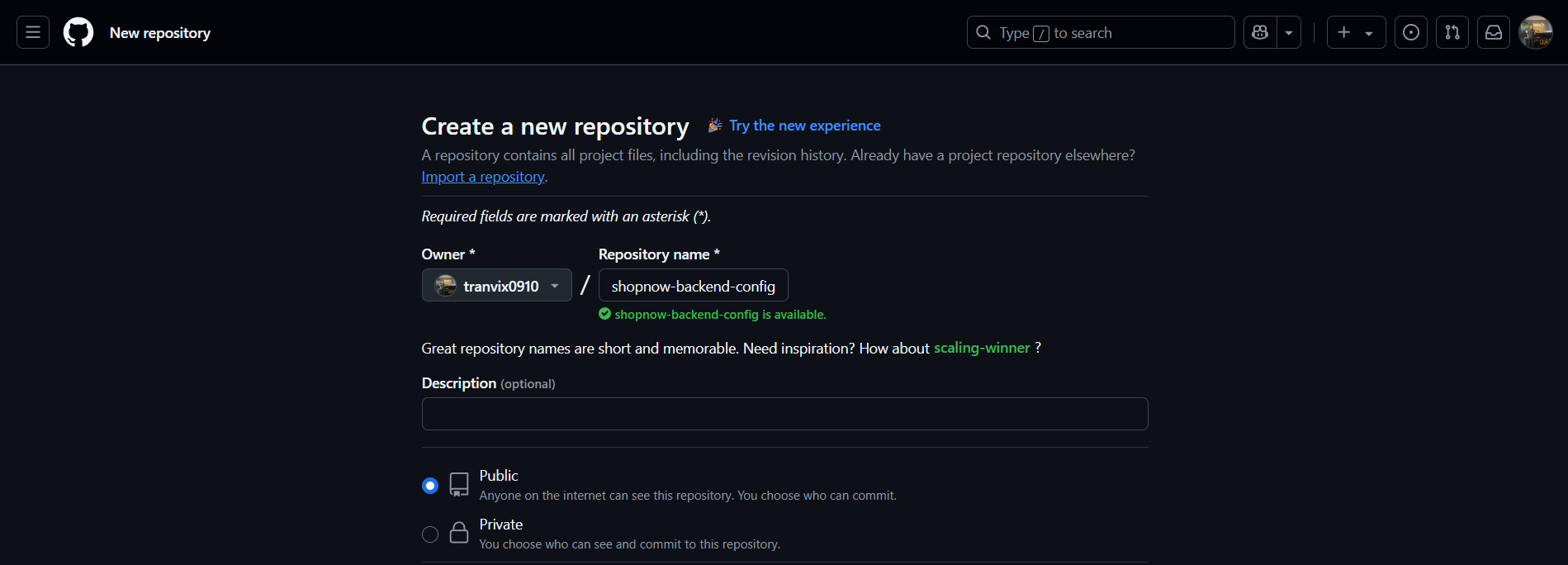
Create shopnow-frontend repository on Github by accessing the following link github.com/<your-github-username>. For example, mine would be github.com/tranvix0910.
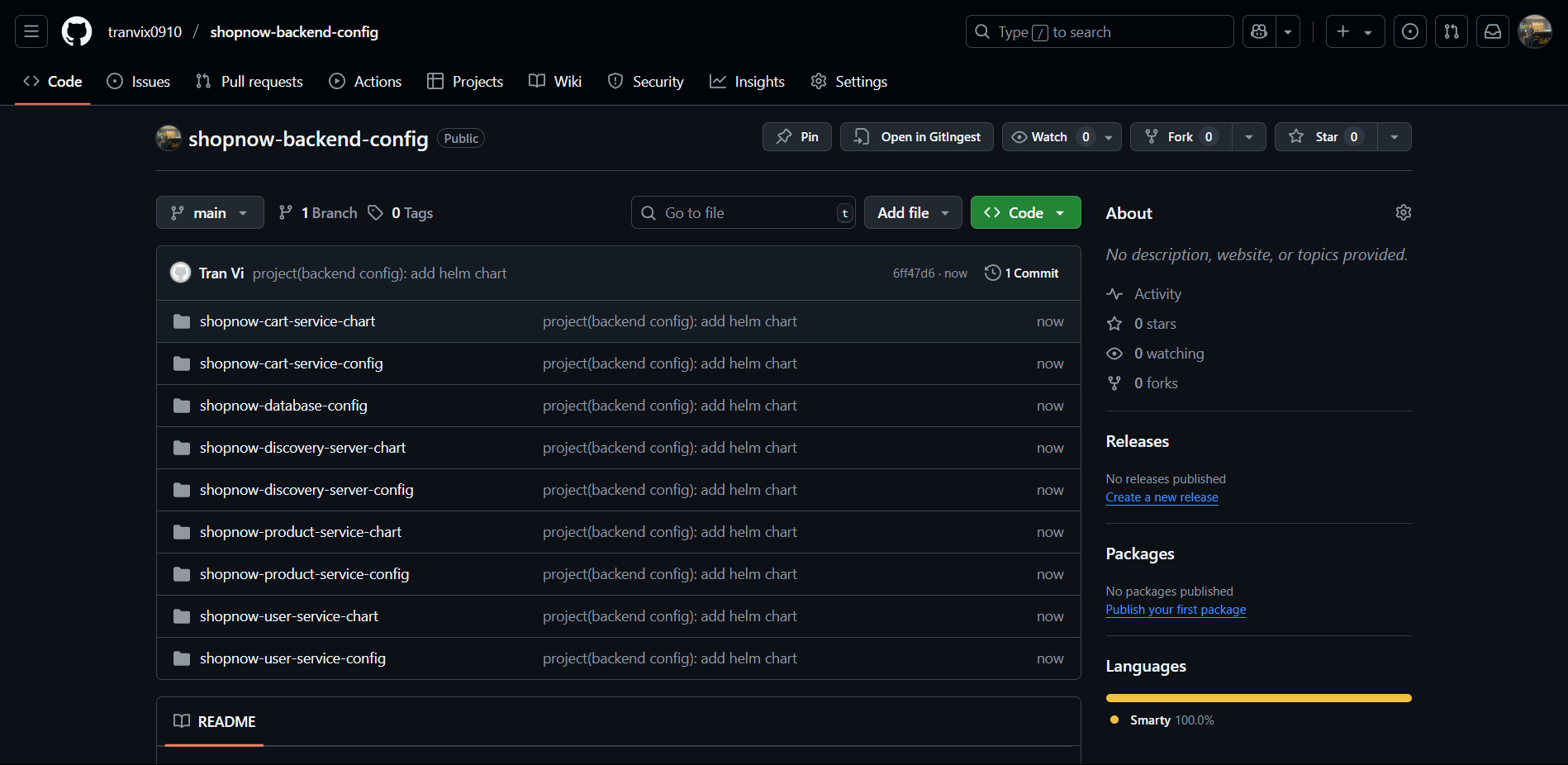
Proceed to name it shopnow-backend-config and select Create repository.
After successfully creating the repository, there will be a guide below on how to push code to the repository.
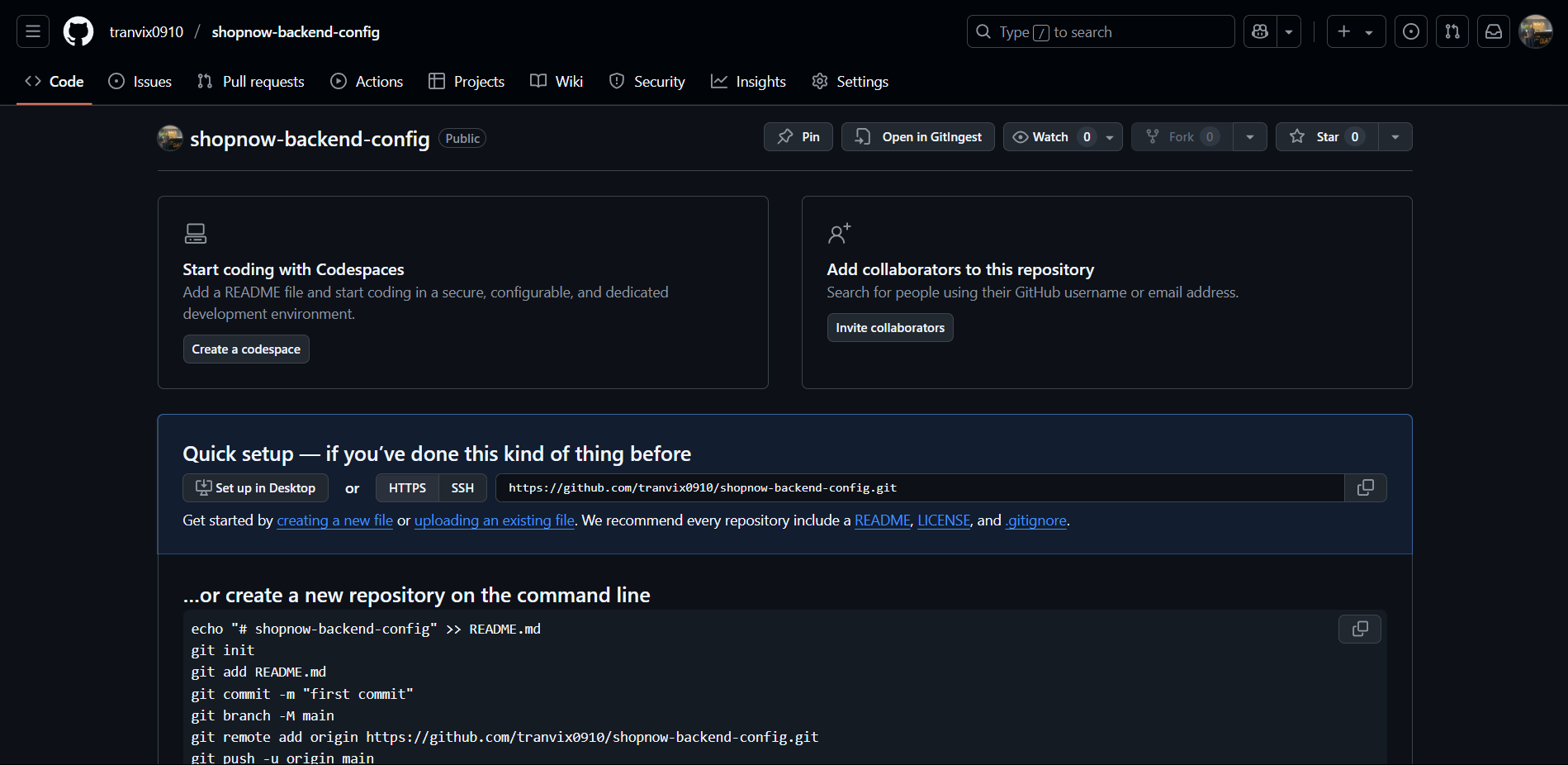
Proceed to follow the steps and the current repository already has source code.