Project Repository
The ShopNow project is organized according to Microservices architecture with separate repositories for each service, following the Single Responsibility and Service per Team principles. Each repository is designed to be developed, tested and deployed independently.
Shopnow Frontend
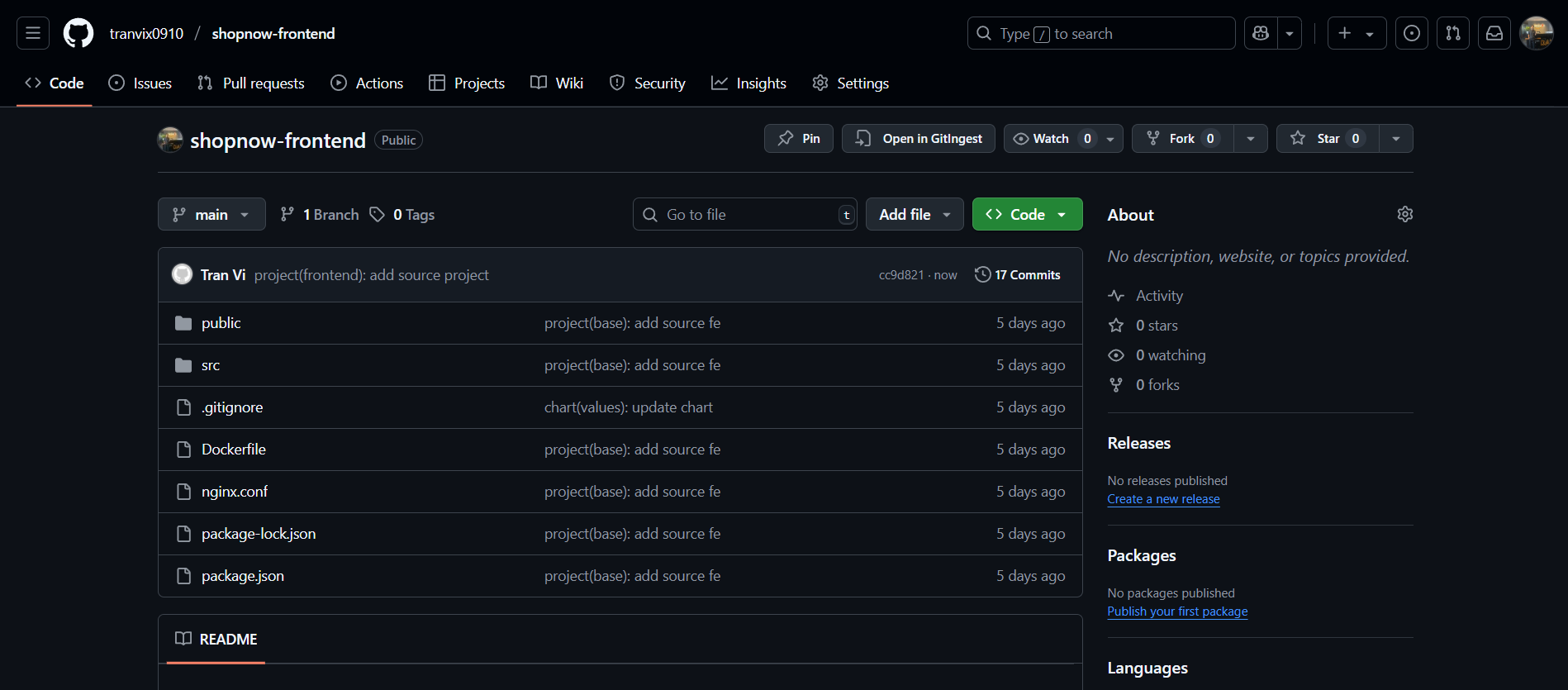
The shopnow-frontend repository contains the ReactJS application with the following directory structure:
shopnow-frontend/
│
├── Dockerfile
│   ├── Docker file to build ShopNow application frontend image.
│
├── README.md
│   ├── Documentation describing overview information about the project and usage guide.
│
├── package.json
│   ├── Manage necessary dependency packages for the frontend application.
│
├── package-lock.json
│   ├── Lock package versions to ensure consistency when installing.
│
├── public/
│   ├── Contains static resources such as original HTML, icons, images, manifest,...
│
├── src/
│   ├── Contains all ReactJS source code such as components, pages, routes,...
│
├── nginx.conf
│   ├── Nginx server configuration to serve static web (used in container).
│
├── .env
│   ├── File containing environment variables for runtime environment (dev/prod).
│
└── .gitignore
    ├── Define files/folders that should not be pushed to GitHub (node_modules, .env,...).
Backend Services - Maven Project Structure
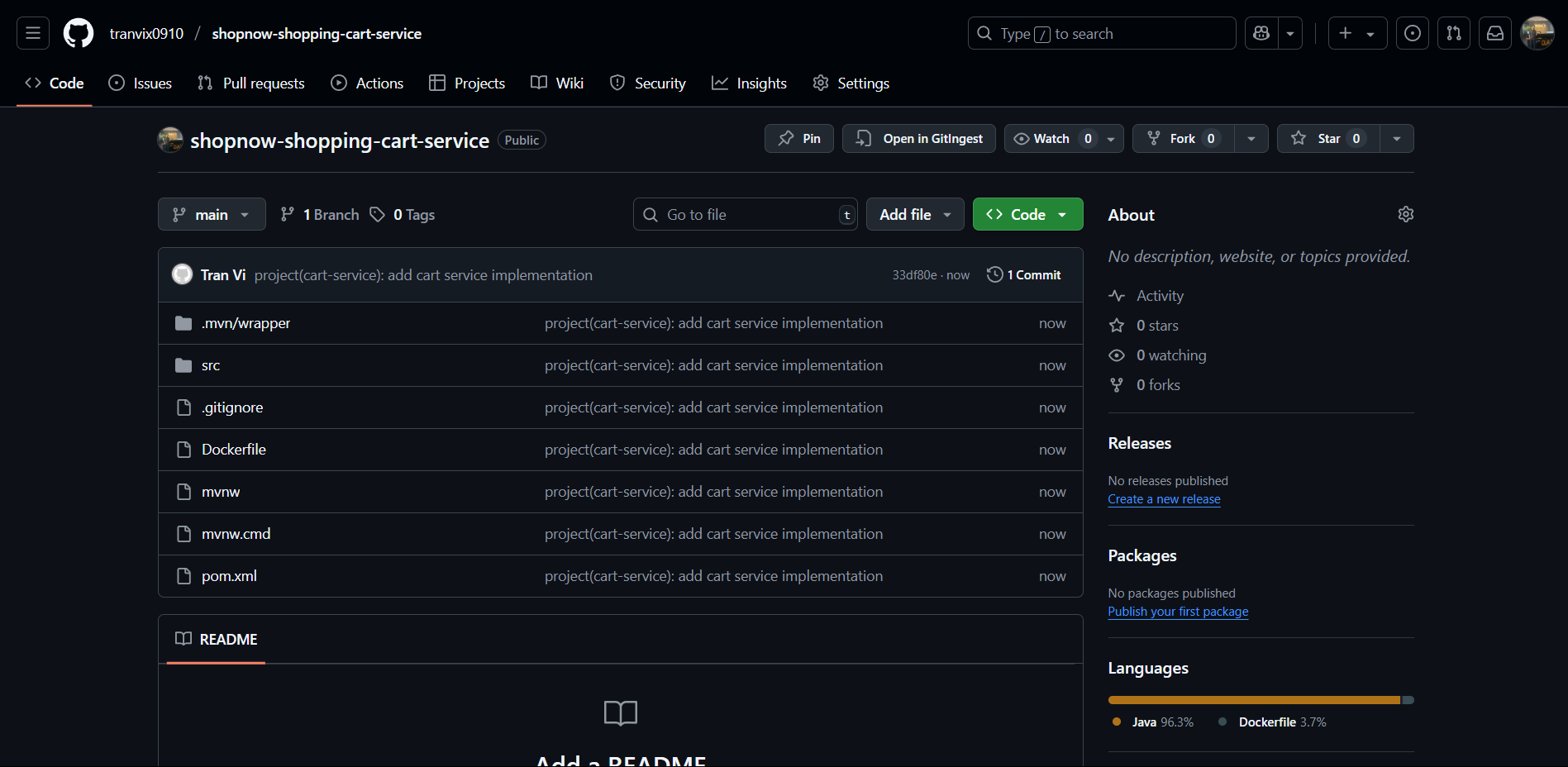
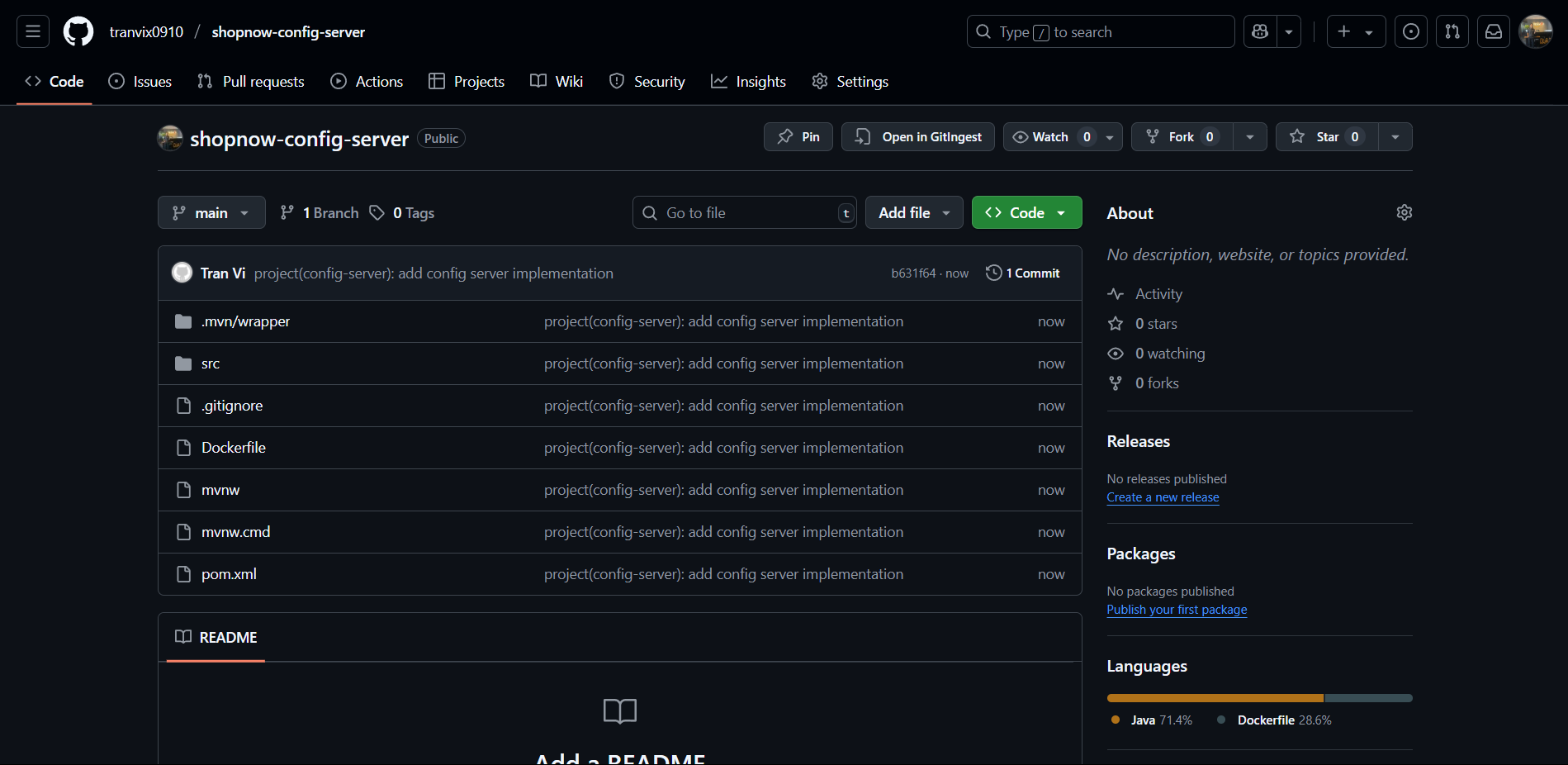
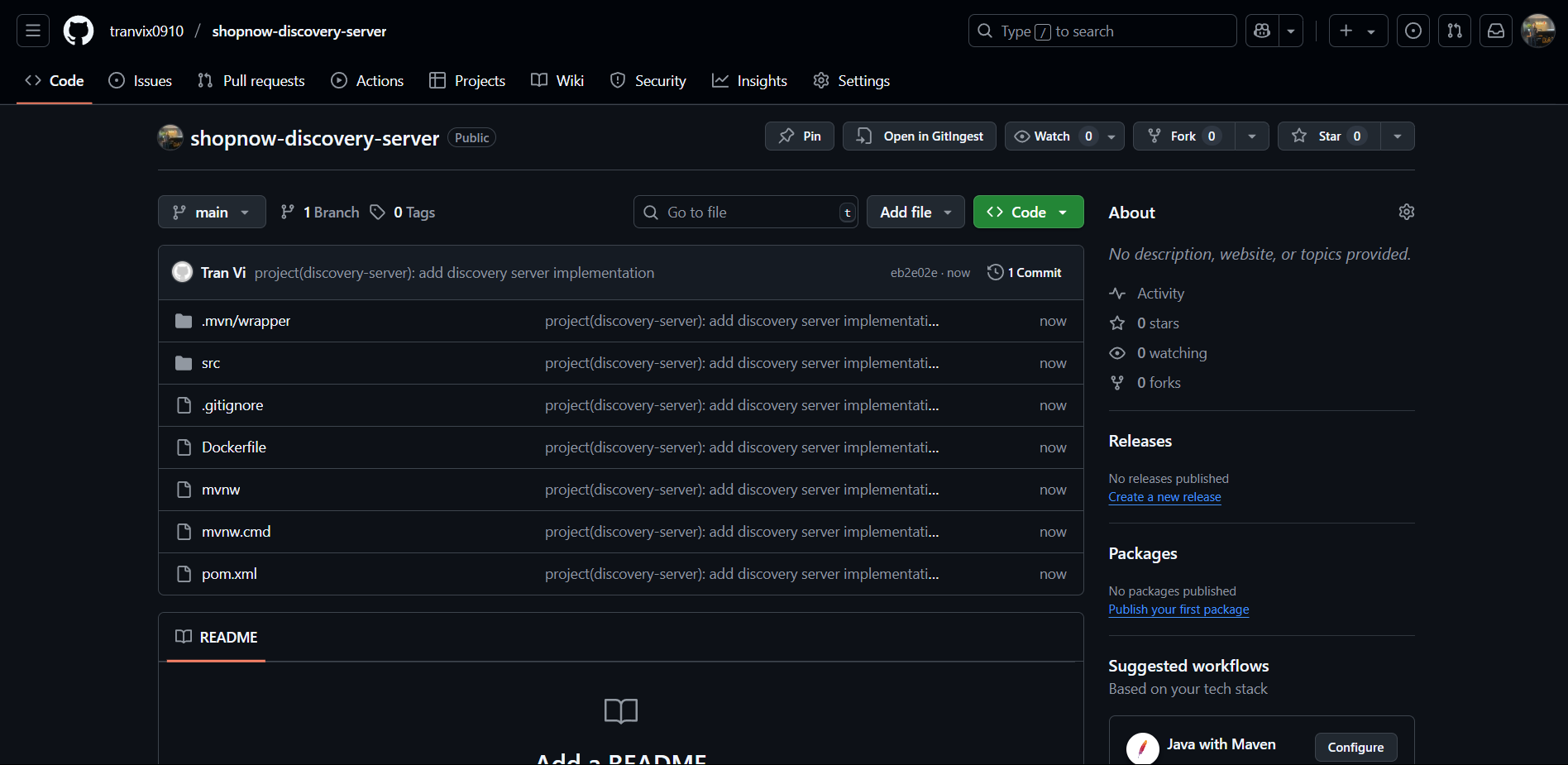
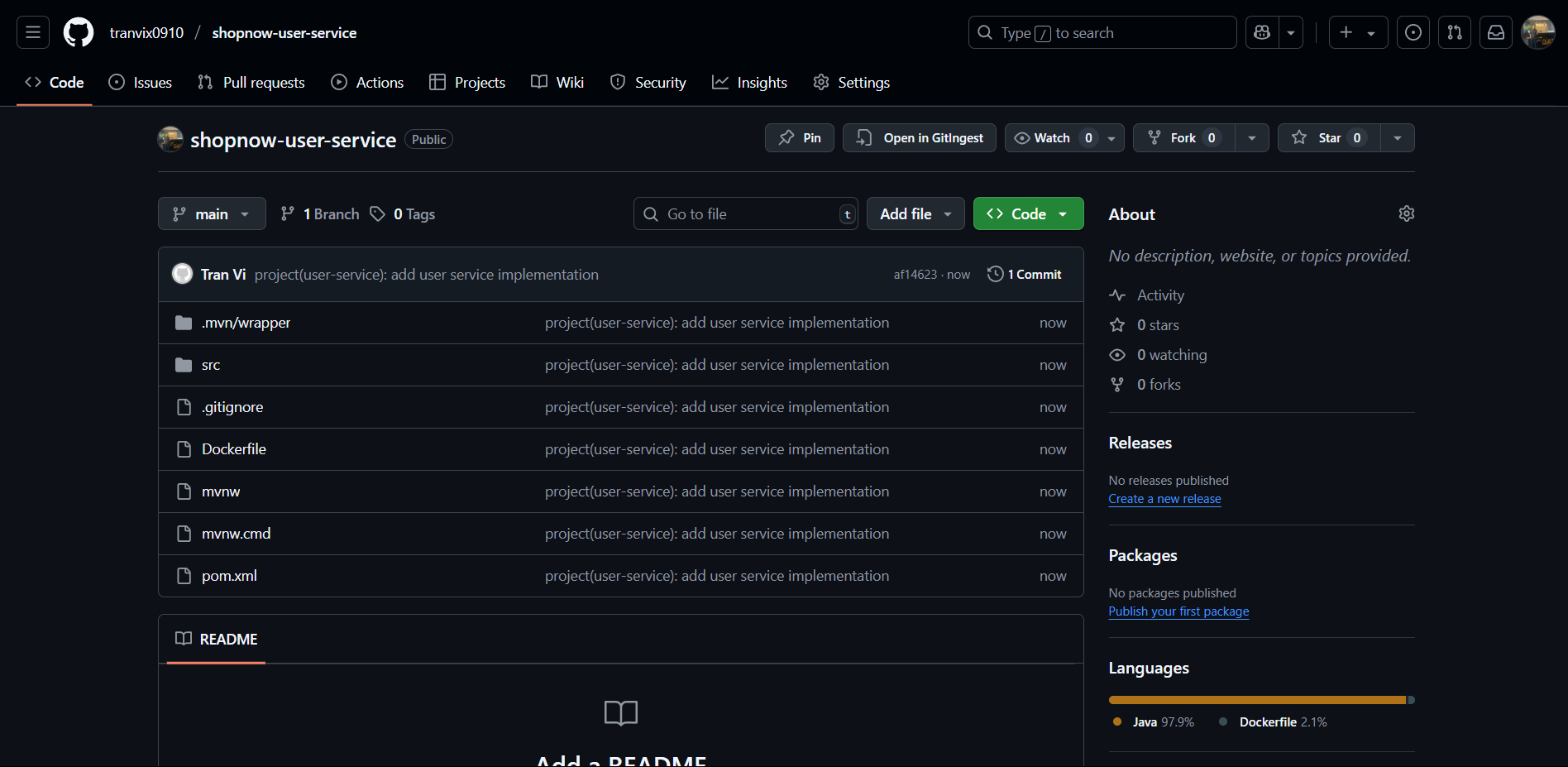
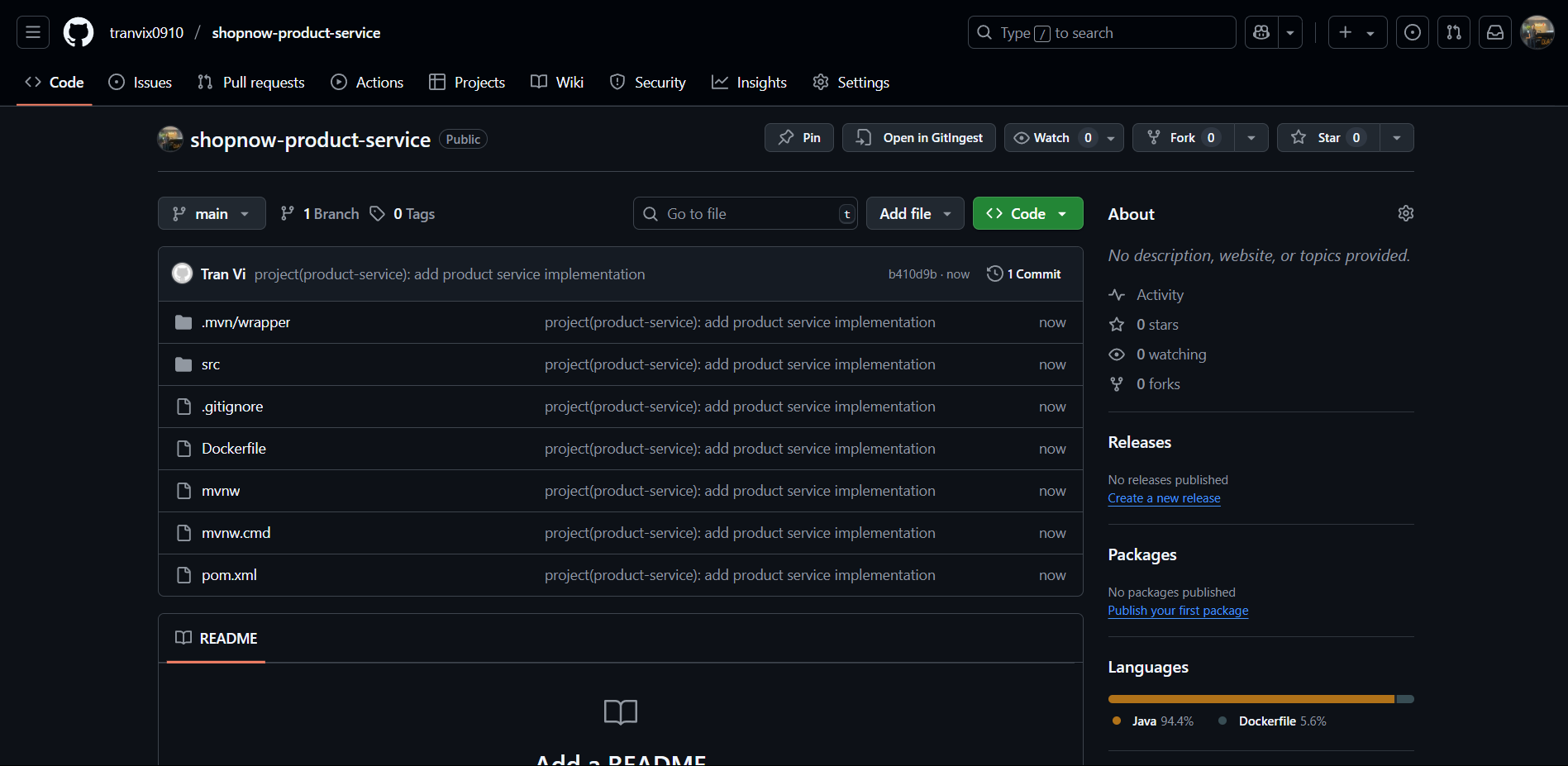
Backend services are built with Java Spring Boot and follow Maven standard directory layout. Based on the provided image, the standard directory structure for services includes:
service-name/
│
├── .mvn/
│   └── wrapper/
│       └── Contains Maven Wrapper files to ensure version consistency
│
├── src/
│   ├── main/
│   │   ├── java/
│   │   │   └── com/shopnow/service/
│   │   │       ├── ServiceApplication.java (Main class)
│   │   │       ├── controller/     (REST Controllers)
│   │   │       ├── service/        (Business Logic Layer)
│   │   │       ├── repository/     (Data Access Layer)
│   │   │       ├── entity/         (JPA Entities)
│   │   │       ├── dto/           (Data Transfer Objects)
│   │   │       └── config/        (Configuration Classes)
│   │   └── resources/
│   │       ├── application.yml    (Spring Boot Configuration)
│   │       └── static/           (Static Resources)
│   └── test/
│       ├── java/                 (Unit Tests)
│       └── resources/            (Test Resources)
│
├── target/                       (Build Output - not committed)
│
├── .gitignore                    (Git ignore patterns)
├── Dockerfile                    (Container definition)
├── mvnw                         (Maven Wrapper Unix)
├── mvnw.cmd                     (Maven Wrapper Windows)
└── pom.xml                      (Maven Project Configuration)
Repository Creation Guide
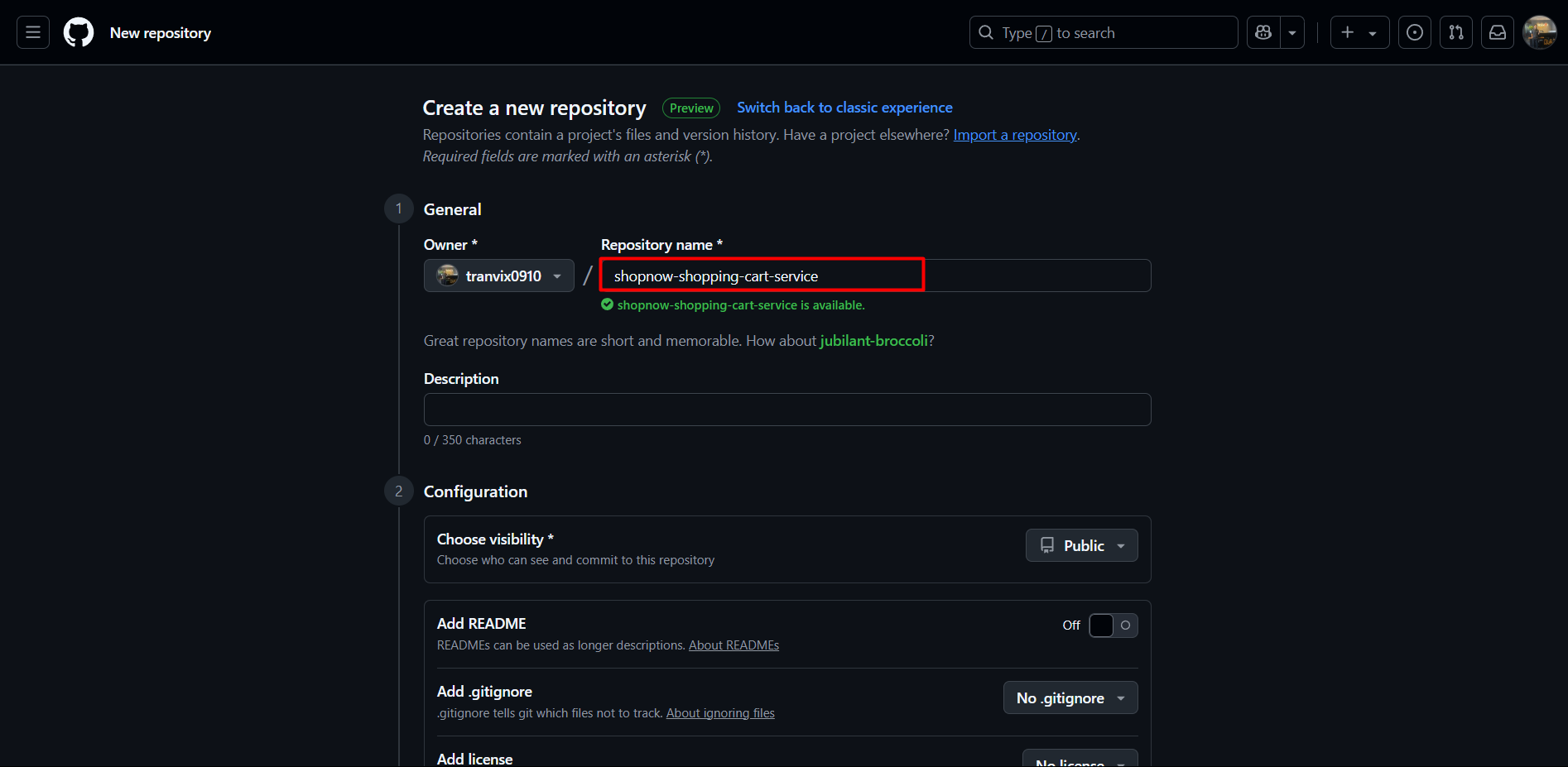
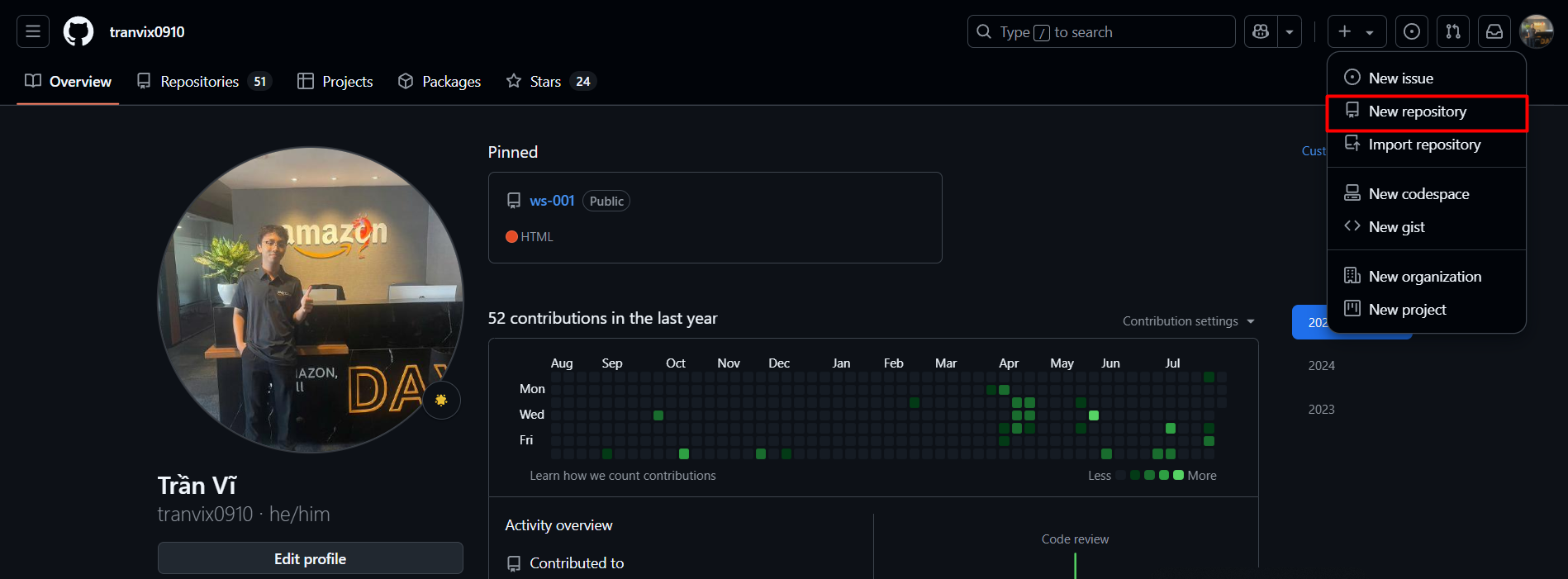
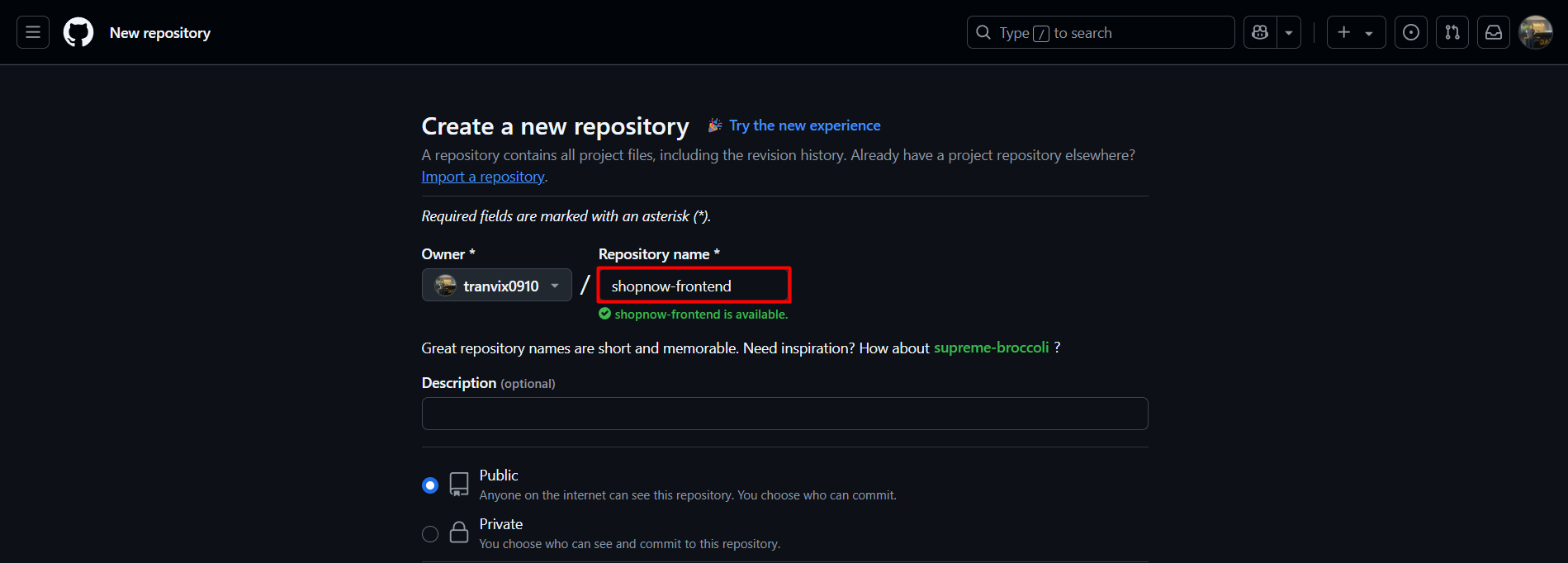
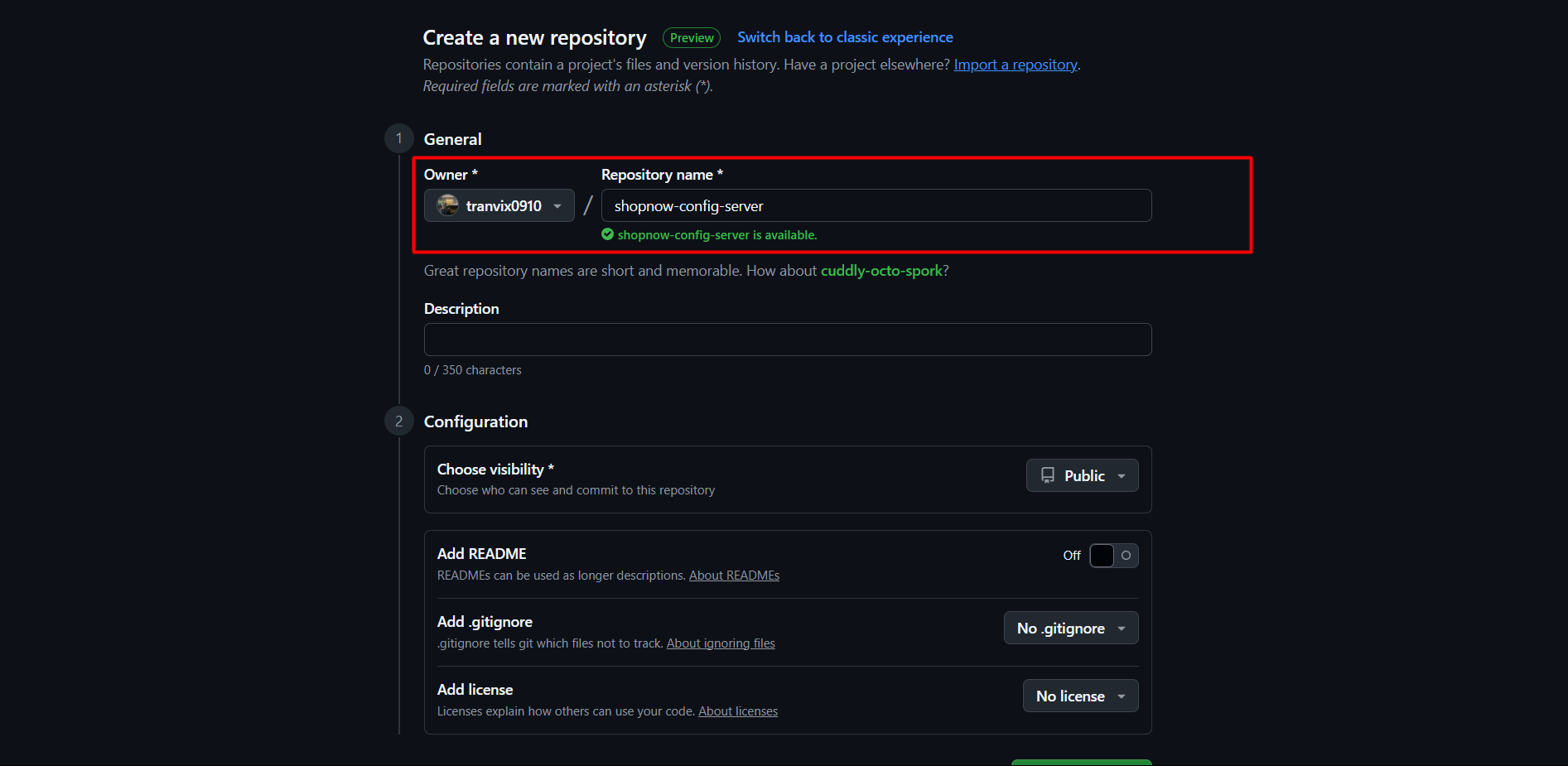
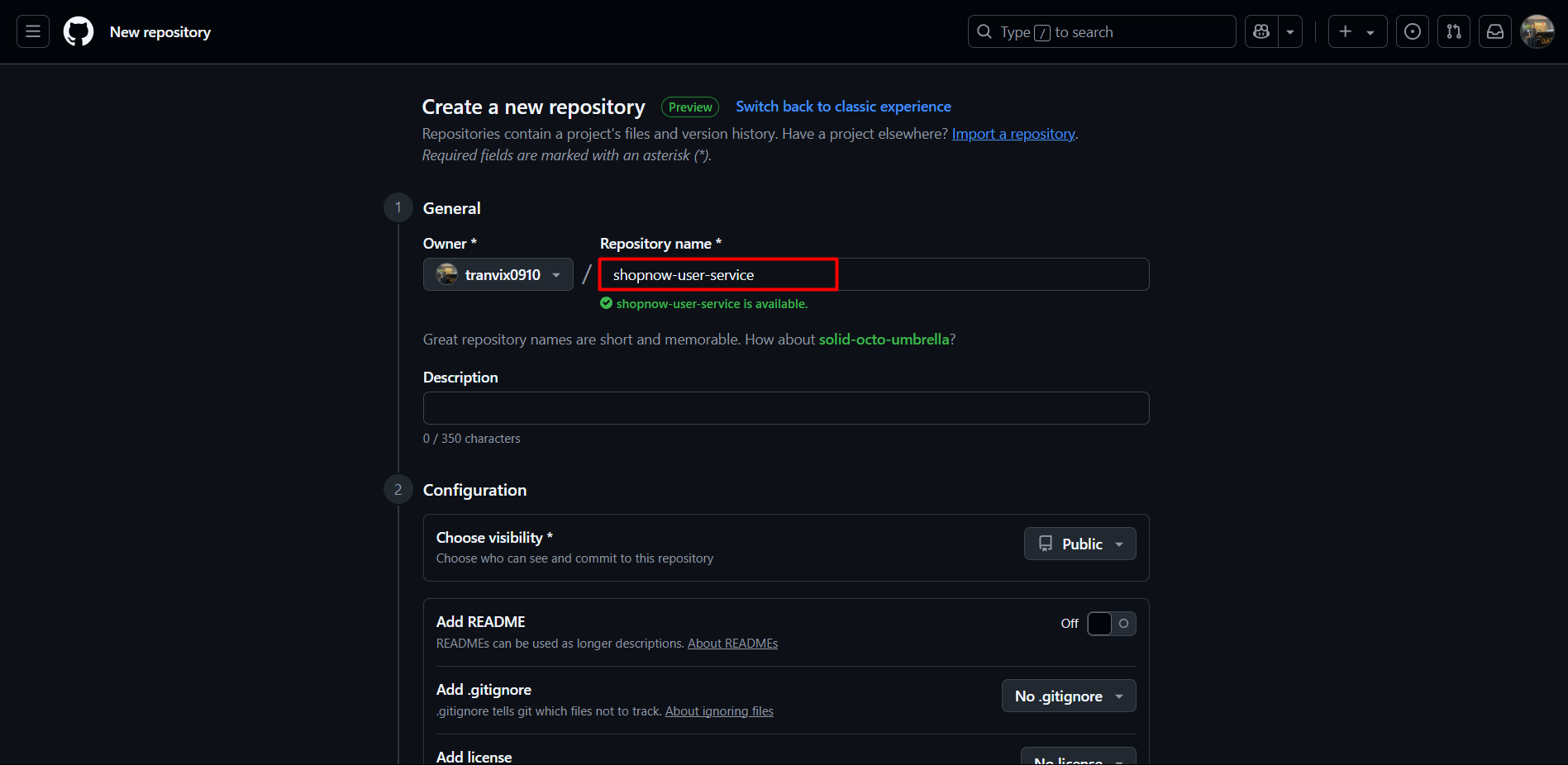
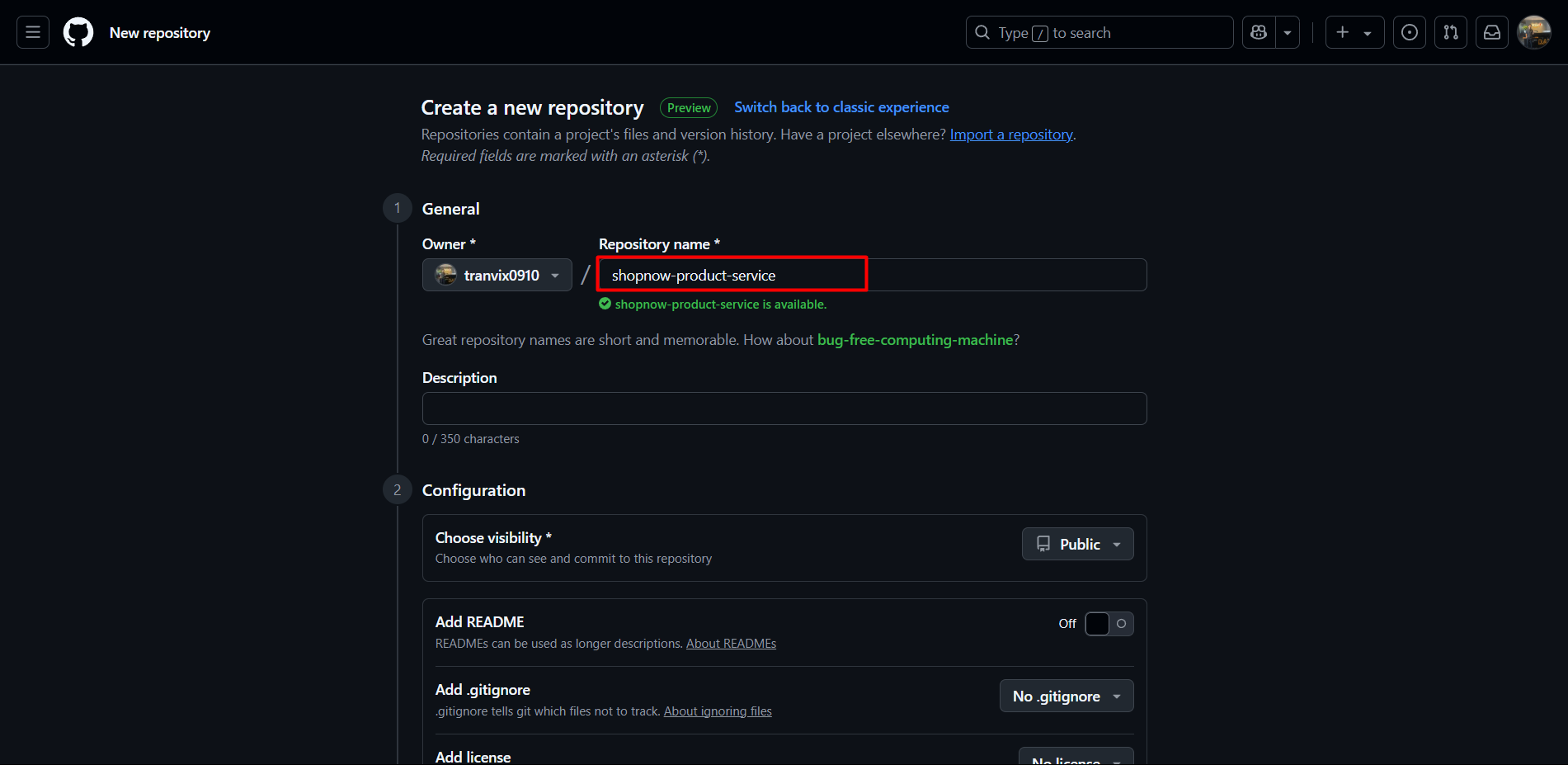
Step 1: Access Github Access github.com/<your-github-username> and select “New repository”.
Step 2: Create Repositories Create repositories one by one with corresponding names and descriptions:
| Repository Name | Description | Type |
|---|---|---|
| shopnow-frontend | ReactJS frontend application | Frontend |
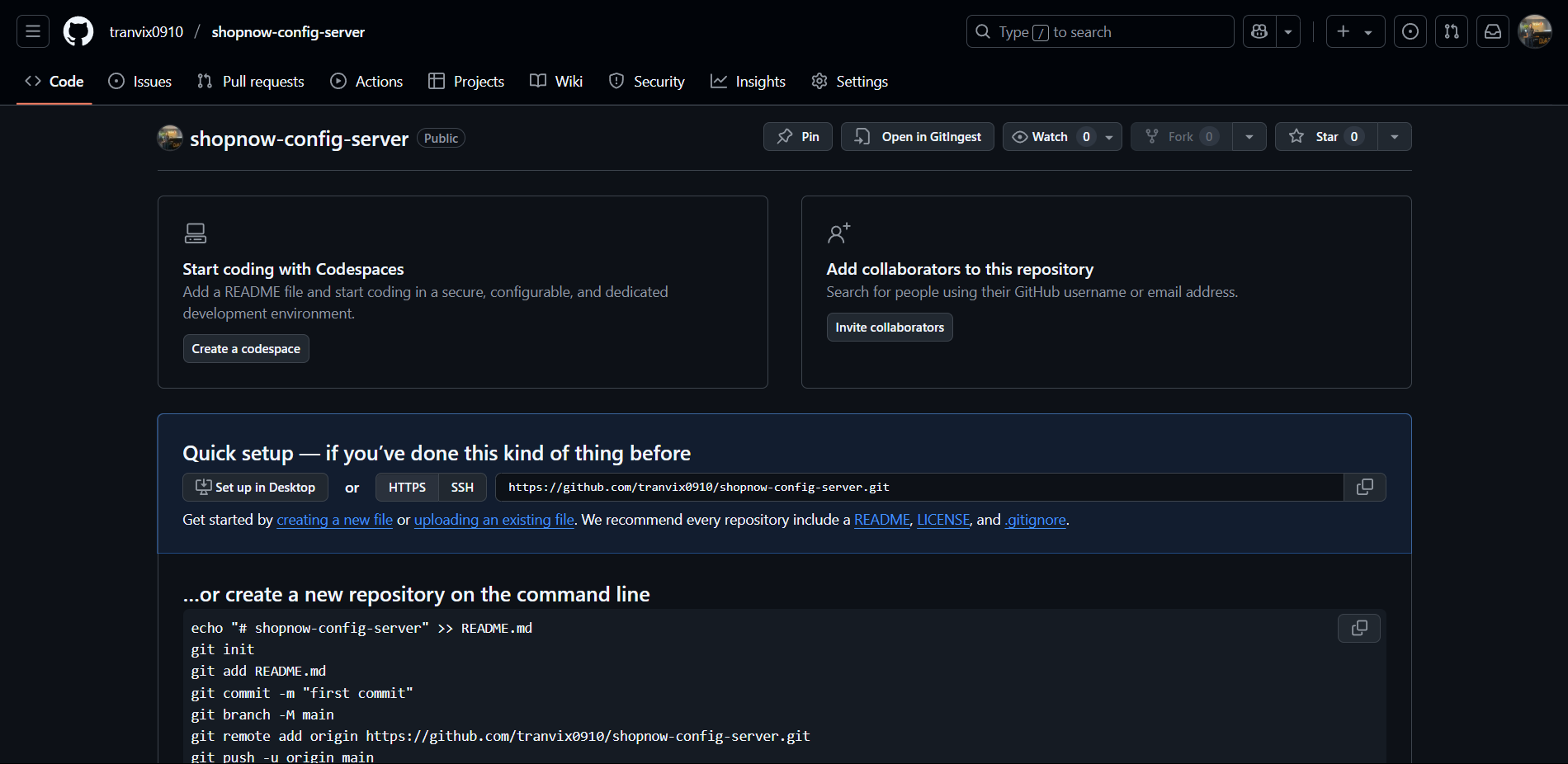
| shopnow-config-server | Spring Cloud Config Server | Infrastructure |
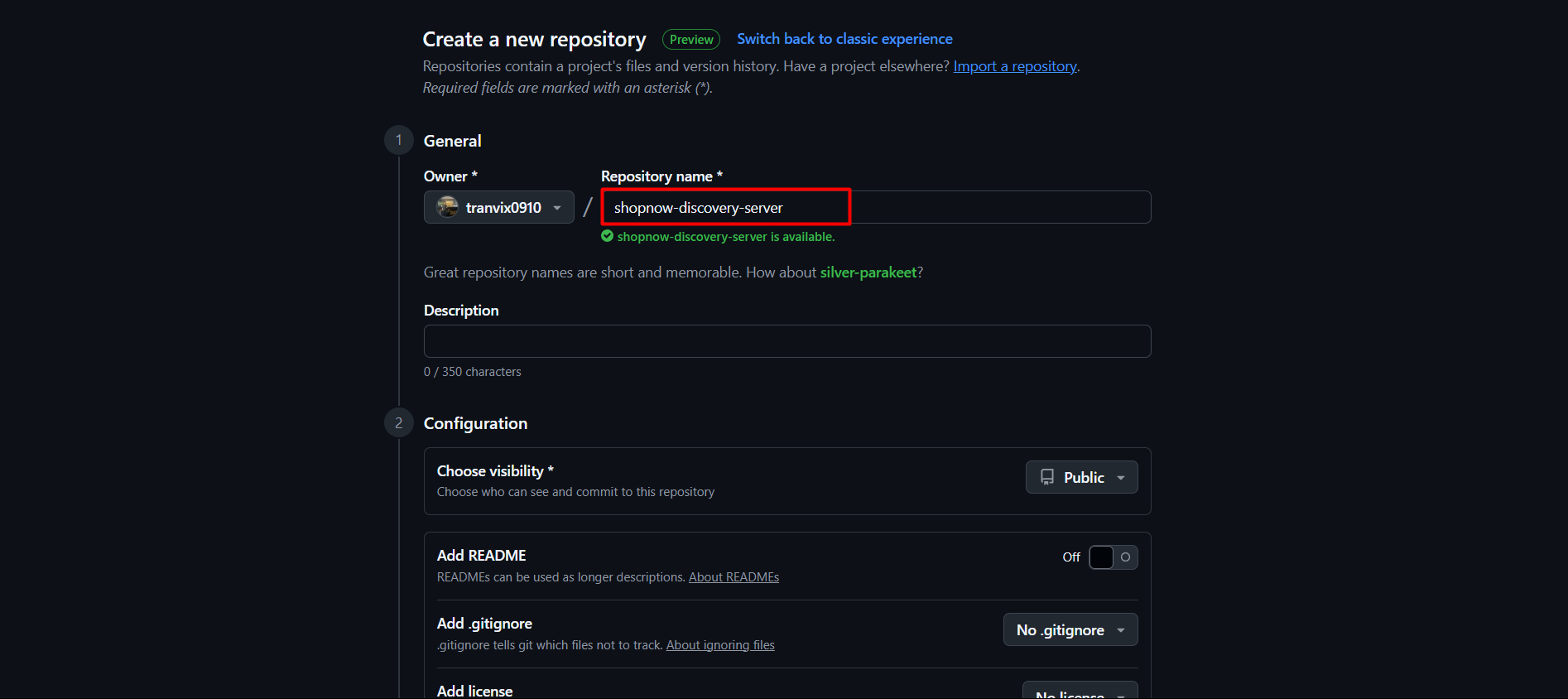
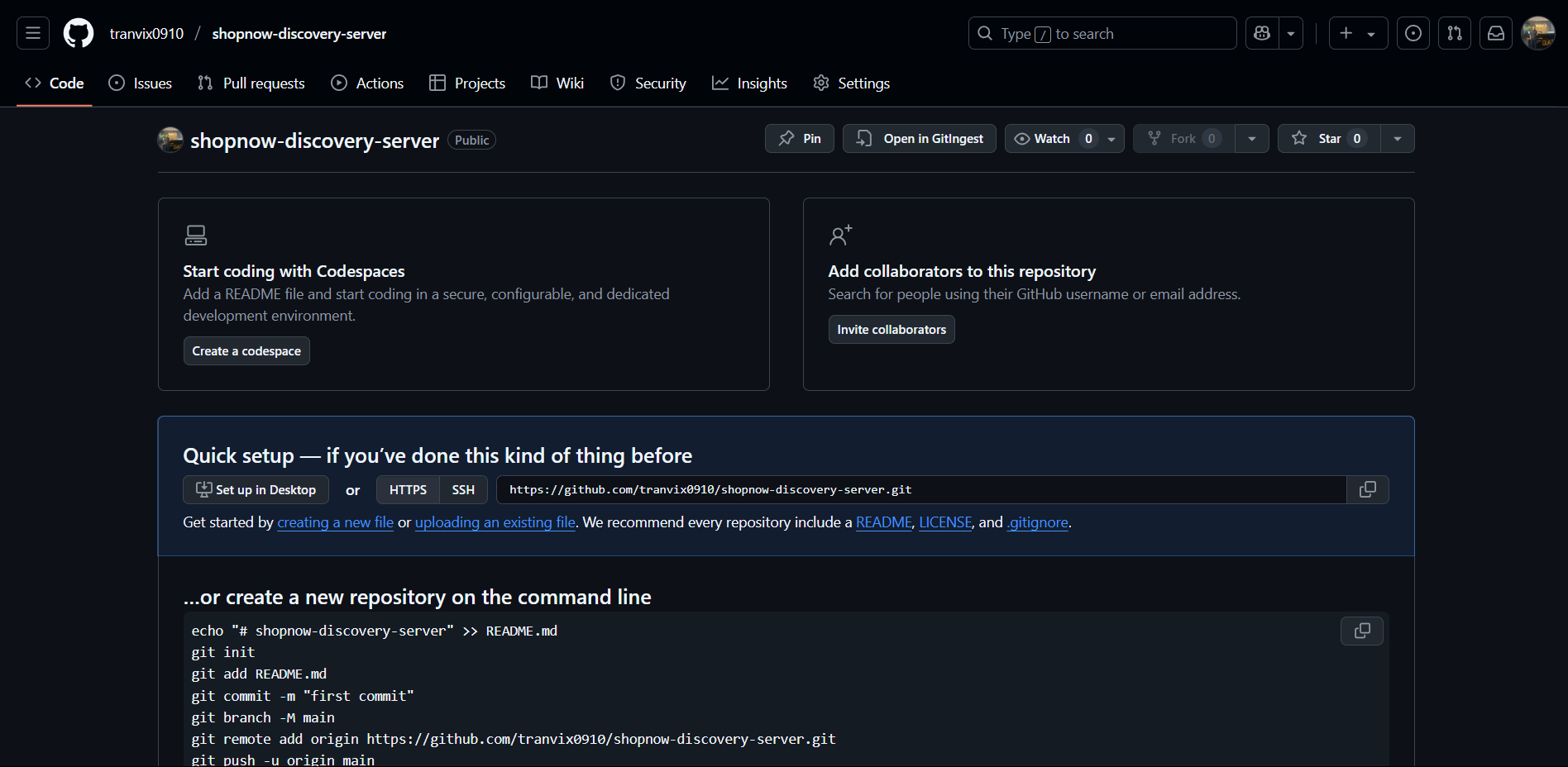
| shopnow-discovery-server | Eureka Discovery Server | Infrastructure |
| shopnow-user-service | User management microservice | Service |
| shopnow-product-service | Product catalog microservice | Service |
| shopnow-cart-service | Shopping cart microservice | Service |
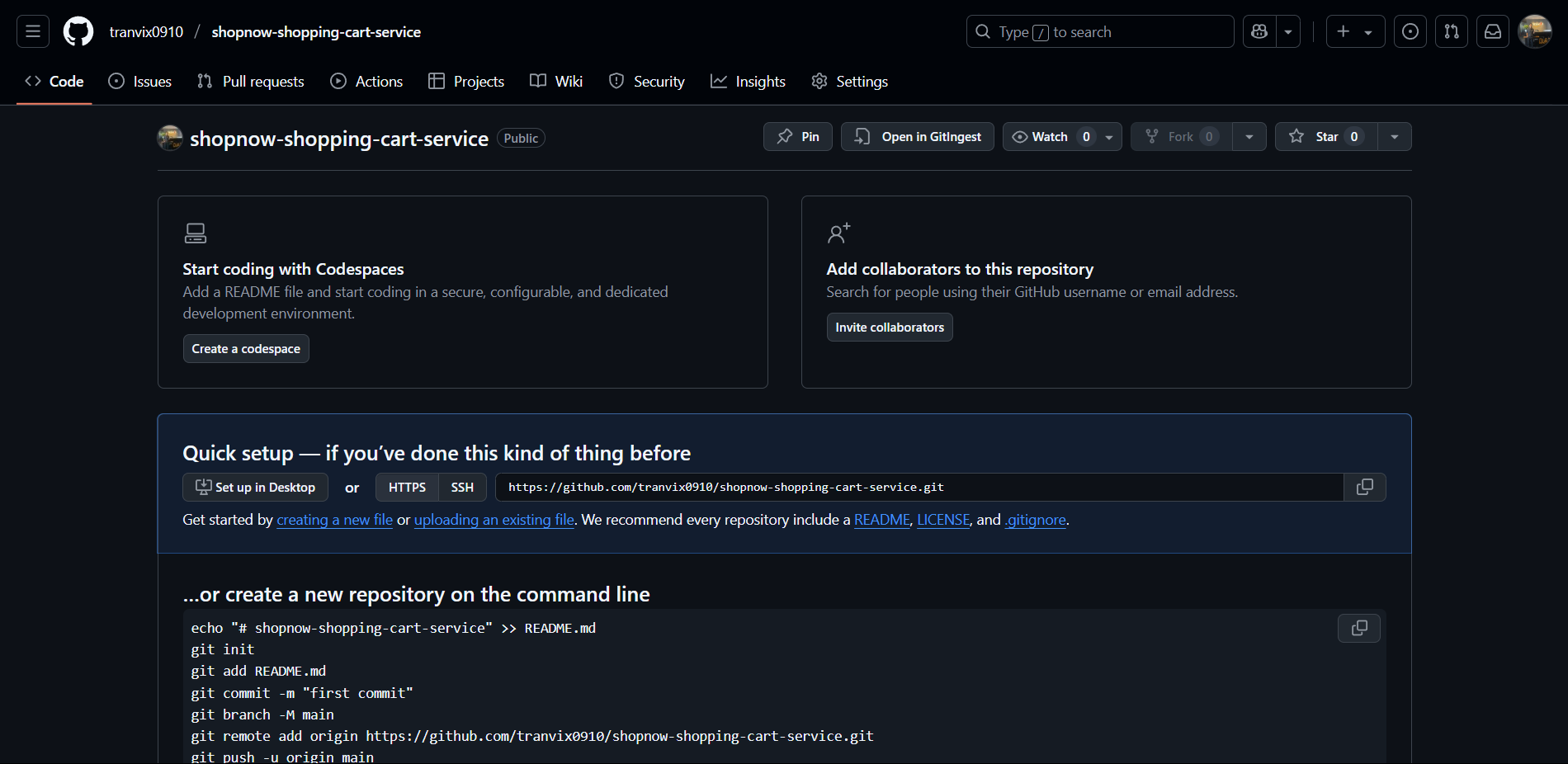
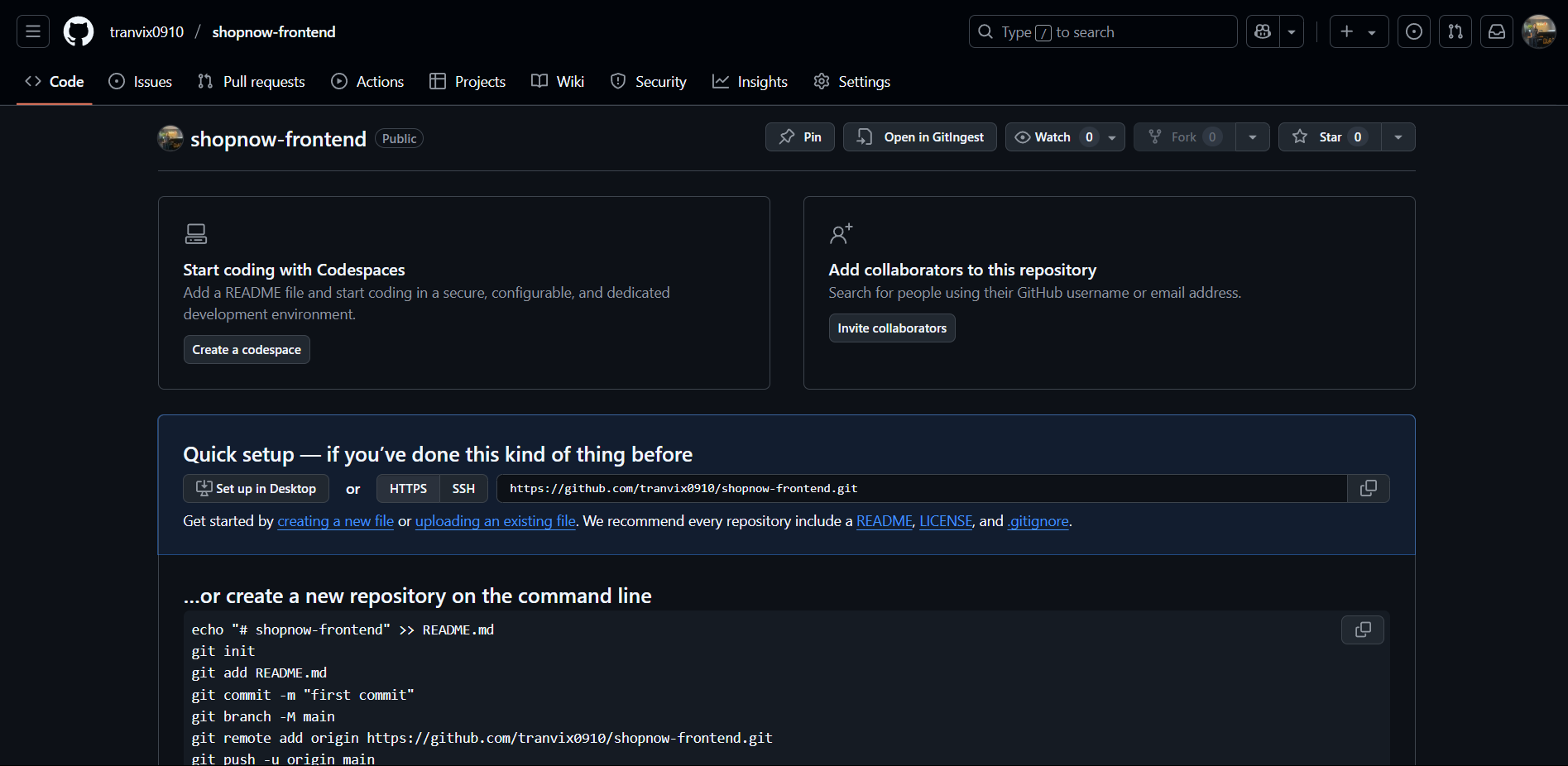
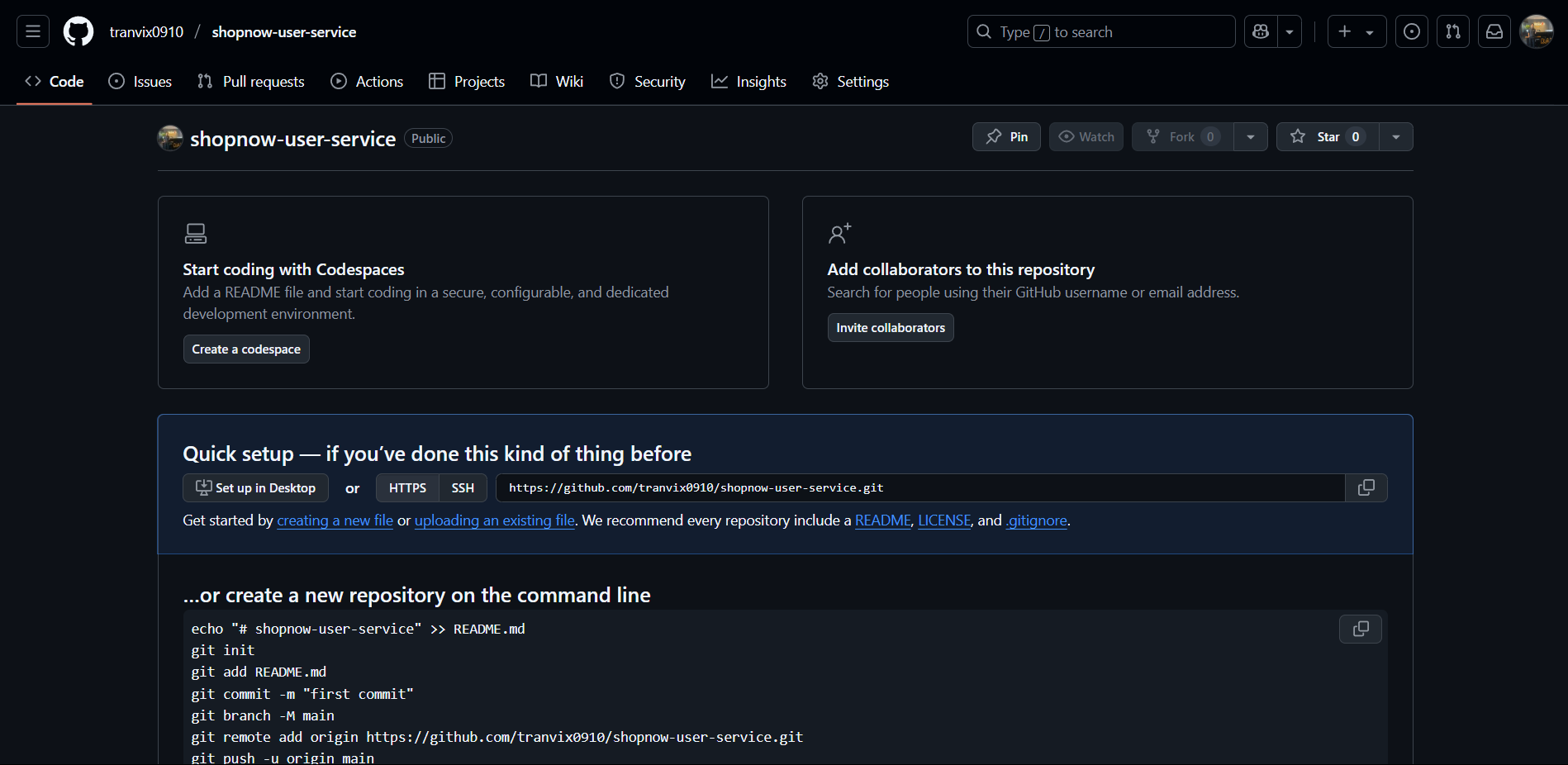
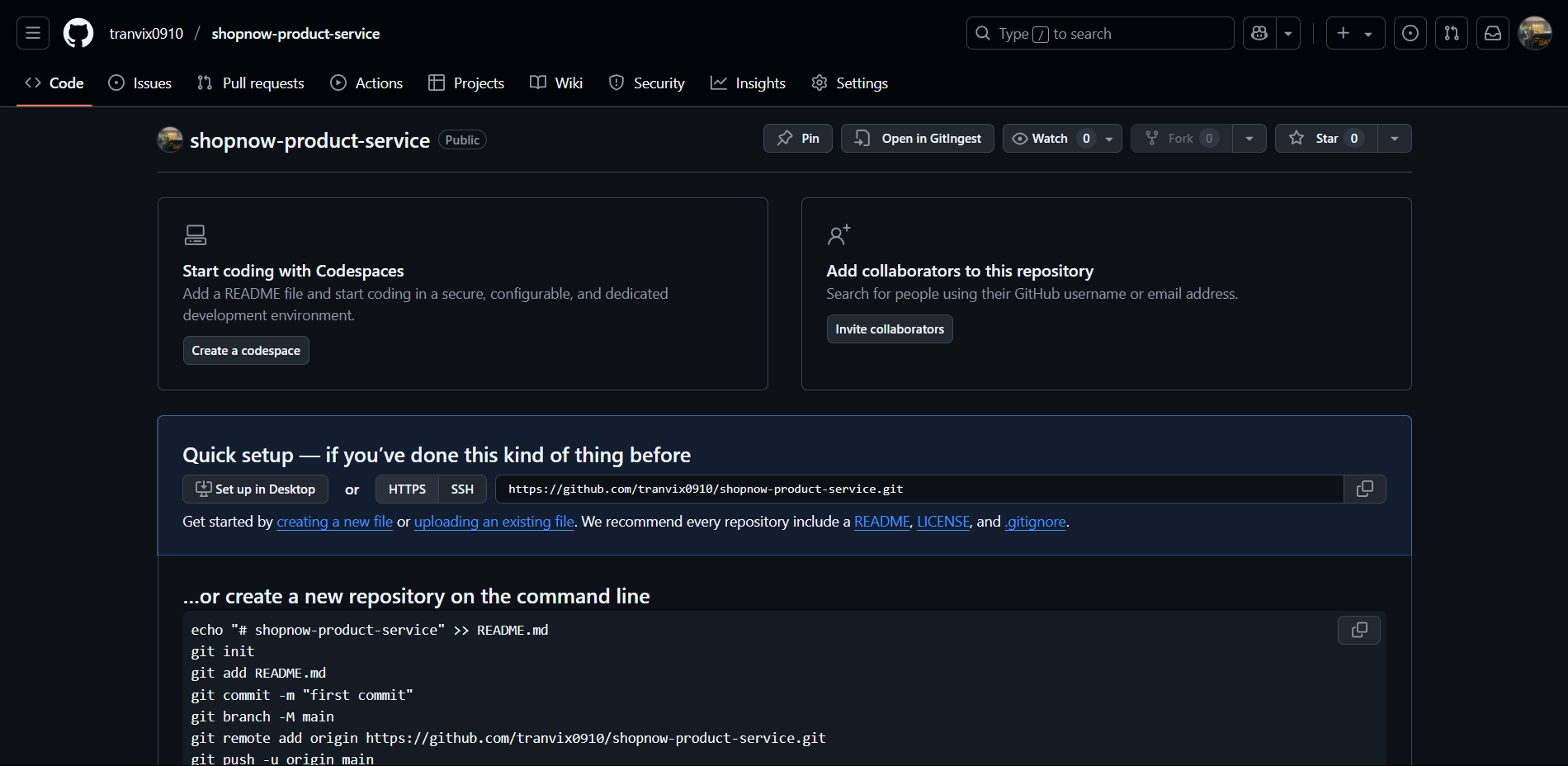
Step 3: Initialize Repository After creating the repository, follow Github’s guide to push code:
# Initialize local git repository
git init

# Add remote origin
git remote add origin https://github.com/<username>/<repository-name>.git

# Commit and push code
git add .
git commit -m "Initial commit"
git branch -M main
git push -u origin main
Frontend
Config Server
Discovery Server
User Service
Product Service
Shopping Cart Service